
Quick Summary
Short answer: Amazon Lex is infrastructure for developers, not a no-code website chatbot builder. The nine alternatives below are organized by the job they actually do. The strongest pick for lead capture without any technical overhead is Zappiq AI, which reads your website, trains in 5 to 10 minutes, qualifies visitors automatically, and emails you every lead with the full conversation attached. No branding badge on any plan, including the free trial.
- Amazon Lex is a managed AI service built on the same deep learning stack as Alexa. It needs AWS Lambda, DynamoDB, and API Gateway before it does anything useful. That is not a no-code chatbot, it is an infrastructure project.
- StubHub International tried to launch a customer service agent on Amazon Lex, spent months on it, and the project stalled because the engineering dependency never went away. They moved to Voiceflow and shipped in under three months.
- The per-request Lex rate looks cheap at $0.00075 per text request, but the real bill includes Lambda, CloudWatch, DynamoDB, and the engineer hours to wire it together. For most small businesses the total is several times the advertised price.
- The nine alternatives here cover six different use cases: website lead capture, ecommerce chat, open-source control, visual agent building, train-on-docs AI, and enterprise compliance. The right one depends on the job you actually need done.
- Zappiq AI is the one tool on this list that trains on your website automatically and removes its branding badge at every price point, including free. No per-agent seats, no per-resolution fees, and no flow design required.
Why Amazon Lex Is Not a No-Code Website Chatbot Builder
The core problem with Amazon Lex for most small businesses is simple: it is an AI infrastructure service for developers, not a finished website chatbot you can install in an afternoon.
Lex gives you natural language understanding and speech recognition built on the same deep learning stack as Alexa. That is powerful technology. But it only becomes a chatbot after an engineer writes Lambda functions for dialogue logic, connects DynamoDB for session state, routes traffic through API Gateway, and handles the deployment through the AWS console. None of those steps are optional, and none of them happen without someone who knows AWS.
If you are a small business owner who wants a chatbot on your website without hiring a developer, here is what building on Lex actually requires:
- Designing every conversation flow manually, including all the branching logic, because Lex has no visual flow builder out of the box
- Writing Lambda functions in Python or Node.js to handle anything beyond basic intent matching
- Connecting DynamoDB or another database to maintain session state across messages
- Deploying through the AWS console and managing uptime, scaling, and monitoring yourself
- Building the website chat widget from scratch because Lex ships no UI component
The AWS Lex documentation is written for developers because that is who the product is built for. Most of the businesses searching for AWS Lex alternatives are not developers. They want a chatbot builder that does not require any of the above, which is why this list exists.
StubHub International found this out firsthand. Their team spent months trying to launch a customer service agent on Amazon Lex before the project stalled completely. The engineering dependency never went away, and the non-technical support team could not iterate or make changes without developer involvement. They migrated to Voiceflow and shipped a working agent in under three months, with their support staff owning 95 percent of the development.
The real Amazon Lex cost: The advertised rate looks cheap at $0.00075 per text request and $0.004 per speech request, with up to $200 in Free Tier credits for new AWS customers. But those rates only cover the Lex engine. Every Lambda invocation, CloudWatch log line, DynamoDB read and write, and API Gateway request is billed separately on top. For a small business chatbot handling a few hundred conversations per month, the combined AWS bill typically runs three to five times the Lex rate card, before you factor in engineer hours to build and maintain the integration.
What "No-Code Chatbot" Actually Means (and What It Does Not)
The phrase "no-code chatbot" gets applied loosely to products that are nowhere near no-code. A drag-and-drop flow builder is still code in practice. You are still writing the conversation logic, managing the conditional branches, and deciding what happens when a visitor asks something unexpected. That is low-code at best, and it still requires hours of setup before the chatbot is useful.
A genuinely no-code website chatbot for small business does three things without you configuring anything. First, it reads your existing website and builds a working knowledge base from your published content. Second, it already knows how to qualify a visitor and capture their contact information without you designing the sequence. Third, it installs with a single script tag and starts working the same day.
That is a different product category from Amazon Lex and from most of the "no-code" chatbot builders that still ask you to design flows. The best Amazon Lex competitors for small businesses are the ones where the chatbot arrives ready, not the ones where you build it yourself. Most of this list covers both categories so you can make an honest comparison.
1. Zappiq AI: Best No-Code Website Chatbot for Lead Capture
Zappiq AI
zappiqai.com | AI lead generation chatbot for small and medium business websites, no developer required
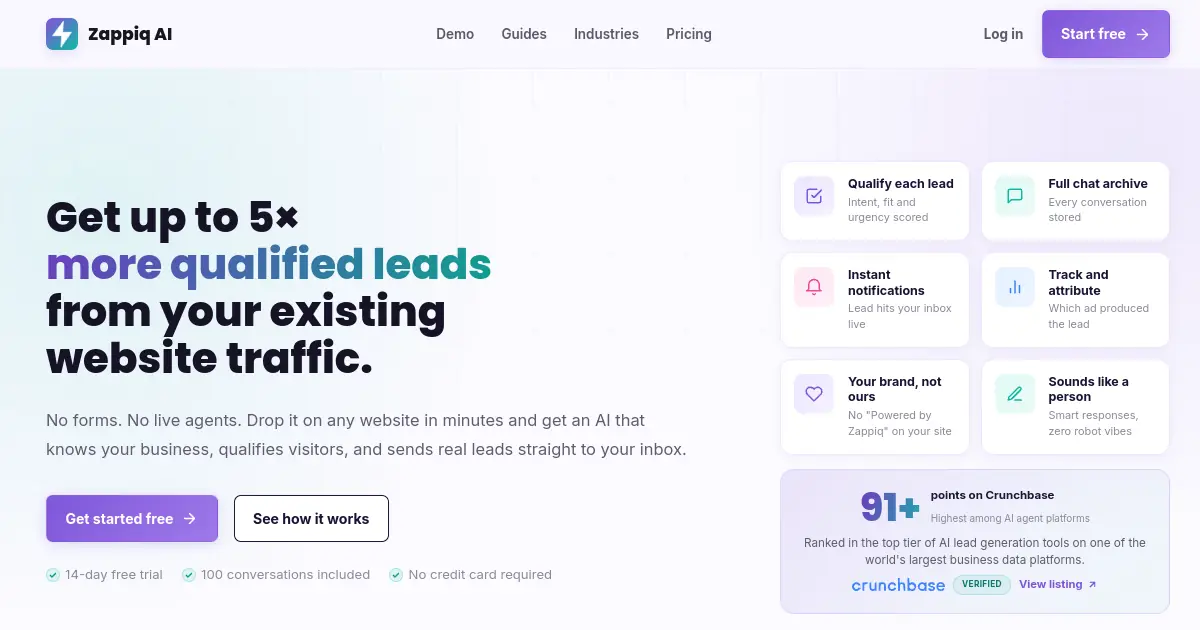
Zappiq AI is the clearest example of what a genuinely no-code website chatbot looks like in practice. You enter your website URL, the platform reads your pages and builds a working knowledge base from what it finds, and you have a chatbot that answers real visitor questions in the time it takes to make a coffee. There is nothing to design, no conversation flows to map, no intents to label, and no AWS account required.
The lead qualification logic comes pre-configured for service businesses. When a visitor asks about pricing, availability, or specific services, the chatbot does not just answer and stop. It figures out whether the visitor is genuinely interested, collects their contact information through what feels like a natural conversation rather than a form, and sends you an email with their details and the full transcript so you have context before you call back.
If you have been looking for a free chatbot builder for small business that does not ask you to do the engineering work yourself, this is the clearest fit on this list. The entire setup, from URL to live chatbot, takes under ten minutes.
How the setup actually works
- You sign up and paste your website URL. No configuration screen, no template selection, no intent mapping.
- The chatbot reads your site and trains in 5 to 10 minutes. It picks up your services, pricing information, FAQs, and typical visitor questions from your existing content.
- You copy a single script tag and paste it into your website's footer. Works with WordPress, Shopify, Wix, Squarespace, Webflow, Framer, or any site that allows custom HTML.
- The chatbot goes live immediately. Visitors start chatting, the chatbot qualifies them, and leads arrive in your inbox with full context.
- Ad source attribution is included. If a visitor came from a Google Ads campaign, the lead email tells you which campaign and keyword brought them before they became a contact.
What separates it from every other Amazon Lex alternative on this list
The branding badge issue is worth calling out directly. Almost every no-code chatbot platform charges extra to remove its logo from your chat widget. Prices range from $39 per month at the low end to $498 per month for full white-label tiers. For a service business or a digital agency managing client sites, that cost often makes the advertised starting price misleading.
Zappiq does not show a branding badge on any plan, including the free trial. The chatbot reads as a natural part of your website from day one, not as a third-party tool bolted on. That is the default behavior, not an upgrade.
Pricing is also structured differently from most conversational AI platforms. There are no per-agent seats to pay for each team member who needs dashboard access. There are no per-resolution fees. You pay a flat monthly rate based on conversation volume, and that is the entire bill.
Pros
- Trains automatically on your website in 5 to 10 minutes
- No branding badge on any plan including free trial
- Flat monthly pricing with no per-agent seats or per-resolution fees
- Pre-configured qualification logic for service businesses
- Emails qualified leads with contact info and full conversation transcript
- Ad source attribution included at no extra cost
- Single-script installation on any website platform
Cons
- Not a full helpdesk or contact center platform
- No voice channel or IVR support
- No native CRM sync (uses Zapier or Make webhooks)
- Focused on lead capture rather than post-sale support deflection
Pricing
Best for: Small and medium service businesses that run paid traffic and need to know what each lead cost them. Legal, real estate, home services, dental, HVAC, remodeling, and any business where a qualified website inquiry is worth real money. Also the right pick for digital agencies that need white-label chat for client sites without paying a white-label fee.
2. Tidio: Best Amazon Lex Alternative for Ecommerce
Tidio
tidio.com | Live chat and AI chatbot platform built for small businesses and ecommerce sites
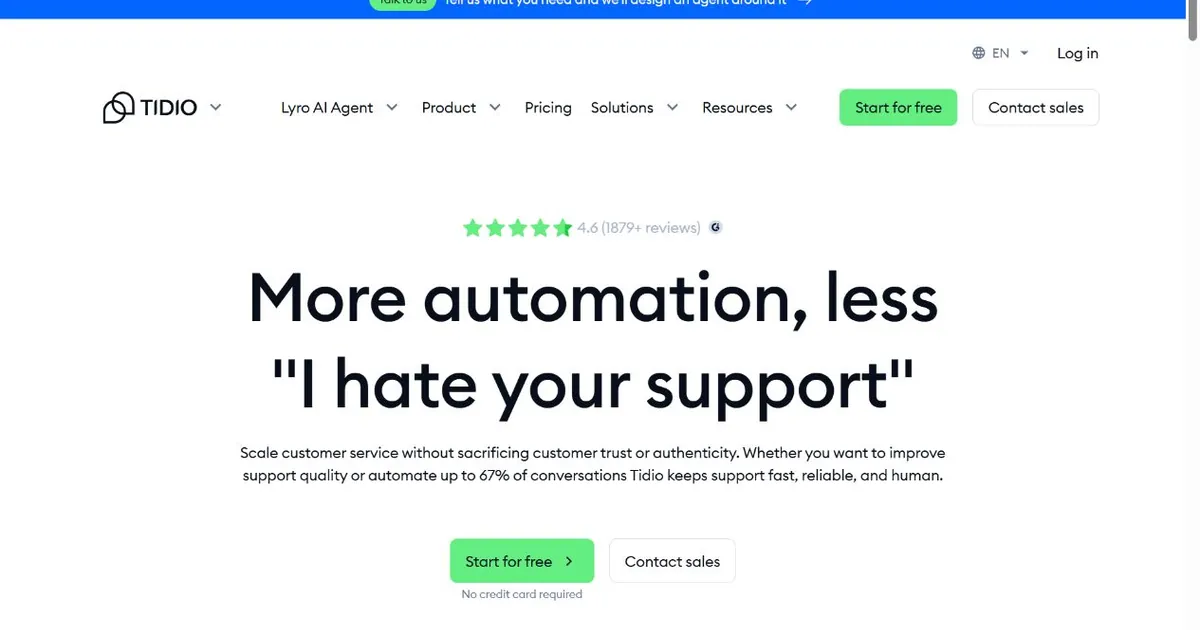
If you run an online store and want a website chatbot without developer involvement, Tidio is the fastest path to a working setup. It was designed specifically around the constraints of small ecommerce businesses: teams of one or two people, no dedicated IT, and customers who want order status answers at 11pm on a Saturday. Compared to Amazon Lex, the setup gap is enormous. Tidio is live in under an hour. Lex takes weeks and an engineer.
The Lyro AI assistant inside Tidio trains on your FAQ content and handles routine questions out of the box. Where most AI chatbots give you a blank canvas and ask you to fill it in, Lyro comes with pre-built ecommerce templates that cover the most common questions: order status, return policies, shipping timelines, and product recommendations. You still need to connect your store and customize the answers, but the structural work is already done.
The live visitor tracking is a genuinely useful feature that most people underuse. You can see exactly which product pages visitors are browsing before they open the chat window. That means a support agent, or a triggered automation, can start a conversation at the exact moment a visitor looks stuck rather than waiting for them to ask for help.
Native integrations with Shopify, WordPress, and BigCommerce mean your order data is accessible inside the chat interface. An agent can pull up an order number and answer a status question in seconds without switching to a different tab.
The limitation worth knowing: Tidio is built for chat volume, not lead capture the way Zappiq is. If you want a tool that qualifies visitors, asks qualifying questions, and emails you a structured lead summary, Tidio is not designed for that job. It is designed to handle support conversations at scale and keep customers happy.
Pricing
Best for: Ecommerce stores that need live chat with an AI layer, native Shopify and WordPress integration, and accessible pricing. Not the right pick for service businesses focused on lead qualification.
3. Botpress: Best for Open-Source Control
Botpress
botpress.com | Open-source conversational AI platform with visual flow design and multi-LLM support
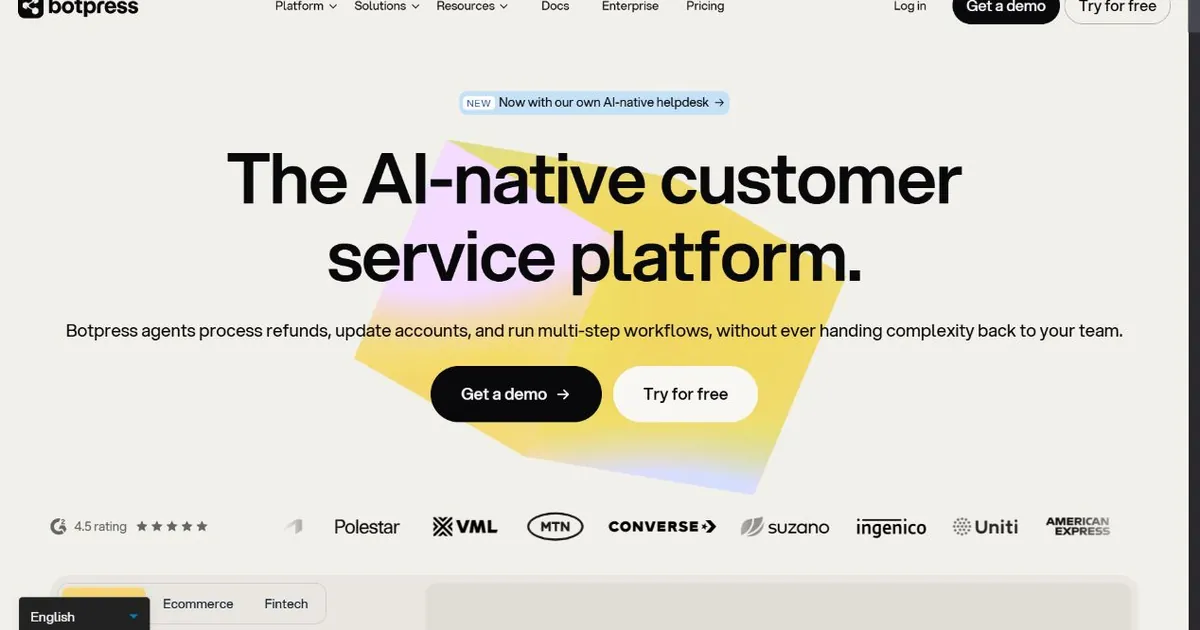
Botpress occupies a category of its own on this list. Every other option is a hosted SaaS product you pay for monthly. Botpress is open-source under an MIT license, which means you can download it, run it on your own server, and pay nothing beyond your hosting costs. For organizations that cannot put customer conversation data on a third-party server, that matters a lot.
The platform is more complex than the others here. You need someone comfortable with Docker deployments and database configuration to get a self-hosted Botpress instance running. Once it is running, though, the visual flow builder is genuinely capable, and the multi-LLM support means you can connect OpenAI, Anthropic, Cohere, Gemini, or Mistral depending on your requirements.
The cloud-hosted version is simpler to start with and removes the infrastructure management burden, but it comes with a subscription cost that ramps up quickly as you add more bot sessions and advanced features. For teams evaluating Botpress, it is worth being honest about whether your organization actually has the engineering capacity to maintain a self-hosted instance, or whether the cloud version at $150 per month compares favorably to other SaaS options on this list.
The strength of Botpress is not ease of use. It is control. You own the data, you choose the model, you set the conversation rules, and you can extend the platform in ways that hosted SaaS products do not allow. If that level of control is what you need, nothing on this list comes close.
Pricing
Best for: Technical teams that need self-hosted deployment, full model choice, and complete ownership of conversation data. Not a practical option for non-technical teams or businesses that want something running this week.
4. Voiceflow: Best for Visual Agent Building Without Engineering Bottlenecks
Voiceflow
voiceflow.com | Visual conversational AI platform with production pipelines and model flexibility
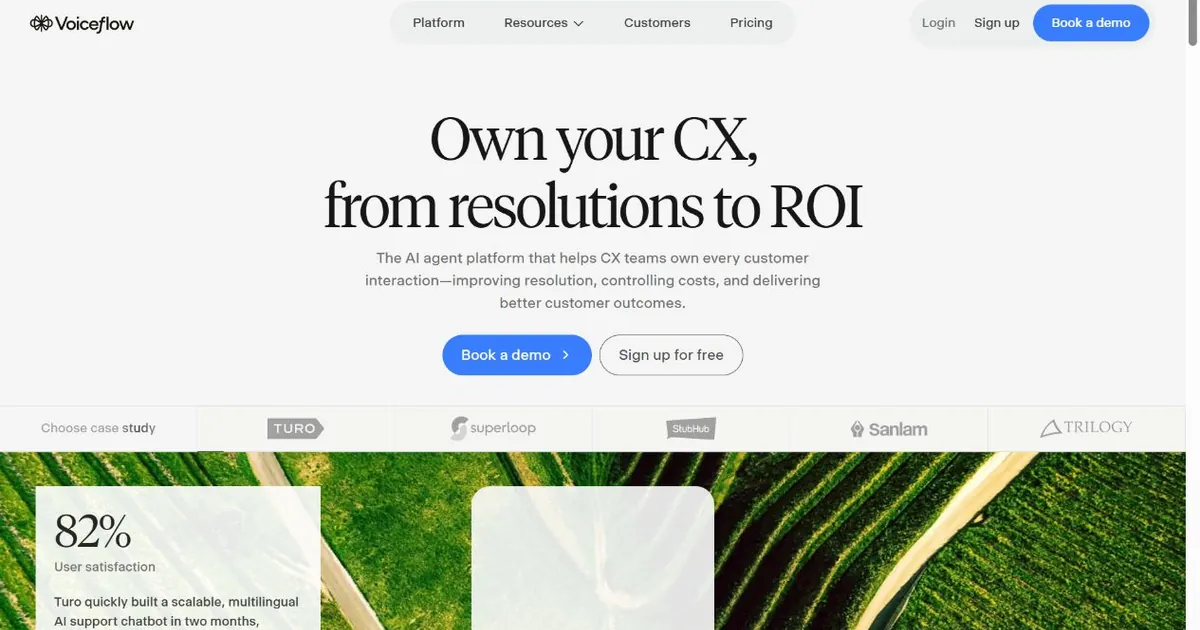
Voiceflow is what you reach for when your team needs to build complex conversational flows but cannot afford to route every change through an engineer. The drag-and-drop canvas is genuinely well-designed, and the separation between the conversation design and the backend integrations means non-technical team members can own the dialogue while developers handle the API connections.
The StubHub International case study is worth spending a moment on because it is a direct parallel to the Amazon Lex situation. Their team had spent months trying to build a customer service AI agent on Lex. The project required engineering involvement for every change, and the team could not iterate fast enough to make it useful. When they switched to Voiceflow, their non-technical customer support staff ended up owning 95 percent of the agent development. What had been projected as a 12-month project shipped in under three months.
That is the specific gap Voiceflow fills: complex agent behavior that a non-technical team can actually maintain. If your use case is simpler than that, specifically if you just want a chatbot on a service business website that answers questions and captures leads, Voiceflow is more tool than you need and will take longer to set up than the problem warrants.
Voiceflow also supports voice and chat from a single design environment, which is unusual. If your roadmap includes phone or voice assistant channels, that cross-channel capability is a meaningful advantage over most alternatives here.
Pricing
Best for: Teams that need to design and maintain complex conversational agents without engineering bottlenecks. Particularly strong for customer experience teams that own their chatbot but need developer support for integrations.
Skip the AWS infrastructure. Start with 100 free conversations.
Zappiq AI trains on your website in 5 to 10 minutes, qualifies visitors automatically, and emails you the full lead. No credit card. No branding badge. No flow design required.
Start Free Trial100 free conversations | No branding on any plan | Cancel anytime
5. Chatbase: Best for Train-on-Docs AI Chatbot
Chatbase
chatbase.co | No-code AI chatbot that trains on your documents and website
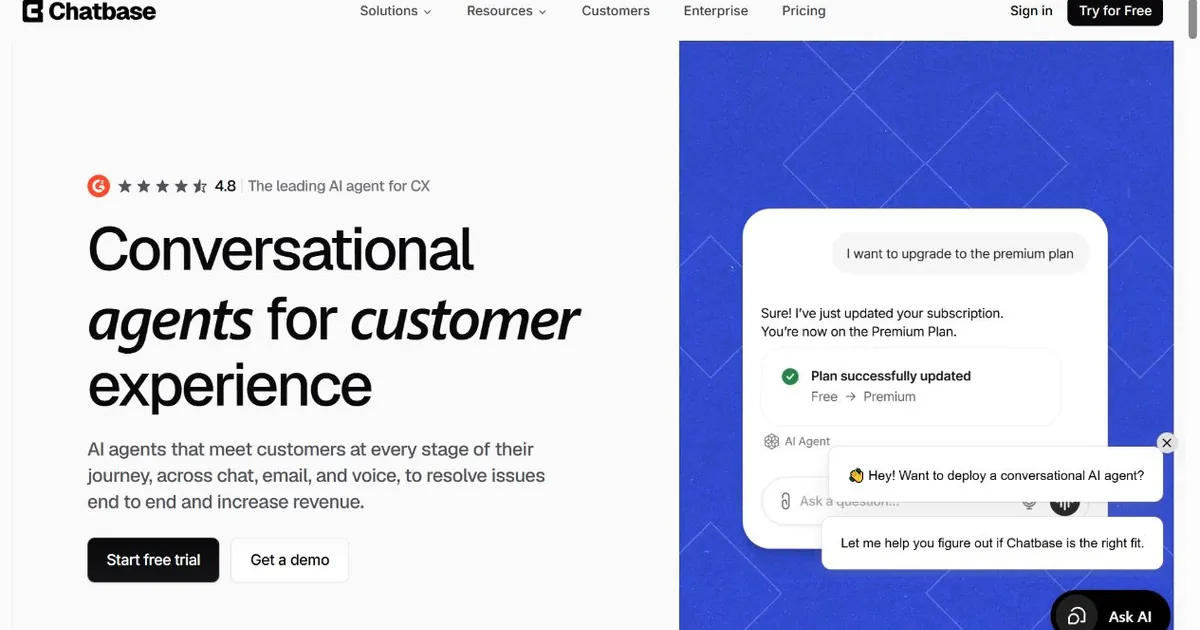
Chatbase solves a specific problem well: you have a pile of documentation, PDFs, help articles, or website pages, and you want a chatbot that can answer questions from that material without you writing the answers yourself. Upload the files, connect your website URL, and Chatbase trains on the content and deploys a chatbot that pulls answers directly from your source material.
The setup is genuinely fast. You do not need to configure intents, design flows, or write any copy. The AI handles the knowledge retrieval and answer generation from whatever you feed it. For a knowledge base chatbot on a documentation site or a support portal, that is exactly the right approach.
The limitations are worth noting. Chatbase is focused on answering questions from a knowledge base. It is not designed to qualify visitors, track ad attribution, or deliver structured lead summaries to your inbox. It also has a relatively high white-label cost at $498 per month if you need to remove the branding completely for a client site. The standard paid tiers at $40 per month still show the Chatbase badge.
For teams that want to evaluate it before committing, there is a free tier worth testing. It is narrow in what it covers, but it gives you a real sense of how the knowledge retrieval works before you pay for anything.
Pricing
Best for: Teams with a large body of existing documentation that want a chatbot to surface answers from it without writing the answers manually. Not the right fit for lead qualification or ad attribution tracking.
6. Kore.ai: Best for Enterprise-Grade Conversational AI
Kore.ai
kore.ai | Enterprise conversational AI platform for regulated industries
Kore.ai sits at the enterprise end of this list, and that positioning is accurate in both directions. The platform is capable of handling automation at a scale and complexity that most tools here cannot approach. It also requires an enterprise procurement process, a months-long implementation, and a contract that starts well above what most small and medium businesses budget for software in a year.
The platform serves more than 200 Fortune 2000 companies including PNC Bank, Cisco, Pfizer, Coca-Cola, and Airbus. Its depth in financial services and healthcare is notable because those industries have specific compliance requirements, audit trail needs, and integration demands that general-purpose chatbot platforms are not designed to meet.
For a large organization evaluating enterprise conversational AI across both customer experience and employee experience use cases, Kore.ai is a serious option. For a small business looking for a website chatbot this month, it is listed here for completeness rather than as a practical recommendation.
Pricing
Best for: Large enterprises in regulated industries that need deep automation across customer and employee experience with comprehensive compliance coverage.
7. Dialogflow CX: Best for Google Ecosystem and Voice
Dialogflow CX
cloud.google.com/dialogflow | Google's conversational AI platform with visual flow builder and native voice support
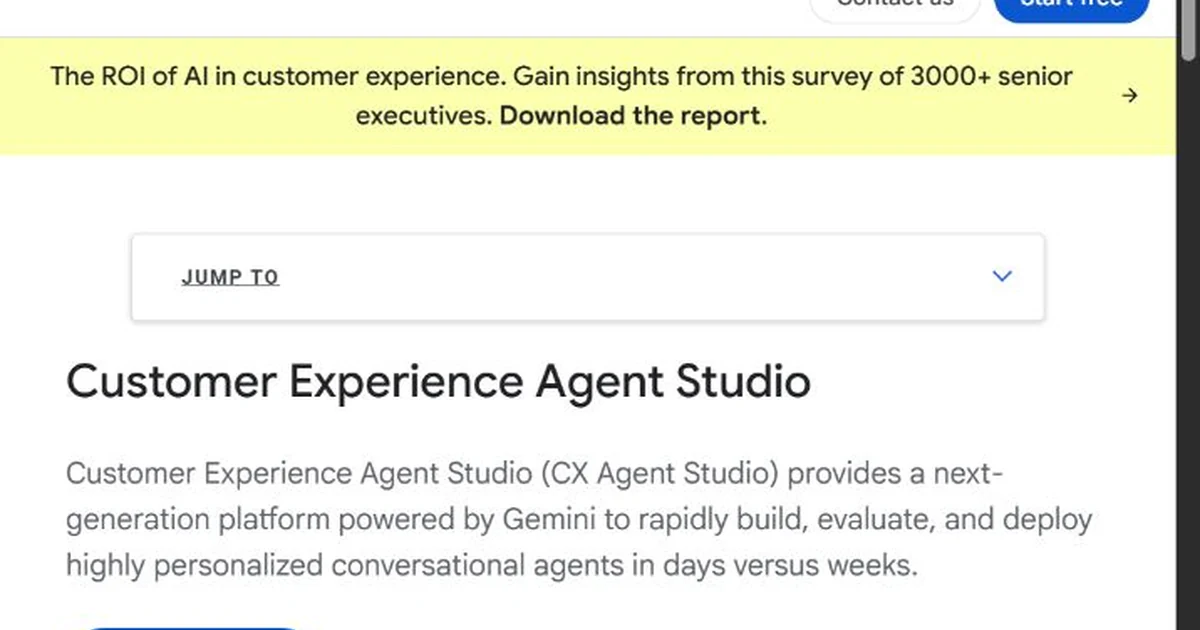
Dialogflow CX is Google's enterprise-grade conversational AI platform and the closest Google equivalent to Amazon Lex. It is still a developer-facing tool, not a no-code chatbot builder, but it is a genuinely capable alternative if your organization already runs on Google Cloud and needs a platform that can handle both voice and text channels from a single bot design.
The visual state machine flow builder is more intuitive than Amazon Lex's interface. Non-developers can map out conversation paths and test them without writing code, though the webhook-based fulfillment for anything dynamic, like pulling data from your systems or triggering actions, still requires a developer to build the backend.
The native LLM integration Google added to its Contact Center AI stack in early 2026 is a meaningful upgrade. Intent-based bots now have a graceful fallback for off-script questions rather than hitting a dead end. For support bots handling large volumes of diverse questions, that change alone reduces the number of conversations that escalate to human agents.
If your team is already paying for Google Cloud and comfortable with GCP services, Dialogflow CX avoids the learning curve of moving to an entirely different ecosystem. If you are not already on Google Cloud, the setup overhead compares unfavorably to most alternatives on this list for typical small business use cases.
Pricing
Best for: Teams already on Google Cloud that need voice and text in a single bot with strong intent detection and native Google service integration.
8. IBM Watson Assistant: Best for Compliance and Security
IBM Watson Assistant
ibm.com/products/watson-assistant | Enterprise AI assistant with on-prem and hybrid deployment options
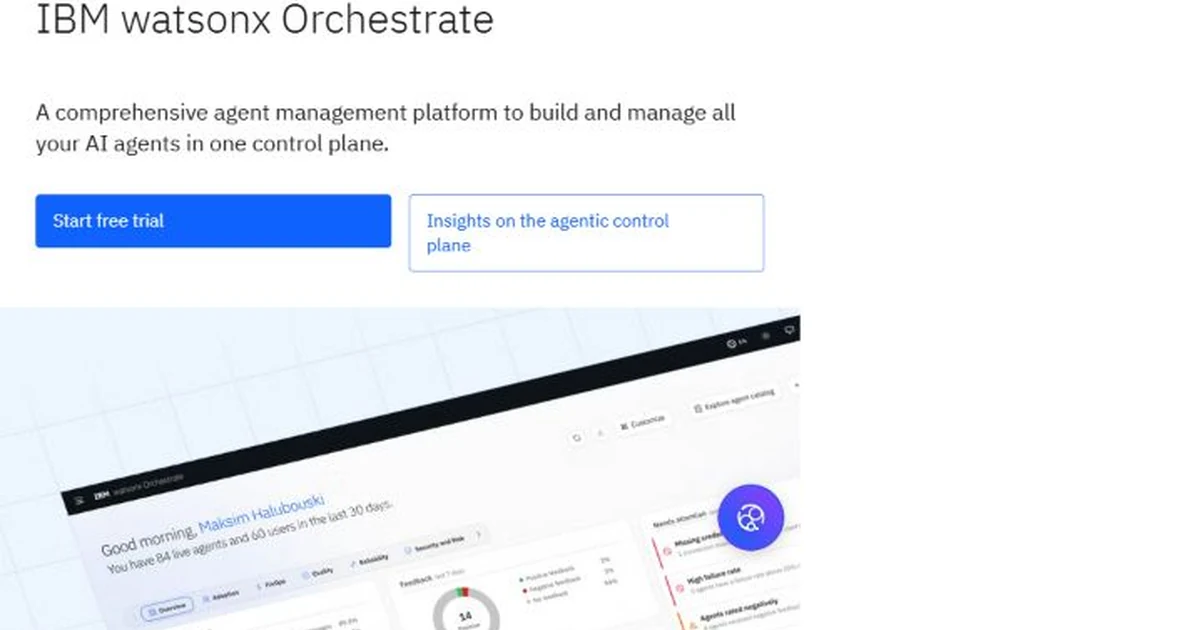
IBM Watson Assistant targets a narrow but well-defined customer segment: large organizations in regulated industries where the chatbot cannot run on a public cloud without a specific compliance certification, and where the answer generation process needs to be auditable and traceable back to source documents.
The hybrid deployment options are the real differentiator here. Watson can run on IBM Cloud, on-premises through Cloud Pak for Data, or in a hybrid configuration across AWS and Azure. Most chatbot platforms offer one of those options. Watson offers all of them, which matters for organizations in healthcare, financial services, or government where data residency requirements are not optional.
The retrieval-augmented generation setup is also notably careful about hallucination. The platform pairs answer generation with strict source grounding, so the chatbot pulls from your internal documents and policies rather than making things up. For a compliance use case where a wrong answer has legal or regulatory consequences, that level of grounding is worth the additional complexity.
The tradeoff is setup time. Watson is not a platform you install and use in an afternoon. Implementation takes weeks to months, and ongoing management requires dedicated resources. If your organization has those resources and the compliance requirement is real, Watson is worth evaluating seriously. If you need something live this week, look elsewhere.
Pricing
Best for: Organizations with strict data residency or compliance requirements that need on-prem or hybrid cloud deployment with verifiable source grounding.
9. Microsoft Power Virtual Agents: Best for Microsoft Ecosystem
Microsoft Power Virtual Agents
powervirtualagents.microsoft.com | No-code bot builder within the Microsoft Power Platform
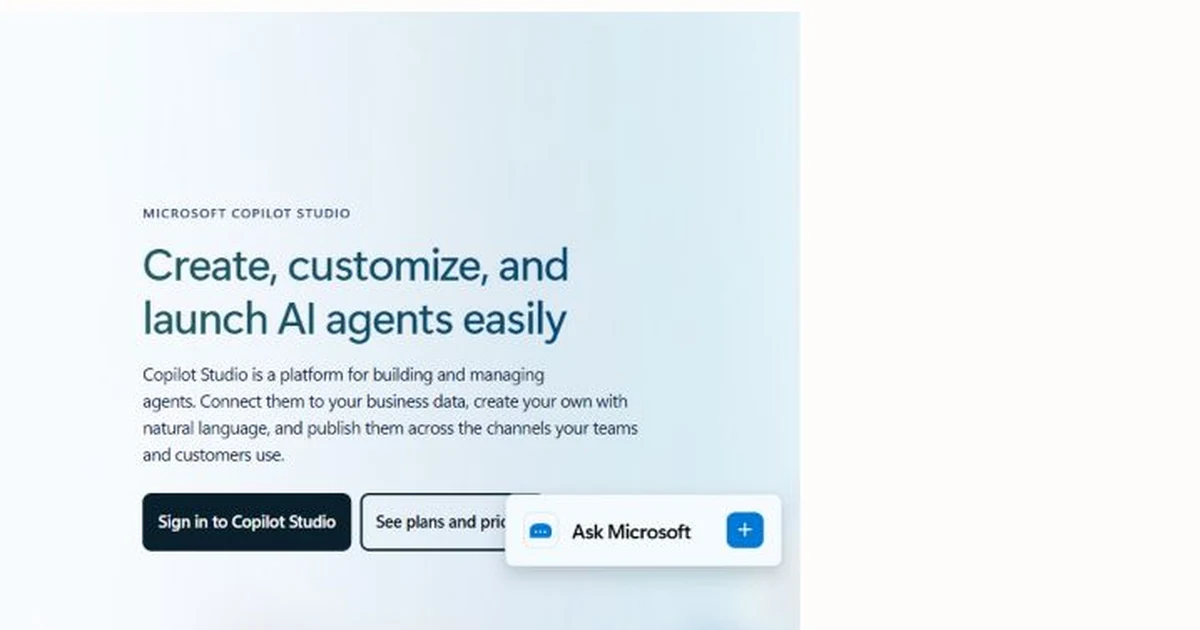
Microsoft Power Virtual Agents is the obvious answer when the question is "we need a chatbot and our whole organization runs on Microsoft 365." The platform slots naturally into the Microsoft ecosystem: it connects to SharePoint for knowledge retrieval, Teams for internal deployment, Dynamics for CRM data, and Power Automate for backend workflows.
The no-code topic builder is accessible enough that a business analyst can create basic conversation flows without developer support. For internal IT helpdesk bots, HR FAQ bots, or Teams-based employee assistants, the integration depth with the Microsoft stack is genuinely difficult to match.
The hybrid architecture is worth understanding if you are evaluating this for external-facing website chat. Power Virtual Agents handles the no-code conversation design. The Bot Framework SDK handles complex tasks that need custom code. A business user's PVA bot can hand off to a developer's Bot Framework skill for a specific task and hand back when it is done. That separation is useful, but it also means a developer is still in the picture for anything beyond simple FAQ-style conversations.
The pricing structure is per-tenant with additional message packs rather than per-user or per-conversation. For organizations already paying for Microsoft 365 licenses, the incremental cost to add PVA is lower than the sticker price suggests. For organizations not in the Microsoft ecosystem, starting from scratch with PVA makes little sense compared to the other options here.
Pricing
Best for: Organizations already using Microsoft Power Platform and Teams that want no-code bots with the option to extend them with Bot Framework skills. Not practical if you are not already in the Microsoft ecosystem.
Once you narrow the list to a website lead-generation use case, compare the workflow—not just the model. The AI lead qualification chatbot guide explains how to ask useful qualification questions without turning the chat into a long form. For measuring the business case, use the chatbot ROI calculator to compare cost per conversation with cost per qualified lead, then review chatbot performance metrics after launch.
How to Choose an Amazon Lex Alternative
Start with the job, not the feature list: The right replacement depends on what you actually need the chatbot to do. Lead capture for a service business, support deflection for an ecommerce store, and enterprise automation for a regulated industry are three completely different jobs. A feature comparison only makes sense within a use case.
Confirm whether you actually need no-code
If you have AWS engineering resources and need deep system integration, Lex may be the right tool after all. If you want a chatbot running on a small business website without involving a developer, you need a purpose-built platform. Most people reading this guide fall into the second category.
Check how the platform actually trains
A genuinely no-code tool reads your website and builds the assistant from your content without you writing conversation flows. If you have to design intents, label training phrases, or map dialogue nodes, that is a low-code tool. The distinction matters for how much time you spend before the chatbot is useful.
Calculate what you will actually pay each month
Add up the base subscription, AI usage charges, per-agent seat costs, per-resolution fees, branding removal costs, and any integration add-ons. Compare the real total, not the advertised starting price. Several platforms on this list have a low headline price and a significantly higher real cost once you add the things you actually need.
Test with real visitor questions before committing
Every platform on this list has a free tier or trial. Use it. Run ten to twenty actual questions through the chatbot, including the ones your visitors are likely to ask. Problems that are not obvious in a demo become obvious immediately when you test with real content.
Check how human handoff works
What happens when the chatbot cannot answer? Is there a clear path for the visitor to reach a human? Is that path visible, or does the visitor have to find it themselves? This question matters more than almost any other feature for visitor trust and conversion.
The Branding Badge Problem Nobody Talks About
There is a detail about chatbot pricing that most comparison articles skip over because it is commercially inconvenient to mention: nearly every platform charges extra to remove its logo from your chat widget.
The typical structure is a free or entry-level plan that works fine technically, with a "Powered by [Platform]" badge visible to every visitor. Removing it costs between $39 and $99 per month on standard paid tiers, and some platforms reserve badge removal for white-label or agency tiers starting at $198 to $498 per month.
That changes the real cost comparison significantly. A $24/month chat plan becomes a $63/month plan when you add badge removal. A $40/month AI chatbot plan becomes $140/month or $498/month depending on the platform. For a service business or a digital agency managing client sites, those numbers add up fast.
The other problem is subtler. A visible third-party badge on a chatbot widget signals to visitors that the chat is not really part of the business. It looks like a bolted-on tool rather than a proper part of the website. That is a trust signal in the wrong direction for businesses where the chatbot is part of the sales or intake process.
Zappiq AI removes the branding badge on every plan, including the free trial. That is not a feature to negotiate. It is the default.
What Amazon Lex Actually Costs vs. a No-Code Alternative
Frequently Asked Questions
No, and not because it is a bad product. Lex is an infrastructure service for developers building conversational interfaces into applications. It requires engineering resources to configure, connect to AWS services, and deploy. A small business website owner who wants a chatbot running this week should be looking at purpose-built platforms like Zappiq, Tidio, or Chatbase rather than AWS developer tools.
The fastest path is a platform that trains on your website automatically and installs with a single script tag. Zappiq AI trains in 5 to 10 minutes and requires no conversation design. Chatbase also trains on your content quickly if your primary need is answering questions from a knowledge base rather than qualifying leads. Either way, you should be live within an hour of signing up.
Amazon Lex charges $0.00075 per text request and $0.004 per speech request, with eligible new AWS customers getting up to $200 in Free Tier credits for six months. Those rates only cover the Lex engine itself. Lambda, CloudWatch, API Gateway, and DynamoDB are all billed separately, and the combined AWS bill for a chatbot handling a few hundred conversations per month is typically several times the Lex rate card alone. Engineering time to build and maintain the integration adds further cost that the pricing page does not mention.
Tidio is the most purpose-built option for ecommerce. It has native Shopify and WordPress integrations, real-time visitor tracking, pre-built automation templates for order status and return questions, and a free plan that covers 50 conversations per month to test it before paying. For lead capture on a service-based ecommerce store, Zappiq is worth comparing because of its qualification logic and email lead delivery.
Yes, and it is usually faster than you expect. StubHub International migrated from a stalled Amazon Lex project to Voiceflow and launched in under three months with a non-technical team doing most of the work. For simpler websites moving to a tool like Zappiq, the migration is not really a migration at all since the platform trains from scratch on your website. You remove the Lex integration, paste in a script tag, and the new chatbot takes over.
Zappiq AI is the most practical option specifically for lead capture. It trains on your website automatically, qualifies visitors with pre-configured logic, and emails you every qualified lead with contact information and the full conversation transcript. The ad source attribution feature tells you which campaign or keyword brought each lead, which is something no other tool on this list includes at this price point. No per-agent seats, no per-resolution fees, and no branding badge on any plan.
Yes, several. Zappiq AI includes 100 free conversations with no credit card required. Tidio offers 50 free conversations per month on its free plan. Chatbase has a free tier for testing knowledge base retrieval. Botpress is free to self-host under an MIT license, though that requires technical setup. Dialogflow CX offers trial credits for new Google Cloud customers. Voiceflow has a free individual tier for testing and small projects.
The Bottom Line
Amazon Lex is a serious piece of infrastructure for developers building conversational interfaces on AWS. It is well-designed for that job. The problem is that most people who search for "Amazon Lex alternatives" do not want another developer infrastructure tool. They want a chatbot on their website that works without a developer.
Those are genuinely different things, and conflating them is why so many small business chatbot projects either never launch or launch and immediately stall. The right tool depends on the job you need done.
For website lead capture at a service business, Zappiq AI is the fastest path from nothing to a working qualified lead pipeline, without flow design, AWS credentials, or engineering support. For ecommerce live chat, Tidio handles the Shopify and WordPress integrations better than anything else at its price point. For complex agent design without engineering bottlenecks, Voiceflow is the tool that actually fixed the StubHub International problem that Lex could not. For open-source control and self-hosting, Botpress offers something no hosted SaaS on this list can match.
If you are not sure where to start, Zappiq's free trial includes 100 conversations with no credit card and no branding badge. That is enough to see whether automatic training on your website is all you actually need, before you spend time evaluating platforms built for problems larger than yours.
Start with 100 free conversations. No AWS account required.
Zappiq AI reads your website, trains in 5 to 10 minutes, and qualifies visitors automatically. Every lead arrives in your inbox with contact information and the full conversation transcript. No developer needed. No branding badge.
Start Free Trial100 free conversations | No branding on any plan | Cancel anytime
References
- Qualimero. "Amazon Lex Alternative: How to Choose the Right Chatbot Platform." qualimero.com.
- Voiceflow. "From 12 Months to 3: How StubHub International Built an AI Agent with Voiceflow." voiceflow.com.
- AWS. "Amazon Lex Pricing." aws.amazon.com.
- Tidio. "Tidio Pricing." tidio.com.
- AI Multiple. "Top 20 Conversational AI Platforms." aimultiple.com.
- Chatbase. "Chatbase Pricing." chatbase.co.
- Qualimero. "Amazon Lex Alternative: Best No-Code Chatbot Tools 2026." qualimero.com.
- Botpress. "Botpress vs Amazon Lex: Which Platform is Right for You?" botpress.com.
- Sierra AI. "Sierra vs Amazon Lex: Which Is Better for Enterprise CX?" sierra.ai.

Ansar Ali
Ansar Ali founded Zappiq AI after watching too many small business owners get quoted enterprise pricing for a job that really came down to answering questions on a website and figuring out who was serious. He spends most of his time on lead qualification logic, attribution tracking, and making sure a chatbot install never slows a page load down.