
Quick Summary
- Zappiq AI is the best Flowise alternative for small business websites where the goal is capturing and qualifying leads from existing traffic, not building AI workflows from scratch. It is a finished product, not a builder. You sign up, it reads your website, and it starts working.
- Langflow is the strongest like-for-like technical alternative for developers who want an open-source visual canvas for LLM workflows with deeper Python customization and no proprietary dependency.
- Dify is the best pick for teams that want to publish a production-ready AI application with a knowledge base, without managing infrastructure or writing much code.
- n8n fits teams where AI is one part of a wider automation problem rather than the whole thing. If your real need is connecting apps and processes with AI nodes mixed in, n8n is more natural than Flowise.
- Botpress is the right choice for businesses that need a structured conversation builder with multi-channel deployment across WhatsApp, Telegram, and web, with an AI layer on top rather than AI as the foundation.
- Voiceflow is the strongest option for teams building customer-facing chat or voice experiences that need observability, versioning, and collaboration tools Flowise does not provide.
- Make is the practical choice for operations teams that want to include AI steps in their automation runs without adopting a developer-oriented platform or managing any infrastructure.
Where Flowise Works and Where It Gets Complicated
Flowise earned its reputation by doing something genuinely useful. It took the dense, code-heavy world of LangChain orchestration and turned it into a drag-and-drop canvas. Teams that had been spending days wiring together AI components in Python found they could prototype the same thing in an afternoon. For a certain kind of builder, that was a meaningful time save, and the active open-source community kept the component library growing faster than most commercial alternatives could match.
The situation that pushes people to look for alternatives is usually one of three things. The first is infrastructure reality. Self-hosting Flowise is free in licensing terms but not in practice. You need a server, SSL setup, database persistence, and someone comfortable enough with Docker Compose to deploy and maintain it. When something breaks at an inconvenient time, that person needs to fix it. For teams with a DevOps engineer, this is manageable. For everyone else, it is a background tax that tends to get heavier as the deployment grows more complex.
The real cost problem: Flowise's cloud Starter plan costs $35 per month, but that is only the subscription line. Add LLM API usage, vector database hosting for RAG flows (Pinecone starts around $50 per month, Weaviate around $45), and server costs if self-hosting. Industry analysis suggests the subscription can represent as little as 10 to 30 percent of total monthly spend for teams running production flows.
The second issue is the cloud plan's prediction quota. The Starter tier at $35 per month includes 10,000 predictions per month, which sounds like a lot until you run a moderately active chatbot. A customer-facing bot handling 20 to 30 conversations a day, each requiring several LLM calls, can exhaust that quota inside two weeks. The next tier at $65 per month brings 50,000 predictions, which creates a cost jump for teams that only needed a bit more headroom. And Flowise does not publish clear overage pricing, which makes it harder to forecast what happens when the meter runs out mid-month.
The third issue is the platform's position after Workday's acquisition in August 2025. Workday is an enterprise software company, and Flowise's future roadmap will increasingly reflect enterprise priorities. That is not necessarily bad for everyone, but teams that chose Flowise precisely because it was an independent open-source project now have a reasonable question about whether the tool's direction will continue to match their needs.
What Flowise Actually Costs Once You Add the Real Components
None of this disqualifies Flowise for the right team. A developer-comfortable group that wants open-source flexibility, self-hosting control, and a visual interface for building LangChain-style flows will find it hard to beat. The alternatives in this guide matter for everyone else: teams that want a finished product rather than a builder, teams whose AI needs are part of a wider automation problem, and teams that need production-grade observability Flowise does not currently provide.
Quick Comparison: 7 Flowise Alternatives
| Tool | Starting Price | Technical Skill Needed | Free Plan | Best For |
|---|---|---|---|---|
| Zappiq AI | Free trial | None required | Yes, no card needed | SMB lead capture, no building |
| Langflow | Free (open-source) | Developer comfortable | Yes, self-hosted | LLM workflow prototyping |
| Dify | $59/mo (Professional) | Low-code | Yes, cloud sandbox | Production AI apps with knowledge base |
| n8n | ~$24/mo hosted | Low-code | Yes, self-hosted | Automation with AI nodes mixed in |
| Botpress | Free, Plus ~$89/mo | Low to medium | Yes, 2K messages/mo | Multi-channel conversational agents |
| Voiceflow | Free, paid from ~$50/mo | No-code | Yes, limited flows | Customer-facing chat and voice agents |
| Make | Free, paid from $9/mo | Low-code | Yes, 1,000 ops/mo | Ops teams adding AI to existing workflows |
Before you compare: Flowise is a builder for constructing AI workflows. Several tools on this list are also builders. Others are finished products. The right comparison depends on whether you want to build something or deploy something. Those are different problems, and most of the frustration in tool evaluations comes from conflating them.
1. Zappiq AI: Best for Lead Generation on SMB Websites
Zappiq AI
zappiqai.com | AI lead generation chatbot for small and medium business websites, no building or configuration required
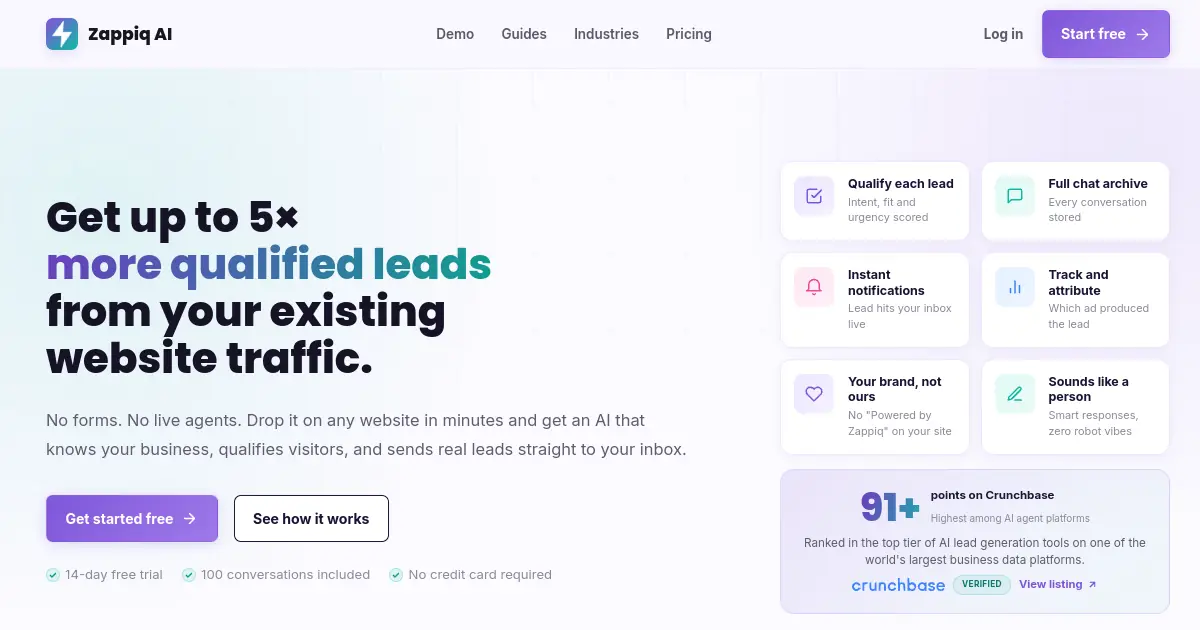
Flowise and Zappiq AI are solving genuinely different problems, but they end up in the same conversation because the surface-level description sounds similar: an AI chatbot that talks to people on your website. The difference is that Flowise gives you a canvas where you build that chatbot by connecting nodes together, sourcing your own LLM, configuring your own vector database, and maintaining the infrastructure that runs it. Zappiq is the chatbot itself, ready to go.
For a dental clinic, a law firm, a real estate agent, or any service business that wants more qualified enquiries from their website, the right question is not how to build an AI workflow. The right question is how to stop losing potential clients who visit the site, read the services page, and then leave without reaching out. Zappiq answers that question directly. It reads your website the moment you sign up, builds its own understanding of your services and pricing, and begins qualifying visitors from the first conversation without you writing a single prompt or connecting a single node.
The qualification piece is what separates it from a simple FAQ bot. Rather than treating every person who opens the chat widget identically, Zappiq routes conversations by intent. A visitor asking a quick clarification question gets an accurate answer. A visitor who looks like a potential client gets walked through a short qualification sequence that captures their timeline, their situation, and their contact details before the conversation ends. The result that arrives in your inbox is not a raw chat transcript. It is a structured lead with context attached.
Flowise's cost structure includes the subscription, the LLM API, and the vector database. Zappiq operates on a flat monthly rate by conversation volume. A month where your paid traffic doubles does not change your bill or push you to upgrade. Campaign spikes, seasonal volume, and traffic from a well-performing ad are absorbed without a pricing event.
Integrations: Zappiq connects to Zapier, Make, and n8n on Pro accounts, which means a qualified lead can flow automatically into your CRM, a Google Sheet, a Slack notification, or an email sequence. No developer involvement required to set those routes up.
Pros
- No building required, trains on your website automatically from day one
- Qualifies visitors before collecting contact details
- Flat pricing, no prediction quotas or API cost surprises
- Instant lead alert by email with full conversation attached
- Ad channel and keyword attribution tracked per lead
- No branding on the widget at any plan level
- Webhook routing to Zapier, Make, and n8n on Pro
- Free trial with no credit card required
Cons
- Not a workflow builder or agent framework
- No multi-agent orchestration or custom LLM configuration
- No shared team inbox or support ticket functionality
- Smaller integration catalog than established platforms
Why lead-focused teams choose Zappiq AI
Ad tracking: Connect each qualified enquiry to the campaign, keyword, or channel that generated it, so paid traffic can be measured against real leads.
Email lead delivery: Receive contact details, intent, source data, and the full conversation in your inbox as soon as the lead qualifies.
No branding: Keep the widget visually native to your website without a third-party badge or a separate white-label fee.
Automatic website training: Let Zappiq learn from your services, pricing, and FAQ pages instead of building and maintaining a custom Flowise workflow.
Natural qualification: Ask useful follow-up questions and identify genuine fit before collecting contact information.
Simple installation: Add one script to WordPress, Shopify, Webflow, Wix, Squarespace, or a custom website without managing a developer-built flow.
Pricing
Pricing: The 14-day trial includes 100 conversations. Starter is $9/month equivalent when billed annually for 350 conversations; Growth is $39/month or $27/month equivalent annually for 1,500; and Pro is $99/month or $69/month equivalent annually for 5,000. All plans have no per-lead fees or Zappiq branding.
Best for: Service businesses, clinics, agencies, real estate professionals, and any SMB running paid traffic to a website where the goal is turning more visitors into qualified enquiries rather than building custom AI pipelines.
2. Langflow: Best Like-for-Like Technical Alternative
Langflow
langflow.org | Open-source visual builder for LLM applications, RAG pipelines, and multi-agent workflows with Python customization
For a developer evaluating Flowise who wants to stay in the visual-canvas, open-source space without the Workday acquisition overhead, Langflow is the closest direct substitute. Both tools use a drag-and-drop canvas for building LLM workflows. Both support RAG pipelines, custom tools, and multi-agent setups. The difference is that Langflow is built on top of Python-native LangChain concepts, which means developers who want to drop into code for specific nodes have a more natural path to doing so than Flowise typically allows.
The MIT license on Langflow's core means you can self-host it without any licensing conversation, and the community around it is active. The GitHub star count and commit frequency suggest healthy ongoing development, though it is worth noting that DataStax shut down its hosted Langflow service in April 2026, so the managed cloud option that previously existed for non-self-hosters is no longer available through that route. Teams wanting a managed deployment will need to either self-host or find a third-party hosting provider.
Where Langflow earns its place on this list is in the Python flexibility. Flowise allows JavaScript in code nodes. Langflow's Python-first approach is a better fit for teams working in data science or ML pipelines where Python is already the native language. Custom components are also more straightforward to write, and the testing experience for individual nodes is slightly more developed than Flowise's current debugging tools.
The tradeoff is the same one Flowise has: you are building and maintaining the thing, not deploying a finished product. Production reliability requires engineering attention, version pinning, and a clear upgrade path. For a team with that capacity, Langflow is a strong, dependency-light choice that avoids enterprise acquisition concerns entirely.
Pros
- Completely free and open-source under MIT license
- Python-first approach, easier code customization than Flowise
- Active development with large community and contributor base
- Strong RAG pipeline support with vector store integrations
- No enterprise acquisition changing the roadmap
Cons
- No managed cloud option since DataStax shutdown in April 2026
- Requires Python knowledge for anything beyond basic flows
- Steeper learning curve than no-code alternatives
- Self-hosting carries full infrastructure responsibility
Pricing
Best for: Developer teams who want a direct Flowise equivalent without the Workday ownership concern, who are comfortable with Python-level customization, and who already have the infrastructure capability to self-host in production.
Want leads from your website without building a single flow?
Zappiq AI reads your site, qualifies visitors automatically, and delivers every lead by email while they are still on the page. No nodes, no configuration, no prediction quota to monitor.
Start Free Trial >No credit card | No developer needed | No branding on any plan
3. Dify: Best for Production AI Apps with a Knowledge Base
Dify
dify.ai | Open-source LLM application platform combining no-code workflow building with knowledge base management and app publishing
Dify occupies a slightly different position from Flowise in the low-code AI builder market. Flowise is primarily a workflow orchestration tool. Dify is more of a full application platform, with knowledge base management, workflow building, multi-trigger support, and the ability to convert a finished workflow directly into a deployable web application. That last capability is something Flowise does not currently offer in the same way, and it matters for teams that want to ship something end users actually interact with rather than building an internal tool or API endpoint.
The knowledge base features are where Dify tends to win comparisons with Flowise on practical grounds. Document upload, URL crawling, chunk management, and retrieval testing are all handled inside the same interface without needing a separate vector database account or a configuration step that requires understanding embedding dimensions. For teams building document-aware applications where a non-engineer needs to manage the knowledge base over time, that matters considerably.
The cloud Professional plan runs $59 per month per workspace, which is more than Flowise's Starter tier but includes a more polished experience and removes most of the infrastructure overhead. Self-hosting is available under Dify's open-source license for teams that want full data control. The interface is more approachable than Flowise for non-developers, though advanced conditional logic and multi-agent setups still benefit from some technical background.
One honest limitation: the cloud pricing can move up faster than expected for teams running high query volume. Dify's Professional plan is priced per workspace rather than per usage bucket, which makes cost more predictable at fixed scale but less flexible for teams with variable traffic patterns.
Pros
- Built-in knowledge base management without external vector database
- Convert workflows directly into publishable web applications
- Multiple trigger types: webhook, schedule, plugin, manual
- More polished interface than Flowise for non-technical users
- Open-source self-hosting option available
Cons
- Cloud plan at $59/mo is more expensive than Flowise Starter
- Complex multi-agent logic still requires technical knowledge
- Workspace-based pricing is less flexible for variable traffic
- Smaller component library than Flowise for specialized integrations
Pricing
Best for: Teams who want to build and publish production AI applications with a managed knowledge base, and who value interface polish and deployment simplicity over Flowise's deeper LangChain component coverage.
4. n8n: Best When AI Is One Step in a Bigger Automation
n8n
n8n.io | Open-source workflow automation platform with AI Agent nodes, 400 plus app integrations, and fair-code self-hosting
The difference between Flowise and n8n is a difference in what sits at the center of the product. Flowise is built for teams where the AI workflow is the primary concern and everything else connects around it. n8n is built for teams where the automation problem is primary and AI is one of the tools available inside that automation. That distinction sounds subtle but shapes everything about which tool fits a given situation.
If your real problem is: a new lead comes in, an AI agent qualifies and categorizes it, the result gets written to a CRM, a Slack notification goes out, and a follow-up email gets scheduled, then n8n is genuinely more natural for that than Flowise. The AI Agent node in n8n sits alongside 400 plus native app integrations, so the handoff between AI logic and business system logic happens inside a single canvas without a separate integration layer.
The fair-code license means n8n can be self-hosted without restriction for internal use. The hosted cloud plans start around $24 per month, which is cheaper than Flowise's cloud Starter tier and includes managed infrastructure. For teams that do not need Flowise's depth of LangChain component coverage, n8n's execution-based pricing model also scales more predictably as usage grows.
The limitation to understand is that n8n is not an AI-first tool. The LLM reasoning and agent capabilities are capable but less developed than dedicated AI builders for complex multi-agent orchestration or sophisticated RAG applications. Teams building primarily around AI logic will likely find Flowise or Langflow more appropriate. Teams automating business processes that happen to include AI steps will likely find n8n more productive.
Pros
- 400 plus native app integrations covering most business tools
- AI Agent node handles LLM reasoning within automation flows
- Hosted plans start around $24/mo, cheaper than Flowise cloud
- Fair-code self-hosting with no usage restriction for internal use
- Execution-based pricing scales predictably with workflow volume
Cons
- Less capable than Flowise for complex multi-agent AI orchestration
- RAG pipeline setup is less intuitive than dedicated AI builders
- Enterprise features require the higher-priced plans
- Community templates lean automation-heavy, fewer AI-specific examples
Pricing
Best for: Operations and growth teams who need AI as part of a broader automation workflow rather than as the primary workload, and who already rely on app-to-app automation tools as part of their regular process.
5. Botpress: Best for Multi-Channel Conversational Agents
Botpress
botpress.com | AI-native chatbot and agent builder with visual flow design, LLM autonomy, and multi-channel deployment across web, WhatsApp, and Telegram
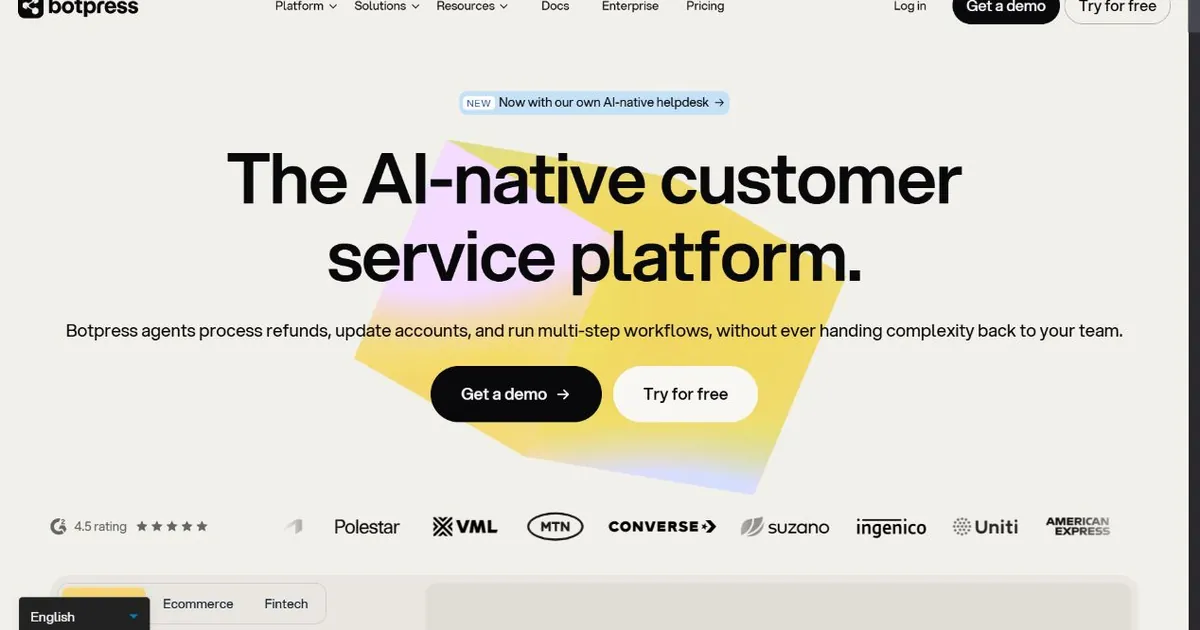
Botpress sits at a different point on the build-versus-deploy spectrum than Flowise. Flowise gives you a largely blank canvas and asks you to construct the AI logic from components. Botpress gives you a structured conversation builder with an Autonomous Node that can hand off to LLM reasoning for open-ended exchanges, while keeping the overall flow anchored in a predictable structure. That combination works well for businesses that need a chatbot to handle specific jobs reliably across multiple channels without turning every conversation into a freeform AI session.
The multi-channel deployment capability is where Botpress stands out most clearly. A bot you build in Botpress Studio can deploy to web chat, WhatsApp, Telegram, Messenger, Slack, and Teams from a single configuration. Flowise does not natively handle that kind of channel distribution, so teams who built a Flowise workflow and then needed to extend it to WhatsApp typically had to wire that distribution layer themselves. Botpress handles it out of the box.
The pricing structure changed meaningfully in May 2026. Botpress now bills on conversations rather than seats or resolutions, with a free tier covering 2,000 messages per month and a Plus plan at around $89 per month for 50,000 messages. The model API spend is billed separately from the base plan, so the all-in cost includes both the Botpress subscription and the underlying LLM usage, similar to how Flowise's cloud plan works. This is worth factoring into comparisons with flat-rate tools.
The June 2025 Series B funding round gave Botpress a more stable financial position than many of its open-source competitors, and the roadmap has been moving toward enterprise-grade agent infrastructure. For SMB teams, that means the product is improving quickly, though some of the more advanced collaboration and compliance features are being built for larger organizations.
Pros
- Native multi-channel deployment: web, WhatsApp, Telegram, Slack, Teams
- Autonomous Node handles open-ended LLM exchanges within structured flows
- Knowledge Base with document and URL upload for RAG-powered Q&A
- Free tier covers 2,000 messages per month with no time limit
- Strong financial position after $25M Series B in June 2025
Cons
- Model API spend billed separately, total cost is variable
- Advanced flows require JavaScript for custom code actions
- Branding shown on free and Plus plan widgets
- Team plan at $495/mo is a significant jump from Plus
Pricing
Best for: Businesses that need a chatbot deployed across multiple channels simultaneously, where a structured conversation flow with selective LLM autonomy is more appropriate than a fully open-ended agent approach.
6. Voiceflow: Best for Customer-Facing Experiences That Need Ongoing Management
Voiceflow
voiceflow.com | Collaborative no-code platform for designing, building, and managing AI chat and voice agents with built-in observability and versioning
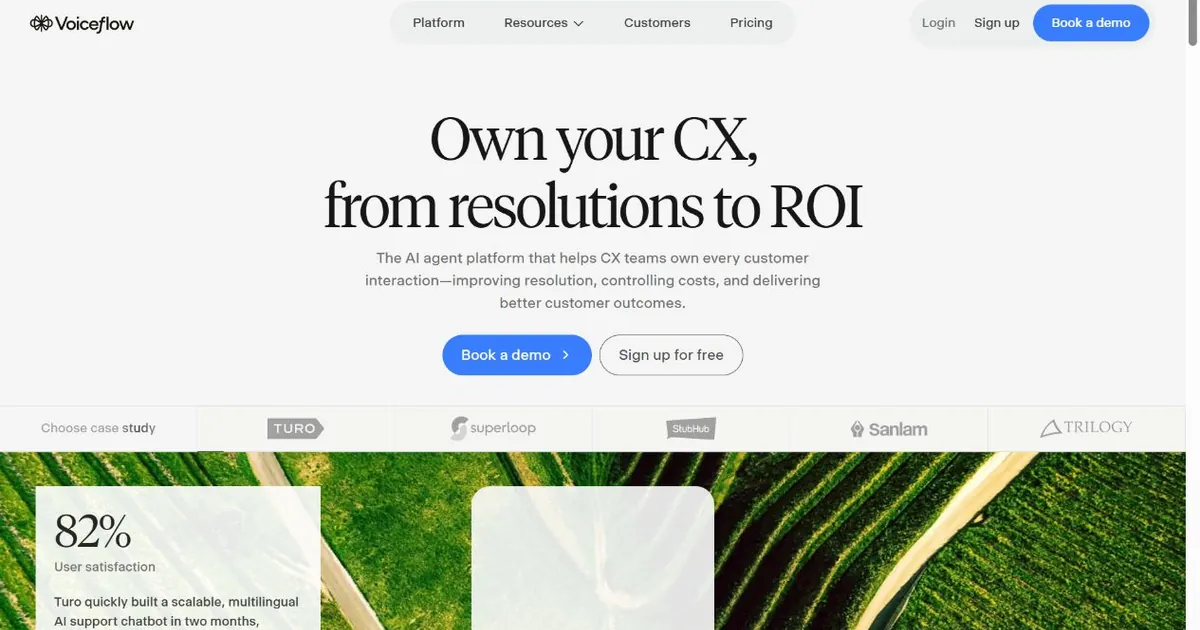
Voiceflow solves a problem Flowise does not fully address: what happens to a customer-facing AI agent after it is built. Flowise gives you tools to construct the agent. Voiceflow gives you tools to build it, manage it, evaluate it, and improve it over time as a living product. That difference is the reason teams that started on Flowise for prototyping often end up on Voiceflow when the agent moves to production and starts handling real users.
The observability layer is the practical difference. Voiceflow includes built-in conversation analytics, transcript review, intent tracking, and the ability to run test cases against agent versions before pushing changes live. Flowise's built-in monitoring is limited, and teams typically need to add LangSmith or Helicone as external tools to get production-grade visibility into what their flows are actually doing. For a team that wants to manage an agent responsibly rather than just deploy it, that external dependency adds complexity Voiceflow avoids.
The collaboration features also matter for product teams. Voiceflow supports multiple editors on a single agent with version control and role-based access, which means designers, product managers, and engineers can all contribute without coordinating through a single person who runs the Flowise instance. The G2 2026 Best Software Award for Agentic AI reflects a product that teams managing complex AI experiences have consistently found production-ready in a way that Flowise is not quite designed for.
The platform handles both chat and voice agents from a single canvas, which is genuinely differentiated. Teams building voice experiences for phone support or voice-enabled products have fewer good options than teams building chat, and Voiceflow's voice capabilities are more mature than most alternatives in this comparison.
Pros
- Built-in observability, transcript review, and version control
- Supports both chat and voice agents from a single canvas
- Multi-user collaboration with role-based access
- G2 2026 Best Software Award for Agentic AI
- No-code design means non-engineers can contribute to production agents
Cons
- Less flexible than Flowise for custom LangChain-style orchestration
- Paid plans required for meaningful production use
- Not open-source, so no self-hosting option for cost control
- More opinionated design, less suitable for highly custom agent logic
Pricing
Best for: Product teams building customer-facing chat or voice agents that will be maintained and improved over time, where observability and collaboration tools matter as much as the initial build experience.
7. Make: Best for Operations Teams Adding AI to Existing Workflows
Make
make.com | Visual workflow automation platform with AI modules, 1,000 plus app integrations, and scenario-based pricing for non-technical automation

Make belongs on this list for a specific type of team that often ends up evaluating Flowise: operations and marketing teams who need to automate processes that include an AI reasoning or content step, but who are not engineers and do not want to manage a workflow builder designed for developers. Make's visual scenario interface is designed for this audience. The learning curve is gentler than Flowise, the integration catalog is broader for everyday business tools, and the pricing structure is scenario-based rather than prediction-based, which makes it easier to forecast costs for teams with consistent automation volumes.
The AI modules in Make connect to OpenAI, Anthropic, and other LLM providers, but they work as steps within automation scenarios rather than as the central orchestration framework. If your use case is: a contact fills out a form, an AI module scores and categorizes the lead, the result gets routed to the right sales rep in a CRM, and a personalized follow-up gets drafted, Make handles that workflow cleanly without requiring any understanding of LangChain concepts or vector databases.
The free plan covers 1,000 operations per month, which is enough to test whether the tool fits before committing. Paid plans start at $9 per month for 10,000 operations, making Make the lowest entry price on this list for a managed, no-infrastructure option. The operations-based pricing model scales linearly, so cost growth is predictable as workflow volume increases.
The tradeoff is depth. Make is not the right tool for building a sophisticated multi-agent RAG pipeline or a chatbot with complex conversation state management. It is designed for automations where AI is a node, not the architecture. Teams that need what Flowise provides at the workflow orchestration level will find Make too limited for those specific tasks.
Pros
- 1,000 plus app integrations covering most business tools
- Free plan with 1,000 operations per month, no time limit
- Paid plans from $9/mo, lowest entry price on this list
- Operations-based pricing scales predictably with usage
- Designed for non-engineers, gentler learning curve than Flowise
Cons
- Not suitable for complex multi-agent AI orchestration
- AI is a module within automation, not the core architecture
- Limited conversation state management for chatbot use cases
- No built-in knowledge base or RAG pipeline management
Pricing
Best for: Marketing and operations teams who want to include AI reasoning steps in their automation workflows, value a large integration catalog, and do not need the depth of workflow orchestration that Flowise provides for developer-oriented AI pipelines.
How to Choose the Right Flowise Alternative
Decision shortcut: The most important question is not which tool has the most features. It is whether you are trying to build an AI workflow or deploy a finished AI product. Most of the frustration in this category comes from choosing a builder when you needed a product, or expecting a product from a tool designed for building.
If the infrastructure and cost complexity of Flowise is the primary issue, the path forward depends on what you are actually building. Teams building customer-facing chatbots that need production management should look at Voiceflow. Teams building AI workflows as part of broader business automation should look at n8n or Make depending on their technical comfort level. Teams building document-aware AI applications with a managed knowledge base should look at Dify.
If the technical skill requirement is the issue, the answer shifts toward the no-code or low-code end of the list. Voiceflow requires no coding to build capable agents. Make requires no coding to build automation scenarios with AI steps. Zappiq AI requires no technical knowledge at all for a small business that wants a lead-capturing chatbot on their website today.
If the Workday acquisition is the issue and you want to stay in the open-source visual builder space, Langflow is the most direct substitute. The MIT license, active community, and Python-native flexibility address the main concerns about Flowise's future roadmap without requiring a wholesale platform change.
If multi-channel deployment is the issue, Botpress is the clearest solution. Getting a Flowise workflow to serve WhatsApp, Telegram, and web simultaneously requires custom distribution logic that Botpress handles natively from the same configuration.
Before switching from Flowise: Export your chatflow JSON files before making any changes to your account. Most tools here cannot import Flowise flows directly, so document what each flow does in plain language before rebuilding. Running a parallel test environment for a few weeks before switching production traffic will surface gaps before users encounter them.
Frequently Asked Questions
Zappiq AI is the best Flowise alternative for small businesses that want a working lead capture chatbot without building anything. Flowise is a developer tool for constructing AI workflows. Zappiq is a finished product that reads your website, trains itself on your content, and starts qualifying visitors from the same day you sign up. For businesses that need to capture leads from website traffic rather than build custom AI pipelines, Zappiq removes the infrastructure, the technical setup, and the ongoing maintenance that come with Flowise.
The most common reasons are the hidden cost structure where the subscription is only one part of the total spend, the infrastructure responsibility of self-hosting in production, the cloud plan's prediction quotas running out faster than expected for active chatbots, and the engineering overhead of maintaining complex flows as the underlying LLM landscape changes. Non-technical users also struggle with the node-canvas interface for anything beyond basic prototypes, and Workday's August 2025 acquisition has introduced roadmap uncertainty for teams who valued Flowise's independence.
The self-hosted version is free under its MIT license, but running it in production is not free. You pay for server infrastructure, your LLM API usage, vector database hosting if your flows use retrieval-augmented generation, and the developer time to set up and maintain the deployment. The cloud free tier is limited to 2 flows and 100 predictions per month, which is a testing environment rather than a production one. Paid cloud plans start at $35 per month, and industry analysis suggests the subscription typically represents 10 to 30 percent of total monthly spend once all supporting costs are included.
Langflow is the closest direct substitute for developers who want to stay in the visual, open-source LLM builder space. It uses the same drag-and-drop canvas concept with deeper Python customization than Flowise and no enterprise acquisition concerns. For developers whose needs are actually automation-heavy rather than AI-heavy, n8n provides better app integration coverage with capable AI Agent nodes. For developers building production customer-facing agents that need observability, Voiceflow offers a more complete management layer.
Cloud prediction quotas are more restrictive than they appear. 10,000 predictions per month on the Starter plan can run out in two weeks for a moderately active production chatbot. Self-hosting removes that constraint but adds infrastructure responsibility, including server setup, SSL, database persistence, and maintenance. Built-in observability is limited, so production monitoring typically requires adding external tools. Complex flows become harder to debug as they grow larger. The Workday acquisition adds long-term roadmap uncertainty. And the platform assumes engineering comfort throughout, which makes it unsuitable for non-technical users who want a deployed chatbot rather than a builder.
The Bottom Line
Flowise is a capable tool for the team it was built for. A developer-comfortable group that wants open-source flexibility, self-hosting control, and a visual interface for building LangChain-style AI workflows gets genuine value from it. The node canvas reduces the time to prototype meaningfully, the component library covers a wide range of LLM integrations, and the Apache 2.0 license gives technical teams full control over how they deploy and modify the software.
The alternatives on this list become relevant when that profile does not match. The hidden cost structure is the most common surprise. Teams that signed up for Flowise's $35 cloud plan often discover they are spending several times that amount once LLM API usage, vector database hosting, and infrastructure costs are factored in. The prediction quota on the cloud plan creates a second kind of pressure, especially for teams running chatbots with active user bases. And the Workday acquisition means the platform's future direction will increasingly reflect enterprise priorities that may not match the needs of smaller, more independent teams.
For small business websites where the goal is generating qualified leads from existing traffic rather than building AI infrastructure, Zappiq AI removes all of those constraints. There is no infrastructure to provision, no prediction quota to manage, no vector database to configure, and no monthly bill that varies based on how many visitors your site received. The chatbot reads your website, learns your services, qualifies your visitors, and sends you every lead with enough context to follow up immediately. That is the complete product, flat-priced, ready the same day you sign up.
For the other use cases: Langflow for developers who want open-source flexibility without Workday's roadmap influence, Dify for teams building production AI applications with managed knowledge bases, n8n for operations teams where AI is one step in a broader automation, Botpress for multi-channel conversational deployment, Voiceflow for customer-facing agents that need ongoing management and observability, and Make for marketing and ops teams who want AI modules inside familiar automation scenarios.
The free trial for Zappiq AI is at zappiqai.com. No credit card required, no developer needed, and no branding placed on your widget at any plan level.
Try the Flowise alternative that requires zero building
Zappiq AI trains on your website from day one, qualifies every visitor automatically, and sends you the lead while the conversation is still fresh. No prediction quota, no infrastructure bill, no upgrade required when traffic grows.
Start Free Trial >No credit card | No developer needed | No branding on any plan
References
- AIX Cove. "Flowise Review 2026: Is It Worth It? Pricing, Limits and Honest Pros and Cons." aixcove.com.
- MakerStack. "Flowise Review 2026: Open-Source AI Agent Builder Tested." makerstack.co.
- CheckThat.ai. "Flowise Pricing 2026: Plans, Costs and Real Total Cost." checkthat.ai.
- DronaHQ. "Reviewing Top 8 Flowise Alternatives for Agents in 2026." dronahq.com.
- Sliplane. "5 Awesome Flowise Alternatives in 2026." sliplane.io.
- Voiceflow. "Flowise: What It Is and Best Alternatives [2026 Review]." voiceflow.com.
- Lindy. "Flowise Pricing, Features, and Alternatives for 2026." lindy.ai.
- AISO Tools. "Flowise Review 2026: Pricing, Features, Pros and Cons." aisotools.com.
- Botpress. "Pricing Updates on Botpress: May 2026." botpress.com.
- DataStackHub. "10 Best Flowise Alternatives and Competitors (2026)." datastackhub.com.

Ansar Ali
Ansar Ali founded Zappiq AI after seeing that small service businesses were spending time and money on tools designed for engineering teams when what they actually needed was a smarter way to capture and qualify leads from their existing website traffic. He works on qualification logic, attribution, and keeping Zappiq fast and unobtrusive on any site it is installed on, and writes these comparisons from that practical angle rather than as neutral third-party reviews.