
Quick Summary
- Zappiq AI is the best Typebot alternative for service business websites focused on lead generation. It handles real AI conversation, qualifies visitors automatically, and requires zero developer involvement from signup through daily use.
- SiteGPT is the best no-code alternative for teams that need a chatbot trained on their website content to handle FAQ and support queries with flat predictable pricing.
- Chatbase is the best no-code alternative for businesses that want a GPT-powered chatbot up and running in under an hour from uploaded documents and URLs.
- Botpress is the best alternative for developer teams who want a full visual agent builder with custom logic, integrations, and multi-step workflows.
- Landbot is the best Typebot alternative for marketing teams that want visual conversational forms with richer branching logic and native HubSpot and Salesforce connections.
- Voiceflow is the best alternative for product teams building AI agents across chat and voice channels with collaborative design tools.
- Tidio is the best Typebot alternative for ecommerce and Shopify businesses that need live agent handoff alongside AI chat with no developer setup.
Why Businesses Move Away from Typebot
Typebot does one thing genuinely well: it makes structured data collection less boring. Instead of presenting visitors with a static form, it walks them through questions one at a time in a chat interface. Completion rates on conversational forms consistently beat static forms, and that is a real benefit Typebot delivers cleanly.
The issue businesses run into is that a conversational form is not the same thing as a chatbot. The distinction matters more than it sounds at first.
With Typebot, every possible visitor path has to be designed in advance. If someone types something your flow does not expect, or asks a question at a step that only accepts a button click, the bot cannot adapt. There is no natural language understanding built in. You can attach an OpenAI block to a step, but that requires a separate API account, key management, and configuration knowledge that puts it outside reach for non-technical operators. The moment a visitor goes off-script, Typebot stops being useful.
For many businesses, the practical consequence shows up after a few weeks of live use. The bot captures contact details from visitors who complete the flow, but misses the ones who wanted to ask a quick question first. High-intent visitors who want to verify something before filling in their details hit a dead end and leave. The form fills up with low-quality submissions from visitors who clicked through without real intent, while genuinely interested prospects bounce.
There is also the content maintenance issue. When your services, pricing, or availability changes, someone has to go back into Typebot and manually update every affected branch of the flow. For businesses with any complexity in their offering, that becomes a recurring task that gets delayed, leaving the bot presenting outdated information to visitors.
The core gap: Typebot is a conversational form builder with optional AI blocks. It is not a trained AI chatbot. Businesses that need genuine natural language responses to unpredictable visitor questions need a different tool.
Typebot Cloud: What You Actually Pay
Typebot's self-hosted option is genuinely free and the open-source community around it is active. But self-hosting requires a server, deployment knowledge, and ongoing maintenance responsibility. For a business owner who wants to focus on running their business rather than managing infrastructure, that trade is not worth it.
Quick Comparison: 7 Typebot Alternatives
| Tool | Starting Price | Real AI Conversation | Developer Needed | Setup Time | Best For |
|---|---|---|---|---|---|
| Zappiq AI | Free trial | Yes (trains on your site) | No | Under 5 min | SMB lead generation |
| SiteGPT | $39/mo | Yes (website-trained) | No | 10 to 30 min | FAQ and support deflection |
| Chatbase | $19/mo | Yes (GPT-powered) | No | Under 1 hour | Quick AI chatbot from docs or URL |
| Botpress | Free / $89/mo+AI | Yes (LLM + visual flows) | Yes | Hours to days | Developer teams, custom agents |
| Landbot | $40/mo | Partial (GPT integration) | No | 1 to 3 hours | Marketing funnels, HubSpot/Salesforce |
| Voiceflow | Free / credit-based | Yes (multi-LLM) | Partial | Hours to days | Product teams, voice + chat agents |
| Tidio | $29/mo + AI add-on | Yes (Lyro AI) | No | 1 to 2 hours | Ecommerce, live chat + AI |
1. Zappiq AI: Best for Lead Generation on Service Business Websites
Zappiq AI
zappiqai.com | AI lead generation chatbot built for small and medium business websites, no developer required at any stage
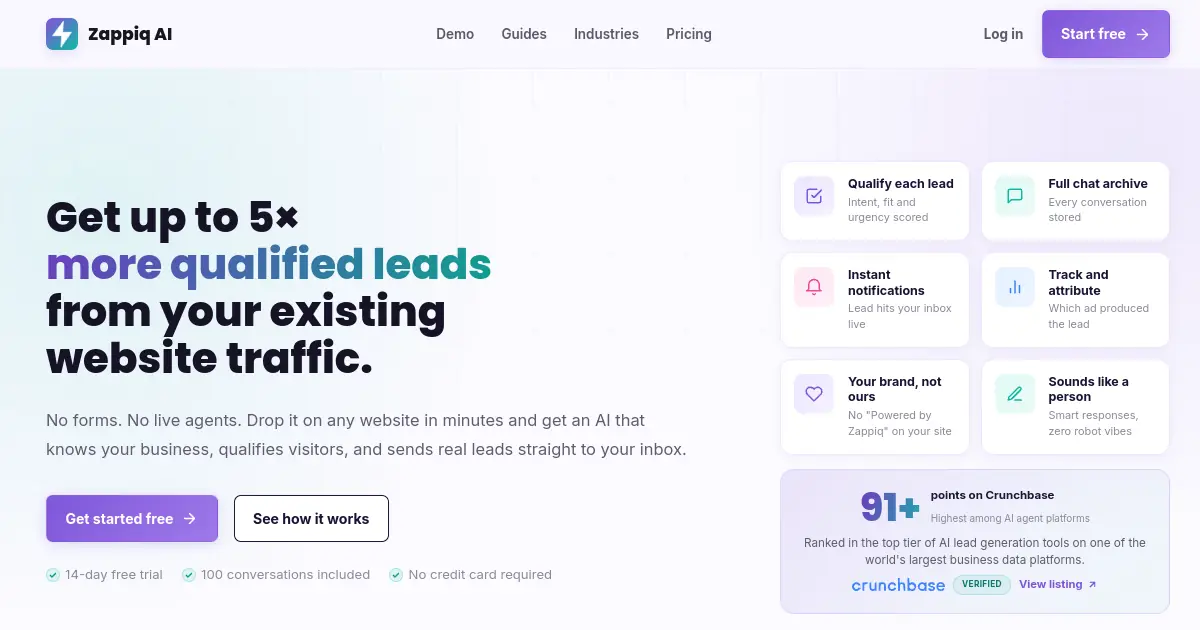
Where Typebot asks visitors to follow a scripted path, Zappiq AI holds a real conversation. The difference becomes clear the moment a visitor asks something that was not in your form flow. Typebot presents whatever step comes next in the sequence regardless of what the visitor just said. Zappiq reads the input and responds to it, because it was trained on your actual website content rather than executing a fixed script.
Setup does not require building anything. You create an account, point Zappiq at your website URL, and it reads your pages, services, pricing, and FAQ content and uses that to train the chatbot before you finish signing up. There are no flows to design, no conditional branches to map, and no scripts to write. A working chatbot is ready in under five minutes without any involvement from a developer at any point.
Lead qualification happens inside the conversation rather than at a form at the end. Zappiq figures out which visitors have genuine intent and collects their contact details naturally during the exchange rather than asking everyone to fill in a form regardless of whether they are ready. The moment a visitor qualifies, Zappiq sends an email notification with their name, contact details, what they are looking for, and the full conversation so you can follow up with actual context while the interest is still fresh.
Pricing is flat by conversation volume. LLM usage costs are absorbed into the plan price rather than passed through as a separate variable. A busy month with higher than normal traffic does not generate a surprise invoice. You know what you are paying before the month starts, which is a meaningful difference from tools that bill platform fees plus AI usage separately.
Ad attribution connects each captured lead back to the specific campaign, keyword, or referral channel that brought that visitor to your site. For any business running paid search or social campaigns, that closes the loop between advertising spend and actual qualified contacts rather than just tracking clicks and impressions. Typebot has no equivalent capability.
The widget runs on a single asynchronous script tag. It does not slow page load, does not affect Core Web Vitals, and installs on WordPress, Shopify, Webflow, Wix, Squarespace, and any site that accepts custom HTML. No branding appears on any plan, including the free trial. Agencies can white-label the entire platform for client deployments.
Webhook and CRM routing: Every captured lead can be sent automatically to your CRM, Slack, email inbox, or any other tool through Zapier, Make, or n8n webhooks. No custom integration work required.
Pros
- Genuine AI conversation, not a scripted form flow
- Auto-trains on your website with no configuration
- Zero developer involvement at any stage
- Flat pricing, LLM costs included in the plan
- Lead qualification built into the conversation
- Instant email alerts with full conversation history
- Ad attribution connects leads to their traffic source
- Asynchronous script, no page speed impact
- No branding on any plan
- White-label capable for agencies
Cons
- Not a visual flow builder for teams that want full path control
- No voice channel support
- No collaborative multi-editor workspace
- Newer platform, smaller community than Typebot
Why lead-focused teams choose Zappiq AI
Ad tracking: Connect each qualified enquiry to the campaign, keyword, or channel that generated it, so paid traffic can be measured against real leads.
Email lead delivery: Receive contact details, intent, source data, and the full conversation in your inbox as soon as the lead qualifies.
No branding: Keep the widget visually native to your website without a third-party badge or a separate white-label fee.
Automatic website training: Let Zappiq learn from your services, pricing, and FAQ pages instead of manually designing every question and branch.
Natural qualification: Ask useful follow-up questions and identify genuine fit before collecting contact information.
Simple installation: Add one script to WordPress, Shopify, Webflow, Wix, Squarespace, or a custom website without maintaining a form-style flow.
Pricing
Pricing: Start with a 14-day trial that includes 100 conversations. Starter is $9/month equivalent billed annually for 350 conversations; Growth is $39 monthly or $27/month equivalent billed annually for 1,500; Pro is $99 monthly or $69/month equivalent billed annually for 5,000, with no per-lead fees.
Best for: Service businesses, local businesses, dental clinics, real estate, HVAC, legal, remodeling, and any small or medium business where the website's main job is turning visitors into qualified leads, not just collecting form submissions.
2. SiteGPT: Best for Website-Trained FAQ and Support Bots
SiteGPT
sitegpt.ai | AI chatbot trained directly on website content, with flat pricing and automatic resyncing when your pages update
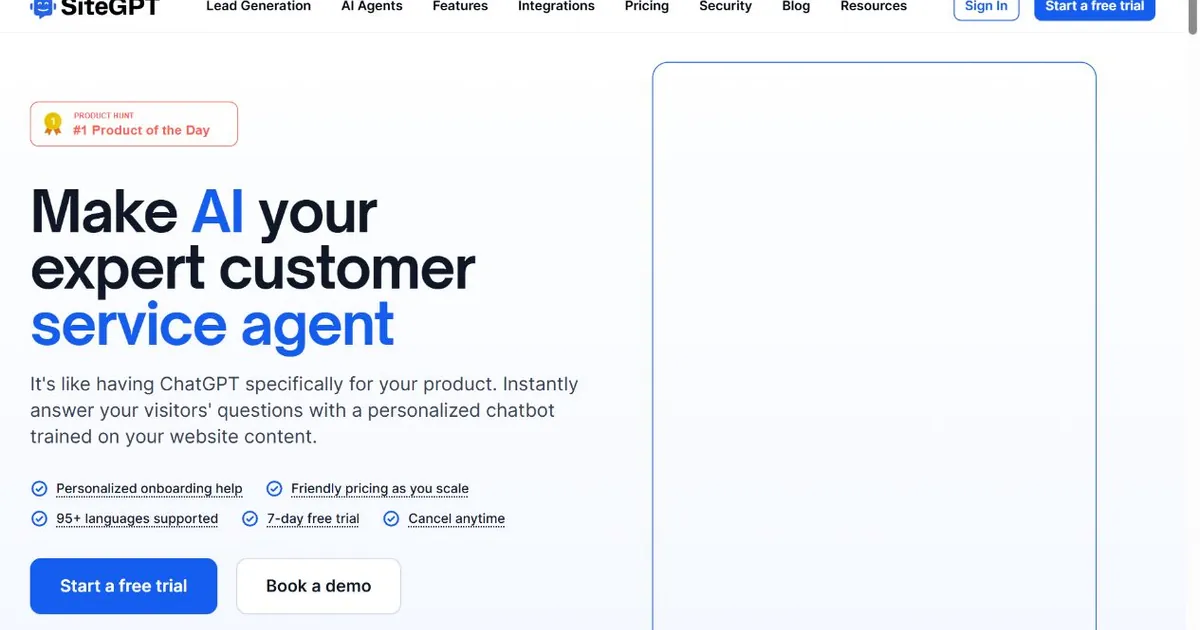
SiteGPT is the most direct no-code upgrade path for Typebot users who want real AI conversation without building anything. You paste in your website URL, SiteGPT reads your pages and trains on the content, and you get a working chatbot that can answer questions from your actual material in natural language. There are no flows to design, no branching logic to map out, and no scripts to write.
The automatic resyncing feature is the most practically useful thing SiteGPT does that Typebot cannot. When you update a page on your website, SiteGPT detects the change and retrains on the new content without any manual action. For businesses that update their services, pricing, team, or FAQ content on a regular basis, this removes a maintenance task that compounds quickly with a flow-based tool like Typebot. With Typebot, every content change potentially requires going back into the flow and updating branches. With SiteGPT, you update your website and the chatbot stays current automatically.
Flat pricing is a practical advantage over tools that add AI usage costs on top of the platform fee. SiteGPT's Starter plan is $39 per month covering 2,000 messages and 500 indexed pages. There are no separate charges for AI model usage. Growth is $79 per month. Predicting your monthly cost before the billing cycle ends is straightforward.
Human escalation is built in at all plan levels. When a visitor's question falls outside what the chatbot can address from your content, it hands the conversation to a live agent with the full exchange history attached. Typebot has no equivalent native live agent pathway.
The limitation compared to Zappiq AI is that SiteGPT is built around answering questions from content rather than qualifying leads and routing them into follow-up workflows. It does not include ad attribution, automated lead qualification scoring, or built-in CRM-style lead management. For FAQ and support deflection, it is excellent. For structured lead generation, Zappiq is a better fit.
Pros
- Real AI conversation trained on your website content
- Automatic resyncing when pages update
- Flat pricing from $39/mo, no AI usage add-ons
- Human handoff built in at standard plan levels
- Trains on URLs, PDFs, Notion pages, and help docs
- 14-day free trial, no credit card required
Cons
- No lead qualification workflows or ad attribution
- Widget customization options are limited
- Branding removal requires the Starter plan or above
- Not built for complex multi-step agent logic
Pricing
Best for: Non-technical teams replacing Typebot with a genuine AI chatbot for FAQ handling and support deflection, where the priority is accurate answers from existing website content rather than structured form completion.
3. Chatbase: Best for Getting a GPT-Powered Bot Live Quickly
Chatbase
chatbase.co | GPT-powered no-code chatbot builder trained from uploaded documents, URLs, and knowledge bases
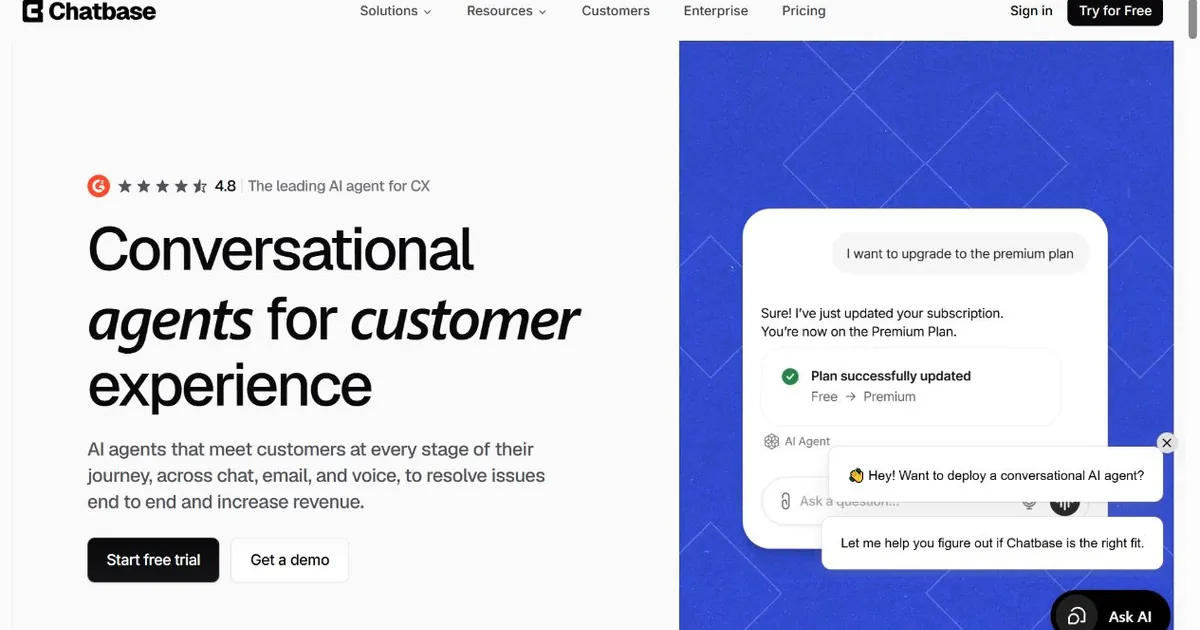
Chatbase is the fastest path to a working GPT-powered chatbot without writing any code. You upload documents, paste in a URL, or drop in text directly, and Chatbase trains on that material and produces a chatbot you can embed in under an hour. For a Typebot user who wants genuine AI responses and does not want to spend a day setting things up, Chatbase is a reasonable first stop.
The product is built around the simplest possible version of the problem: take a body of content, train a chatbot on it, and deploy. That simplicity is the strength and the limit. Chatbase handles well-structured FAQ content, product documentation, and help center articles cleanly. It handles ambiguous questions about complex service businesses, multi-variable lead qualification scenarios, and personalized follow-up routing less well.
Pricing starts at $19 per month for 2,000 monthly messages on the Hobby plan. The Starter plan at $49 per month increases the message limit and adds features like API access and higher character limits per chatbot. The credit-based structure means the chatbot stops responding when monthly credits run out, which is worth planning for before it happens to a live deployment. There is no mid-cycle top-up available on base plans.
Lead capture is available but is a secondary feature rather than a core workflow. The chatbot can collect contact details, but there is no built-in lead qualification logic, no scoring based on visitor responses, and no ad attribution connecting contacts back to their traffic source. For businesses where lead quality matters as much as lead volume, Chatbase captures contacts without telling you much about which ones are worth following up on first.
Credit limit behavior: When a Chatbase chatbot exhausts its monthly message credits, it stops responding to visitors immediately. There is no graceful fallback. If your site gets a spike in traffic near the end of a billing cycle, check your remaining credits before that traffic arrives.
Pros
- Fastest no-code setup of any tool in this list
- GPT-powered responses from uploaded documents and URLs
- Starts at $19/mo, lower entry price than most alternatives
- Connects to WhatsApp, Slack, and Messenger natively
- No developer involvement required
- Free tier available for testing
Cons
- Chatbot stops responding when monthly credits are depleted
- No native lead qualification workflows or ad attribution
- Widget customization is limited on lower-tier plans
- Not suitable for complex multi-step conversation logic
Pricing
Best for: Teams that need a GPT-powered chatbot from their existing documentation or website content as quickly as possible, without requiring developer support or spending significant time on setup.
Need a chatbot that qualifies visitors, not just collects their details?
Zappiq AI trains itself on your website, handles real AI conversation, and emails you every qualified lead with full context. No scripts to build. No flows to design. No developer.
Start Free Trial >No credit card | No developer needed | No branding on any plan
4. Botpress: Best for Developer Teams Needing Full Agent Control
Botpress
botpress.com | Visual AI agent builder for developer teams, with custom logic, LLM integration, and multi-channel deployment
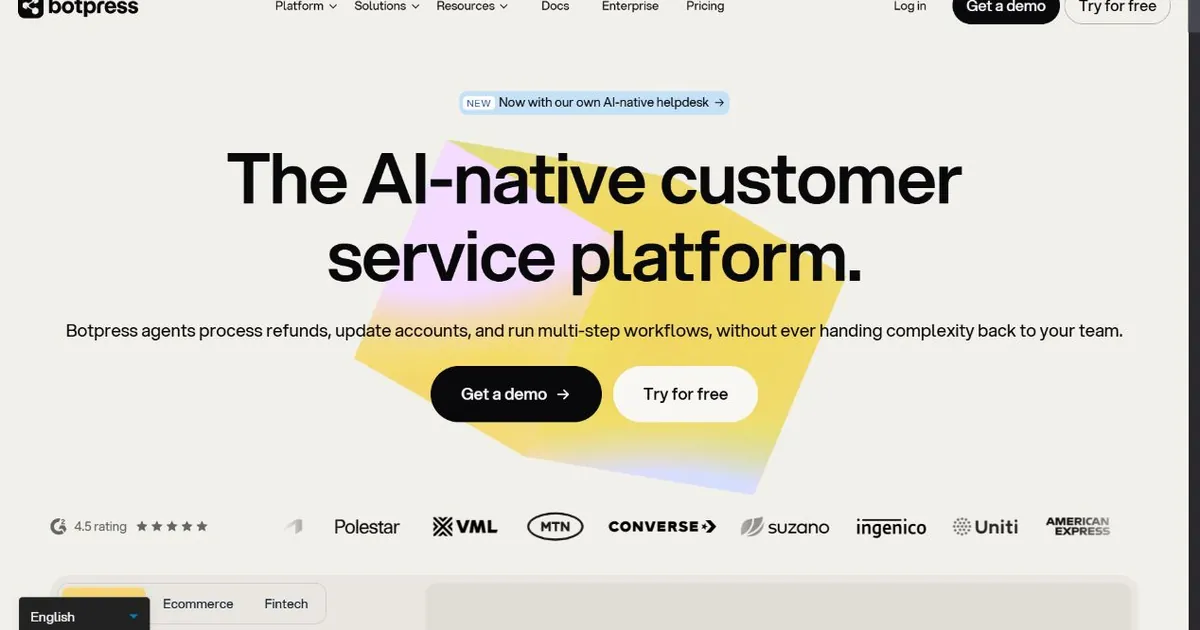
Botpress is what Typebot becomes when you add full developer control, custom JavaScript, LLM integration, multi-channel deployment, and a visual agent builder that can handle production-grade business logic. For teams with developer resources who found Typebot limiting on the complexity side, Botpress is the most capable upgrade in this list.
The visual flow editor handles more sophisticated conversation structures than Typebot's builder. The Autonomous Node lets an LLM decide dynamically how to handle inputs, which solves the core problem with Typebot's fixed-path approach. Knowledge base integration, multi-channel support across web, WhatsApp, Messenger, Slack, and voice, and a growing library of integrations give developer teams the raw material to build a wide range of AI agent behaviors.
The cost structure is different from Typebot in a way that matters for budget planning. The Plus plan is $89 per month before AI Spend is added. LLM usage is billed separately at provider rates on top of the platform fee. A small business running a production Botpress deployment typically pays between $170 and $400 per month all-in, not $89. Independent analyses have documented this gap consistently. Teams coming from Typebot's straightforward $39 or $89 cloud pricing should model the Botpress all-in cost before committing.
The bigger consideration for non-technical teams is that Botpress requires JavaScript for any real-world integration beyond simple flows. Policy updates, new service additions, and changes to business processes all typically require a developer to update the bot. If your team does not have that resource in-house, Botpress's capabilities stay out of reach and the platform becomes more expensive than its headline price without delivering more than Typebot did.
Pros
- Full visual agent builder with LLM and custom logic
- Autonomous Node for dynamic, non-scripted responses
- Multi-channel: web, WhatsApp, Messenger, Slack, voice
- Extensive integration library
- Free tier available for prototyping
- Strong open-source developer community
Cons
- Developer required for anything beyond basic flows
- LLM costs billed separately on top of platform fees
- Realistic all-in cost for SMBs: $170 to $400/mo or more
- Not suitable for non-technical solo operators
Pricing
Best for: Developer teams with technical resources who need a production-grade AI agent with custom business logic, integrations, and multi-channel deployment that Typebot cannot support.
5. Landbot: Best for Marketing Funnels with Native CRM Connections
Landbot
landbot.io | No-code conversational form builder with richer branching logic and native HubSpot and Salesforce integrations
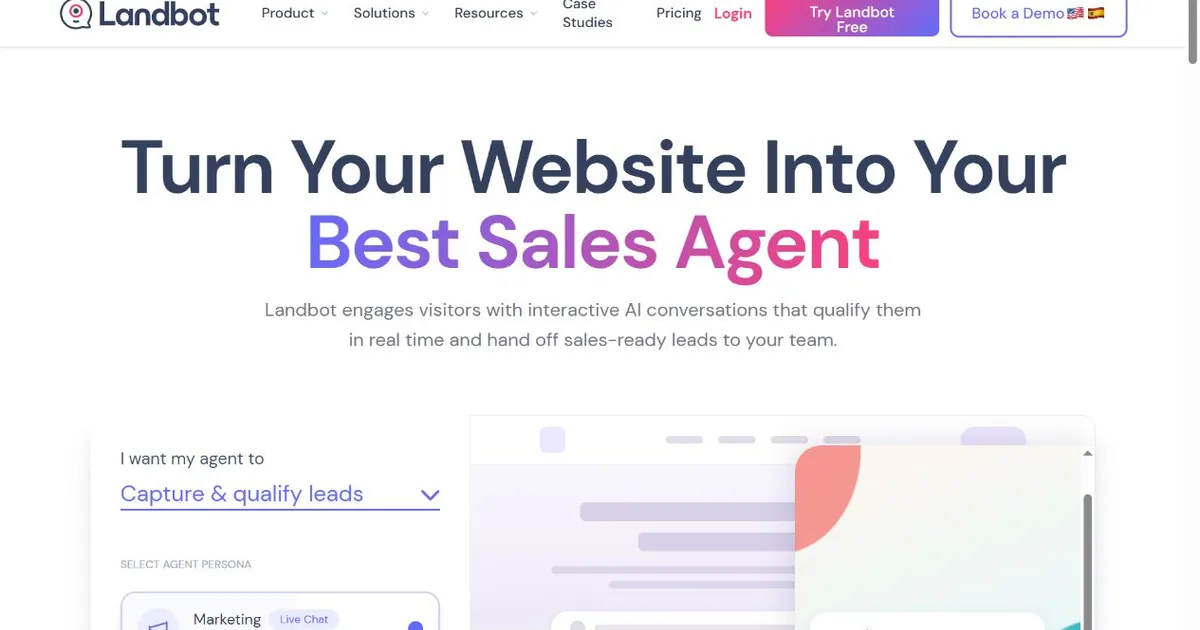
Landbot is the closest direct competitor to Typebot in this list. Both are visual builders for creating conversational form experiences, both require no developer involvement for standard use cases, and both can be embedded on landing pages and websites. The key differences are in the complexity of branching logic available, the depth of native CRM integrations, and the pricing.
Where Landbot moves beyond Typebot is in marketing workflow connections. Native HubSpot and Salesforce integrations without needing Zapier as an intermediary are a significant practical advantage for marketing teams that run lead generation campaigns into those systems. Typebot's CRM connections rely on webhook or Zapier routing. Landbot's direct native connections reduce setup friction and the number of tools in the chain that can break.
The branching logic in Landbot's builder is more sophisticated than Typebot's for complex multi-path flows. Conditional routing based on formula calculations, dynamic variable handling, and more granular control over how the conversation branches make it a better fit for teams that genuinely need complex form logic rather than a simple linear intake flow.
The limitation shared with Typebot is that Landbot is still a conversational form tool at its core, not a genuine AI chatbot. Free-form natural language questions that fall outside your designed paths still leave visitors without a useful response unless you have attached a GPT integration to specific steps. For the same structured path limitation that causes Typebot users to look elsewhere, Landbot has the same ceiling, just with more room to build before you hit it.
Pricing starts at $40 per month for the Starter plan. The Business plan at $160 per month is where HubSpot integration becomes available. Teams switching from Typebot's $39 cloud plan to Landbot for CRM connectivity are looking at a significant price jump for that specific feature.
Pros
- More sophisticated branching logic than Typebot
- Native HubSpot and Salesforce integrations
- No developer required for standard marketing flows
- Strong landing page and campaign deployment options
- WhatsApp and multi-channel support
- Active template library for common use cases
Cons
- Still a conversational form builder, not a free-form AI chatbot
- HubSpot integration requires Business plan at $160/mo
- Much more expensive than Typebot for comparable features
- No built-in ad attribution or lead qualification AI
Pricing
Best for: Marketing teams that need richer conversational form logic and direct HubSpot or Salesforce integration than Typebot provides, and are willing to pay a higher price for those native CRM connections.
6. Voiceflow: Best for Product Teams Building Across Chat and Voice
Voiceflow
voiceflow.com | Collaborative AI agent design platform supporting both chat and voice channels, used by product and UX teams
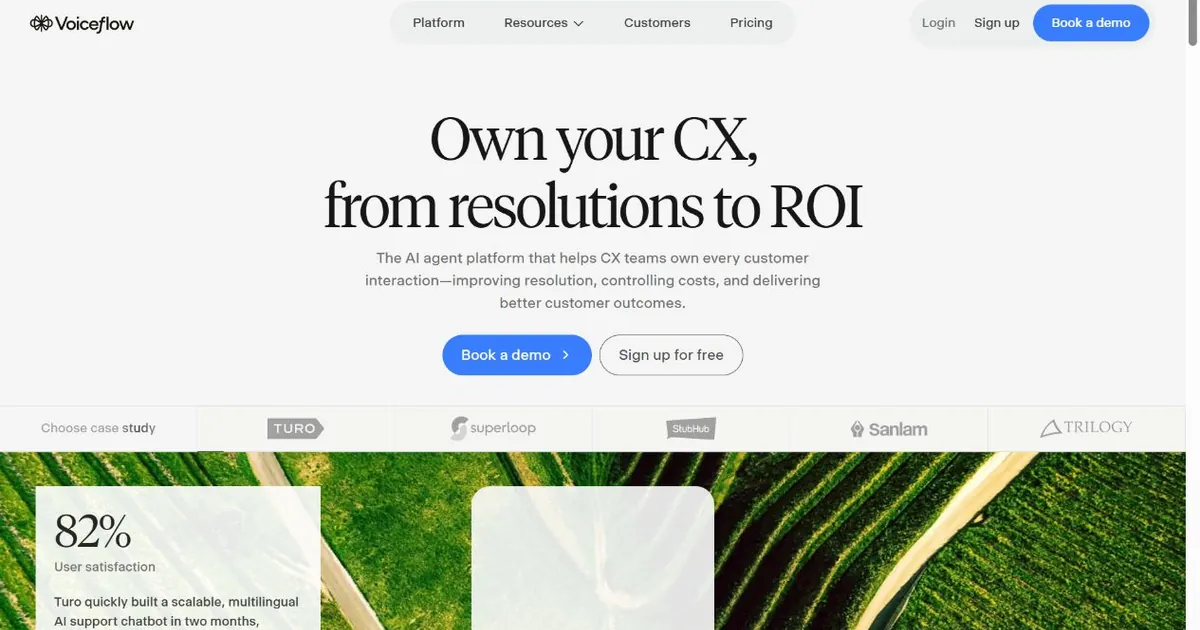
Voiceflow is a different category of tool from Typebot. Where Typebot is a form builder with a chat interface, Voiceflow is a full conversation design platform used by product managers, UX designers, and conversation specialists to prototype and deploy AI agents across text and voice channels. The comparison is worth understanding clearly before evaluating it as a Typebot replacement.
The case for Voiceflow over Typebot rests on two things. The first is real AI integration. Voiceflow connects natively to GPT, Claude, Gemini, and other LLMs and lets you design when and how the AI responds versus when the conversation follows a predefined path. The result is an agent that can handle free-form input intelligently rather than requiring every path to be scripted in advance. The second is voice. Voiceflow's telephony integration and voice-optimized conversation design are unmatched in this category at non-enterprise pricing. If voice is a current or future channel requirement, no other tool in this list handles it as well.
The collaboration layer is a genuine advantage for teams larger than one. Multiple editors can work on the same agent simultaneously, with version history, commenting, and shared component libraries. Typebot does not offer comparable multi-editor workflow support.
The billing model requires careful review before committing. Voiceflow now charges per seat plus usage credits. Each additional editor costs $50 per month beyond the base plan. A team of four people running a moderately active agent can reach $350 to $450 per month in practice, well above the headline tier pricing. When monthly credits run out, the agent stops responding without warning or fallback. Voice agents consume credits at a higher rate than chat, so teams deploying voice need to model usage more carefully than the pricing page suggests.
Pros
- Genuine AI conversation, not scripted form paths
- Best voice and telephony support in this comparison
- Multi-LLM: GPT, Claude, Gemini supported natively
- Collaborative design tools for product and UX teams
- Knowledge base supports up to 3,000 sources
- Free tier available for prototyping and evaluation
Cons
- Agent stops immediately when monthly credits are exhausted
- $50/mo per additional editor seat increases real team costs fast
- Voice channel billed separately via Twilio or Vonage
- Too complex for non-technical solo operators
- Enterprise features require custom contract pricing
Pricing
Best for: Product and UX teams building AI agents that need to work across chat and voice channels, with collaborative design tools and multi-LLM flexibility that Typebot cannot offer.
7. Tidio: Best for Ecommerce with AI Chat and Live Agent Handoff
Tidio
tidio.com | AI chatbot and live agent inbox in one product, with native Shopify and WooCommerce integration and no developer setup
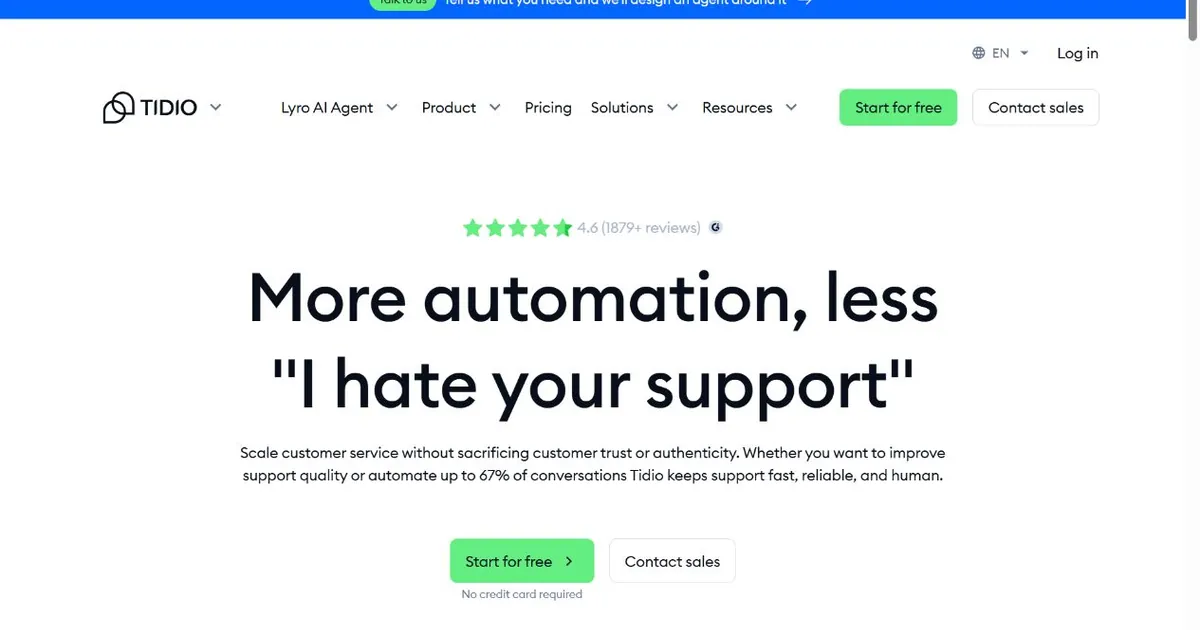
Typebot has no native live agent handoff. When a visitor's needs exceed what the conversational form can handle, there is no built-in path to a human. For ecommerce businesses where customer questions often require real-time human judgment, that is a meaningful gap. Tidio exists to close it, combining an AI chatbot with a live agent inbox as the core product experience rather than as an afterthought add-on.
The Shopify integration is Tidio's most useful differentiator for businesses on that platform. Order status lookups, cart recovery flows, product recommendations tied to browsing history, and refund status responses are all handled natively from within the Tidio interface without requiring custom development. A Shopify store switching from Typebot because it found the form-based approach insufficient gets those ecommerce-specific behaviors in the new platform with no additional configuration.
Real AI conversation is handled by Lyro, Tidio's AI engine. Lyro can answer questions from your content in natural language and escalate to a live agent when it encounters something outside its training. The combination of automated handling for common questions and human availability for complex ones covers a wider range of customer scenarios than Typebot can address.
Pricing requires careful reading. Lyro AI is sold as a paid add-on rather than included in the base plan below the Tidio+ tier. A business on the Growth plan at $59 per month adding 200 Lyro conversations at $78 per month is spending $137 per month, not $59. There is also a notable gap between the Growth plan covering 250 conversations per month and the next available level at $749 per month with nothing in between. For a business that grows steadily, that pricing cliff arrives without warning and demands a decision.
Pros
- AI chatbot and live agent inbox as a combined product
- Native Shopify and WooCommerce integration
- Ecommerce-specific templates built in
- No developer required for setup
- Free plan available for small volume testing
- Lyro AI handles natural language questions, not just scripted paths
Cons
- Lyro AI is a paid add-on, not included in base plans
- $59/mo Growth to $749/mo Tidio+ gap with nothing in between
- Not built for service business lead qualification workflows
- No ad attribution or traffic source tracking
Pricing
Best for: Ecommerce businesses and Shopify stores that need real AI conversation plus live agent handoff in one no-code platform, with native store data integration that Typebot cannot provide.
How to Choose the Right Typebot Alternative
The single most important question: Do you need a chatbot that follows a script you design, or one that reads your content and responds to whatever visitors actually ask?
That question splits the field cleanly. Typebot, Landbot, and parts of Voiceflow are still path-based tools at their core, where you design the conversation in advance. Zappiq AI, SiteGPT, Chatbase, and Tidio's Lyro AI respond to free-form input from trained content rather than executing a script.
If you are a non-technical operator and your primary goal is capturing and qualifying leads from website visitors, Zappiq AI is the most direct path from where Typebot leaves off. It requires no setup beyond a URL, handles real AI conversation out of the box, qualifies visitors during the exchange rather than at a form afterward, and connects each lead back to the traffic source that brought them in. SiteGPT covers the same non-technical setup requirement but is optimized for FAQ and support deflection rather than lead qualification. Chatbase gets you a working bot fastest if speed is the priority and your use case is answering questions from content you can upload.
If you have developer resources and need custom logic, multi-channel deployment, or complex integrations that no-code tools cannot support, Botpress is the most capable option in this list. Budget for the full all-in cost before committing, because the platform fee and LLM usage together produce a different number than the headline plan price.
For marketing teams that need better CRM connectivity than Typebot provides and are willing to pay for it, Landbot's native HubSpot and Salesforce integrations make the price jump from Typebot's $39 cloud plan justifiable. For ecommerce, Tidio combines what Typebot lacks most: real AI conversation plus live agent escalation in a single product with native Shopify data access. For product teams building voice-capable agents collaboratively, Voiceflow is the only tool in this list with the voice channel depth to support that requirement.
Before you migrate: Export any form logic, question sequences, and collected data from Typebot before you close the account. Most alternatives in this list can ingest your content and FAQ material directly. Running both tools in parallel for two weeks before cutting over gives you time to verify the new chatbot handles your common visitor questions before it goes live as your only option.
Frequently Asked Questions
Zappiq AI is the best Typebot alternative for service business websites focused on lead generation. It trains itself on your website content, handles genuine AI conversation rather than scripted form paths, qualifies visitors during the exchange, and sends email alerts with full conversation context the moment a lead is captured. No developer involvement required at any stage, and no separate AI usage billing on top of the plan fee.
The main reason is that Typebot is a conversational form builder, not a real AI chatbot. Visitors follow paths you design in advance. Anything outside the scripted flow produces no useful response. Businesses that want a chatbot capable of handling unpredictable visitor questions in natural language need a tool trained on their content rather than one executing a fixed sequence. The second reason is maintenance: every change to your services or pricing requires manual updates to the flow, whereas AI chatbots trained on your website update when you update your site.
Zappiq AI offers a 14-day trial with 100 conversations, but not a permanent free plan. Chatbase has a free tier. Botpress has a free plan. SiteGPT offers a 14-day trial. Typebot itself is free to self-host if you have server infrastructure available. Zappiq AI, Chatbase, SiteGPT, and Botpress require no server setup to try. Typebot's self-hosted option requires deployment knowledge and ongoing infrastructure maintenance.
Not natively. Typebot is a visual builder that presents form questions in a chat-style interface. You can attach an OpenAI block to specific steps to generate AI responses at certain points in the flow, but this requires a separate OpenAI API account, key management, and configuration. For genuine free-form AI conversation where the chatbot responds to whatever a visitor types rather than advancing a predefined sequence, Zappiq AI, SiteGPT, or Chatbase are better fits with no additional configuration required.
Typebot's main gaps compared to AI chatbot alternatives are: no built-in natural language understanding, no lead qualification logic, no ad attribution or traffic source tracking, no automatic content resyncing when your website updates, and no native live agent handoff. It also has no voice channel support. These gaps are structural to what the tool is built to do. Adding them requires bolt-on integrations and technical configuration that most Typebot users are not positioned to manage.
The Bottom Line
Typebot is a well-executed tool for a specific job: turning structured data collection into a more engaging conversation experience. If that is your actual goal, it does it well, particularly on the self-hosted free tier for teams with server access. The open-source community is active, the UI is clean, and the basic functionality works without requiring technical expertise.
The businesses looking for a Typebot alternative typically fall into two groups. The first wanted an AI chatbot and got a conversational form instead. They discovered that visitors who ask questions outside the script get no useful response, and that every change to their services or pricing means manually updating the flow. The second group found the right tool but wants more: better CRM connections, live agent escalation, voice support, or deeper lead qualification than form fields provide.
For the first group, the move to a genuinely trained AI chatbot is the priority. Zappiq AI covers that gap directly without requiring technical resources or adding AI usage costs on top of the plan price. It reads your website, handles real conversation, qualifies visitors automatically, and routes each captured lead back to its traffic source. SiteGPT and Chatbase serve similar needs for teams focused on FAQ and support rather than lead generation.
For the second group, the right tool depends on what is missing. Landbot adds CRM connections and richer form logic. Tidio adds live agent handoff for ecommerce. Voiceflow adds voice channels and collaborative design. Botpress adds full developer-grade agent control for teams with technical resources to use it.
The free trial for Zappiq AI is at zappiqai.com. No credit card, no developer, no branding on the widget regardless of plan tier.
Try the Typebot alternative that actually qualifies your leads
Zappiq AI is live in under five minutes. Trains on your website, holds real AI conversations, and sends qualified leads to your inbox with full context. No scripts to build, no flows to maintain.
Start Free Trial >No credit card | No developer needed | No branding on any plan
References
- Typebot Documentation. "Self-hosting Typebot." docs.typebot.io.
- SiteGPT. "Typebot Alternatives for AI Chat in 2026." sitegpt.ai.
- Chatbase. "Typebot vs Chatbase: Which chatbot builder is right for you?" chatbase.co.
- Landbot. "Typebot Alternatives and Competitors 2026." landbot.io.
- G2. "Typebot Alternatives and Competitors Reviews 2026." g2.com.
- Voiceflow. "Building AI agents beyond conversational forms." voiceflow.com.
- Tidio. "Best Typebot Alternatives for Ecommerce and Customer Support 2026." tidio.com.

Ansar Ali
Ansar Ali is the founder of Zappiq AI, a lead-capture platform built for small businesses that cannot afford to lose high-intent website visitors. He writes from hands-on experience building chatbot flows, attribution systems, and lead qualification workflows for service businesses, focusing on practical details that turn website conversations into qualified enquiries without developer involvement.