
Quick Summary
- Zappiq AI is the best HubSpot chatbot alternative for small business websites that want a real AI conversation instead of a scripted decision tree, with lead qualification and flat pricing included from the first day.
- Crisp is the best flat, workspace-priced inbox for teams that want live chat and a basic AI chatbot bundled together instead of gated behind a Professional-tier CRM upgrade.
- Tidio fits ecommerce and Shopify stores that want live chat plus an AI layer without adopting a full CRM platform.
- tawk.to is the honest answer for anyone who needs live chat running today and has no budget for it at all.
- Zendesk suits teams that have outgrown a CRM-attached chat widget and need a dedicated support suite with routing, SLAs, and ticketing.
- Chatbase is the best pick for anyone who wants an AI agent trained directly on their own content, deployable without touching their CRM.
- LiveChat works well for support teams that want a mature, dedicated live chat tool with a separate automation add-on when they are ready for it.
Why Businesses Look Past HubSpot's Chatbot
HubSpot's chatbot builder, called Chatflows, is one of the more generous free tools in the CRM space. It comes bundled with HubSpot's free CRM, ties every conversation to a contact record automatically, and lets you build a working chat widget in an afternoon without writing any code. For a huge number of businesses, that combination is genuinely enough to get started, and there is no real reason to look elsewhere at the free tier alone.
The catch shows up the moment a visitor asks something the bot was not scripted to expect. Chatflows is rule based. It walks a visitor down a decision tree you built in advance, with each branch leading to a predefined next step. It does not understand intent, does not read the actual words a customer typed, and cannot answer a question that falls outside the paths you drew. For straightforward lead capture and appointment booking, that limitation rarely matters. For anything resembling a real conversation, it does.
Getting past that limitation is where the cost curve turns sharply upward. Natural language understanding and HubSpot's AI layer, called Breeze Customer Agent, are not available on the free tier or on Starter. They require Service Hub Professional, priced around 90 dollars per seat per month, and Professional also carries a one-time onboarding fee of roughly 1,500 dollars that most pricing pages mention only in the fine print. Enterprise runs closer to 150 dollars per seat with a ten-seat minimum, which puts a genuinely small business well outside the intended buyer for that tier entirely.
What "free" actually includes: HubSpot's free chatbot ships with HubSpot branding on the widget, no knowledge base for self-serve answers (that arrives at Professional too), and rule-based logic only. Removing the branding, adding a knowledge base, and unlocking real AI all point to the same upgrade.
What a 5-Seat Team Pays to Get an Actual AI Chatbot Working
Even after that upgrade, Breeze usage draws down HubSpot Credits on top of the seat price, so the AI itself is metered separately once you finally have access to it. That is a lot of budget and process to work through before a chatbot can do something as simple as understand a customer asking the same question in slightly different words.
The other limitation worth naming directly is the knowledge base. HubSpot only unlocks a self-serve knowledge base at Professional and above, which means a business on the free or Starter tier cannot let its chatbot search a help center for answers at all. Every question either matches a pre-built branch or gets escalated to a human, regardless of how well documented the answer already is elsewhere.
None of this makes HubSpot's chatbot a bad free tool. It makes it a specific kind of free tool: genuinely useful for lead routing and appointment booking tied to your CRM, and genuinely expensive the moment you need it to actually understand a customer. Businesses that just want a chatbot that answers real questions from day one, without restructuring their CRM budget to get there, are usually better served starting somewhere else.
Quick Comparison: 7 HubSpot Chatbot Alternatives
| Tool | Starting Price | Real AI Included? | Free Plan | Setup Time | Best For |
|---|---|---|---|---|---|
| Zappiq AI | Starter: $9/mo annual equivalent, 350 conversations | Yes, from the first plan | 14-day trial with 100 conversations | Under 5 min | SMB lead generation |
| Crisp | $45/mo (Mini) | Yes, AI credits bundled in | Yes, 2 seats | 15 to 30 min | Flat-rate live chat and inbox |
| Tidio | From $24.17/mo annual | Yes, Lyro AI add-on | Yes, 50 chats/mo | 30 to 60 min | Ecommerce and Shopify chat |
| tawk.to | Free | No, manual chat only | Yes, unlimited | Under 15 min | Zero-budget website chat |
| Zendesk | $55/agent/mo (Suite Team) | Yes, billed per resolution | No, trial only | Hours | Dedicated support suite |
| Chatbase | Free / $32/mo annual | Yes, trained on your content | Yes, 50 credits/mo | 15 to 30 min | AI agent trained on your data |
| LiveChat | $19–79/agent/mo annual | ChatBot: $52/mo | No, trial only | 15 to 30 min | Dedicated live chat teams |
Billing snapshot: Zappiq AI, Crisp, and Chatbase include AI at or near the entry price. Zendesk and LiveChat both treat AI as a separate line item on top of seat costs, similar in spirit to HubSpot's own Breeze upgrade path.
1. Zappiq AI: Best for Lead Generation on SMB Websites
Zappiq AI
zappiqai.com | AI lead generation chatbot built for small and medium business websites, no developer required
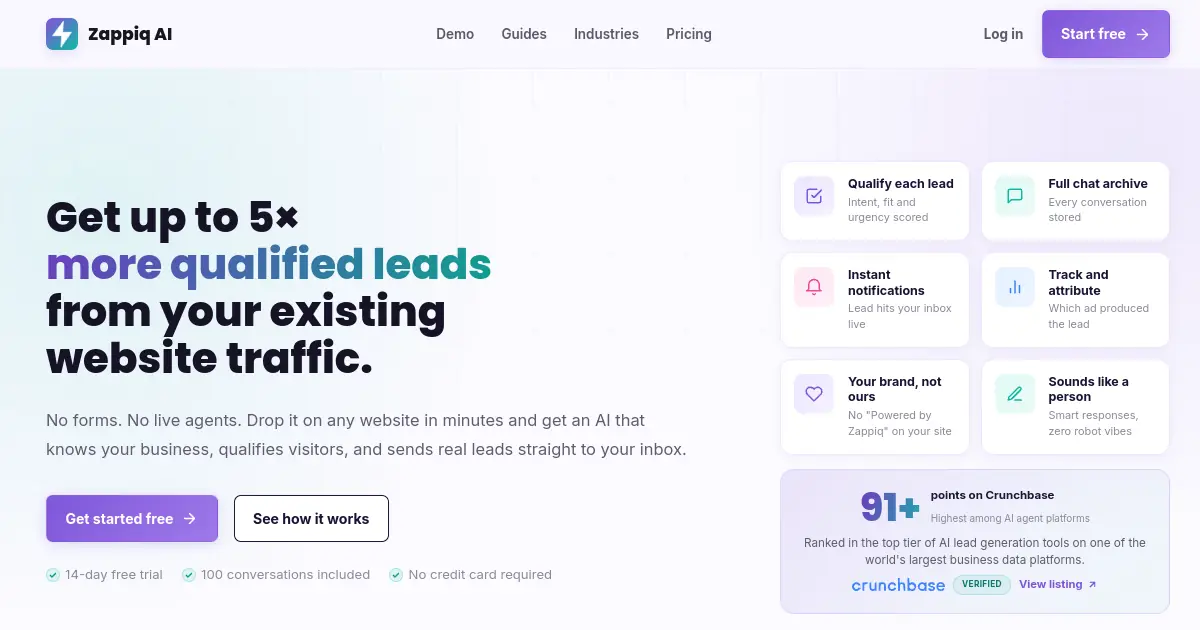
The core difference between HubSpot's chatbot and Zappiq comes down to one design decision made on day one. HubSpot built Chatflows as a CRM feature, free because it drives adoption of the CRM around it, with AI arriving later as a paid upgrade for the tier of customer who already needs Professional for other reasons. Zappiq was built the other way around: AI conversation is the entire product, not an upgrade path, so it is there from the very first plan.
That shows up immediately in setup. There is no decision tree to draw, no branch logic to test, and no CRM to configure around it. Zappiq reads your website the moment you sign up and trains the chatbot on your services, pricing, and common questions automatically, so it is capable of answering an unscripted question the same day you install it, not after an eventual upgrade.
Lead qualification is built into the core product rather than bolted on through a separate flow. The chatbot asks about intent, timeline, and fit before it ever collects a name or phone number, and the moment a visitor clears that bar, Zappiq emails you the lead along with the full conversation transcript.
Pricing stays flat and tied to conversation volume, not seats and not a credit meter running behind the scenes. There is no $1,500 onboarding process, no ten-seat minimum, and no separate line item to unlock the AI you actually came for.
Ad attribution closes a gap HubSpot's free and Starter tiers do not really address for a marketing-first small business. Zappiq ties each captured lead back to the campaign, keyword, or channel that brought the visitor to your site, which matters if any real share of traffic comes from paid ads.
Webhook routing: Zappiq connects to Zapier, Make, and n8n, so a captured lead can still land in HubSpot, or any other CRM, without needing HubSpot's own chatbot to be the thing generating it.
Pros
- Real AI conversation from the first plan, no upgrade needed
- No developer, admin, or CRM setup required
- Trains itself on your website from day one
- Flat pricing, no seats, no credit meter, no onboarding fee
- Lead qualification built in, nothing to configure
- Instant email alerts with full transcript
- No branding on any plan
Cons
- Not a full CRM, no deal pipeline or contact database
- No shared team inbox for multi-agent support queues
- No voice channel
- Younger platform, smaller community than HubSpot
Why lead-focused teams choose Zappiq AI
Ad tracking: Connect each qualified enquiry to the campaign, keyword, or channel that brought the visitor in, without building a separate CRM attribution workflow first.
Email lead delivery: Receive the visitor's contact details, intent, source data, and conversation context in your inbox while the opportunity is still warm.
No branding: Keep the chatbot visually native to your website without a third-party badge or extra white-label upgrade.
Automatic website training: Start from the pages you already maintain instead of creating a separate HubSpot knowledge-base structure.
Natural qualification: Let the AI ask useful follow-up questions and identify fit before requesting contact information.
Simple installation: Add one script to WordPress, Shopify, Webflow, Wix, Squarespace, or a custom website without restructuring your CRM.
Pricing
Pricing: Start with a 14-day trial that includes 100 conversations. Starter is $9/month equivalent billed annually for 350 conversations; Growth is $39 monthly or $27/month equivalent annually for 1,500; Pro is $99 monthly or $69/month equivalent annually for 5,000, with no per-lead fees.
Best for: Small and medium business websites where the goal is turning visitors into qualified enquiries with a chatbot that actually understands them, without restructuring a CRM budget to get there. Service businesses, agencies, real estate, dental, legal, home services, and anyone running paid traffic.
crisp">2. Crisp: Best Flat-Rate Omnichannel Inbox
Crisp
crisp.chat | Live chat, shared inbox, and AI chatbot billed per workspace instead of per agent
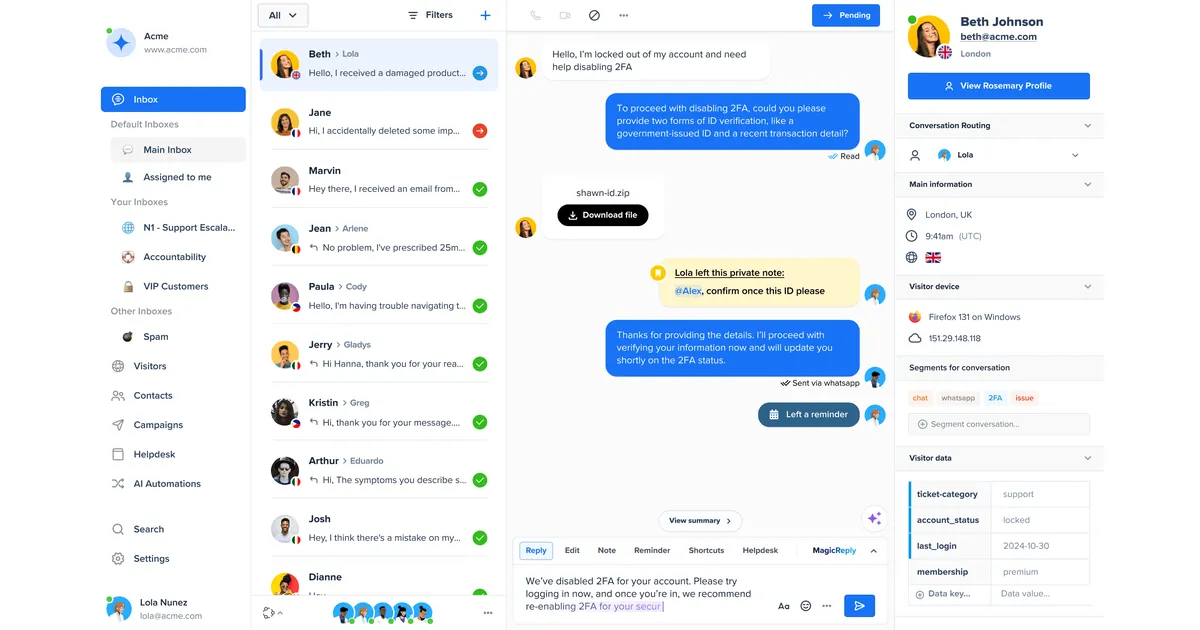
Crisp solves the same gap HubSpot leaves open, an AI layer that is actually included rather than gated behind a $1,500 onboarding process, but does it through workspace pricing rather than a CRM upgrade path. Every paid tier folds in a pool of AI credits for Crisp's chatbot, called Hugo, so a small team gets a working AI assistant without needing to justify a Professional-tier seat cost first.
The free plan covers two seats with unlimited live chat, genuinely usable for a very small operation. Mini runs about 45 dollars a month, Essentials about 95 dollars, and Plus about 295 dollars for larger teams that want unlimited AI automation rather than a capped daily allowance.
The one limitation worth knowing upfront is that Hugo is metered on the lower tiers, roughly fifty AI actions a day on Essentials, which is enough for a small site and tight for anything with real volume. Getting past that cap means moving to Plus, a real jump from Essentials but still well under what HubSpot's Professional-plus-onboarding path tends to cost at comparable usage.
Crisp also bundles a knowledge base, co-browsing, and native WhatsApp, Instagram, and Messenger channels starting at Essentials, all of which sit behind HubSpot's own Professional tier if you wanted the equivalent there.
Pros
- Workspace pricing, not billed per agent
- AI credits bundled into every paid tier
- Genuinely usable free plan with two seats
- Knowledge base included well below HubSpot's Professional tier
- Native WhatsApp, Instagram, and Messenger channels
Cons
- AI actions capped on lower tiers, around 50/day on Essentials
- Unlimited AI only available on the $295/mo Plus plan
- No native CRM or deal pipeline
- No lead qualification logic built specifically for SMB lead gen
Pricing
Best for: Teams that want live chat, a shared inbox, and AI bundled into one predictable workspace bill, without HubSpot's seat-plus-onboarding path to get there.
tidio">3. Tidio: Best for Ecommerce and Shopify Chat
Tidio
tidio.com | Live chat and AI chatbot platform with native Shopify and ecommerce integrations
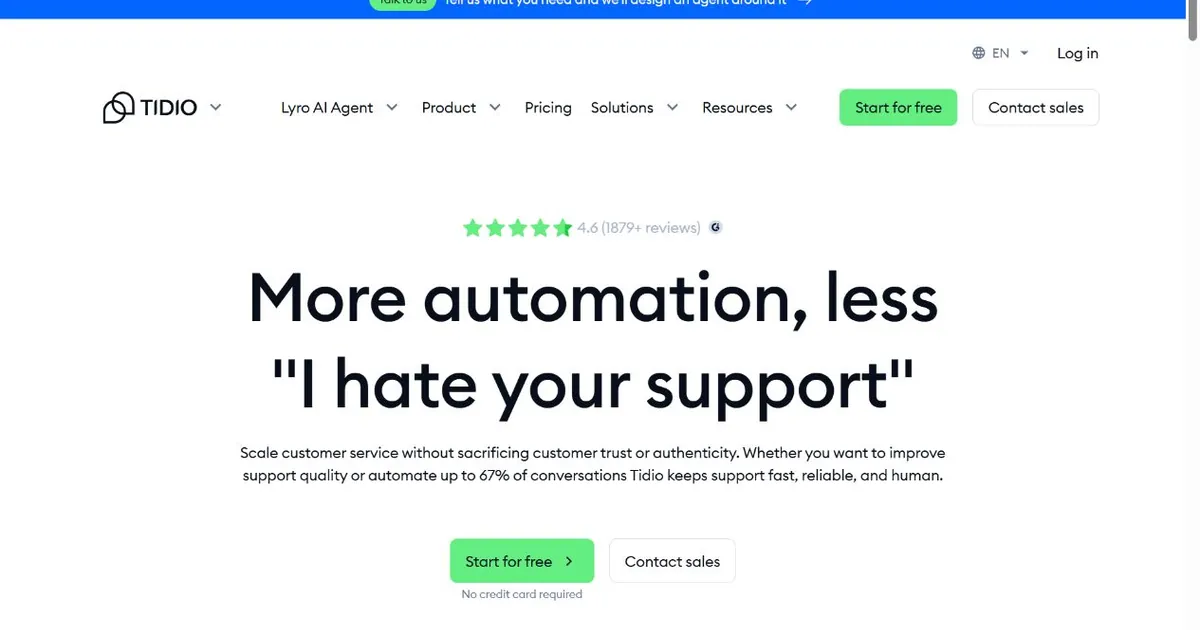
HubSpot's chatbot is built around a CRM contact record. Tidio is built around a storefront. Order status lookups, cart recovery flows, and product recommendation widgets connect to native Shopify integrations rather than requiring custom logic assembled inside a general-purpose flow builder, which matters for a store owner without a developer on staff.
The plan structure runs from a genuinely usable free tier, fifty conversations a month with three seats, through Starter from $24.17 a month billed annually and Growth from $49.17 with five seats. Tidio's AI chatbot, Lyro, includes 50 conversations on the free plan; standalone Lyro pricing starts at $32.50 a month for 50 AI conversations, with higher tiers and usage priced separately.
That structure, AI as an add-on rather than a bundled feature, mirrors HubSpot's own Breeze-on-top-of-seats approach in spirit, though the dollar amounts involved are considerably smaller and there is no onboarding fee or CRM tier requirement attached to it.
For a store owner whose main concern is order-status automation and cart recovery rather than CRM-native lead routing, Tidio's ecommerce focus closes gaps HubSpot's general-purpose chatbot was never built to address.
Pros
- Native Shopify and ecommerce integrations
- Free plan covers 50 conversations with 3 seats
- Visual flow builder for cart recovery and FAQs
- Lyro AI trains on your store's product catalog
- No onboarding fee or CRM tier requirement
Cons
- Lyro AI is a separate paid add-on, not included
- Plus starts at $300/mo plus usage
- 10-seat cap on self-serve plans
- No native CRM or deal pipeline
Pricing
Best for: Shopify and ecommerce stores that want live chat built around store data and order status, rather than a chatbot designed primarily around CRM contact records.
Want a chatbot that understands real questions today, not after an upgrade?
Zappiq AI trains itself on your website, qualifies visitors automatically, and emails you every lead. Real AI included from the first plan, no Professional-tier detour required.
Start Free Trial >No credit card | No developer needed | No branding on any plan
4. tawk.to: Best Free Option
tawk.to
tawk.to | Fully free live chat with unlimited agents, no conversation caps, and no seat billing
HubSpot's free chatbot is free with an asterisk, since branding removal and any real capability upgrade eventually points back to a paid Service Hub tier. tawk.to has no asterisk. Unlimited agents, unlimited chat history, and unlimited conversations have stayed genuinely free for years, funded through an optional hire-a-live-agent service rather than a subscription tier.
For a business that just wants a chat widget on its site and a reliable way to know when a visitor reaches out, tawk.to covers that job completely at zero monthly cost, with none of the eventual upgrade pressure that comes bundled into HubSpot's free chatbot.
The honest limitation is that tawk.to is manual live chat, not an AI platform. There is no natural language understanding, no automated lead qualification, and no knowledge base trained on your content. Every conversation needs a human on the other end, which is a real constraint for anyone hoping to automate first-line responses and a non-issue for a small team that just wants a free widget watched during business hours.
If the branded widget is a concern, tawk.to's Whitelabel add-on costs $29 a month; AI Assist is a separate $29 a month option.
Pros
- Completely free, unlimited agents and chats
- No seat cap, no conversation cap, no eventual upgrade pressure
- Simple to install on any website in minutes
- Whitelabel is a $29/mo add-on
Cons
- No AI agent, purely manual live chat
- No automated lead qualification or website training
- Requires a human watching the widget to be useful
- No CRM, no contact-level history beyond basic chat logs
Pricing
Best for: Businesses with genuinely no budget for chat software who just need a widget and a human answering it, with no interest in an eventual AI upgrade path.
zendesk">5. Zendesk: Best Dedicated Support Suite
Zendesk
zendesk.com | Dedicated customer service suite with ticketing, live chat, and outcome-based AI agents
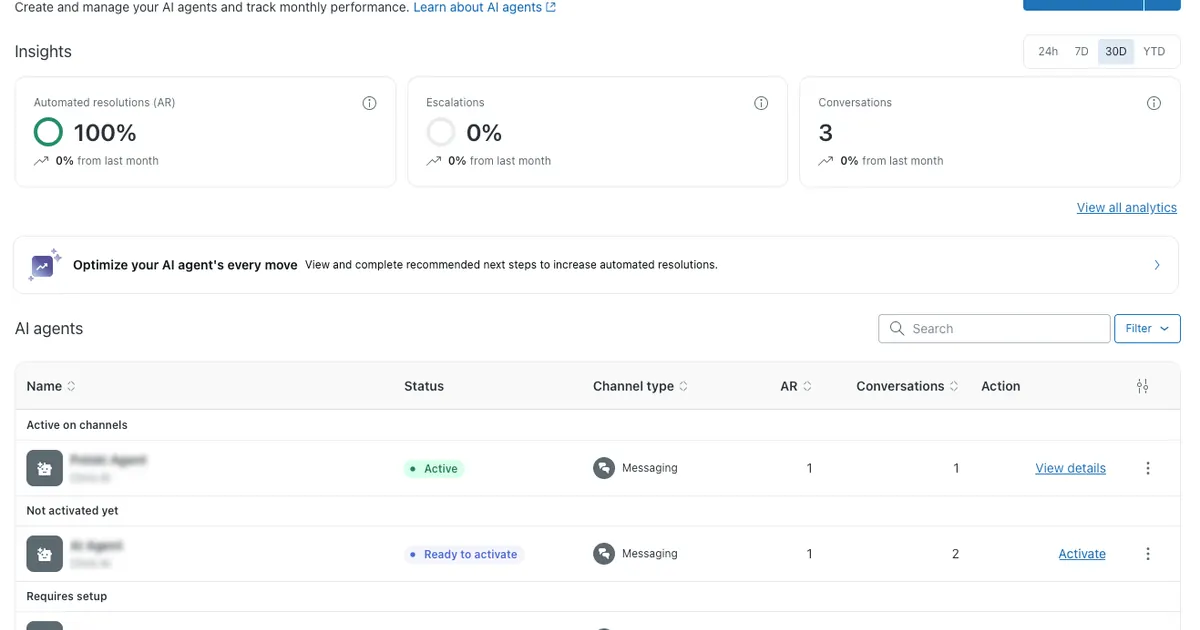
Where HubSpot's chatbot exists as one feature inside a much larger CRM, Zendesk is built the opposite way: support is the entire product, and the chatbot is one piece of a suite that includes ticketing, SLA management, and detailed routing rules from the ground up. For a team that has genuinely outgrown a CRM-attached widget, that focus shows.
Suite Team starts around 55 dollars per agent per month and includes a visual bot builder with scripted flows, similar in spirit to HubSpot's free Chatflows but with deeper routing behind it. Suite Professional is $115 per agent per month billed annually, while Enterprise uses custom pricing and packaging.
AI on Zendesk works on an outcome basis rather than a flat seat add-on. AI agent usage is priced according to automated resolutions and plan details rather than a single universal per-resolution rate. That is a different shape of cost than HubSpot's Breeze Credits, but it is still a second meter alongside the seat price, so budgeting for real AI volume requires usage planning.
Zendesk also sells Copilot, its agent-assist layer, as a separate add-on around 50 dollars per agent per month, which stacks on top of both the seat price and the resolution fees if a team wants the full picture.
Pros
- Built specifically for support, not a CRM feature add-on
- Deep routing rules, SLAs, and ticketing from Suite Team up
- AI agent usage-based, not locked behind a single expensive tier
- Used by large support operations at real scale
Cons
- No permanent free plan, only a trial
- AI resolution fees stack on top of seat costs
- Copilot is a separate $50/agent/mo annual add-on
- Considerably more than a small business needs for basic lead capture
Pricing
Best for: Support teams that have outgrown a CRM-attached chatbot and need dedicated ticketing, routing, and SLA management as their primary tool, not a secondary CRM feature.
chatbase">6. Chatbase: Best AI Agent Trained on Your Own Content
Chatbase
chatbase.co | Custom AI chatbot builder trained on your website, PDFs, and documents
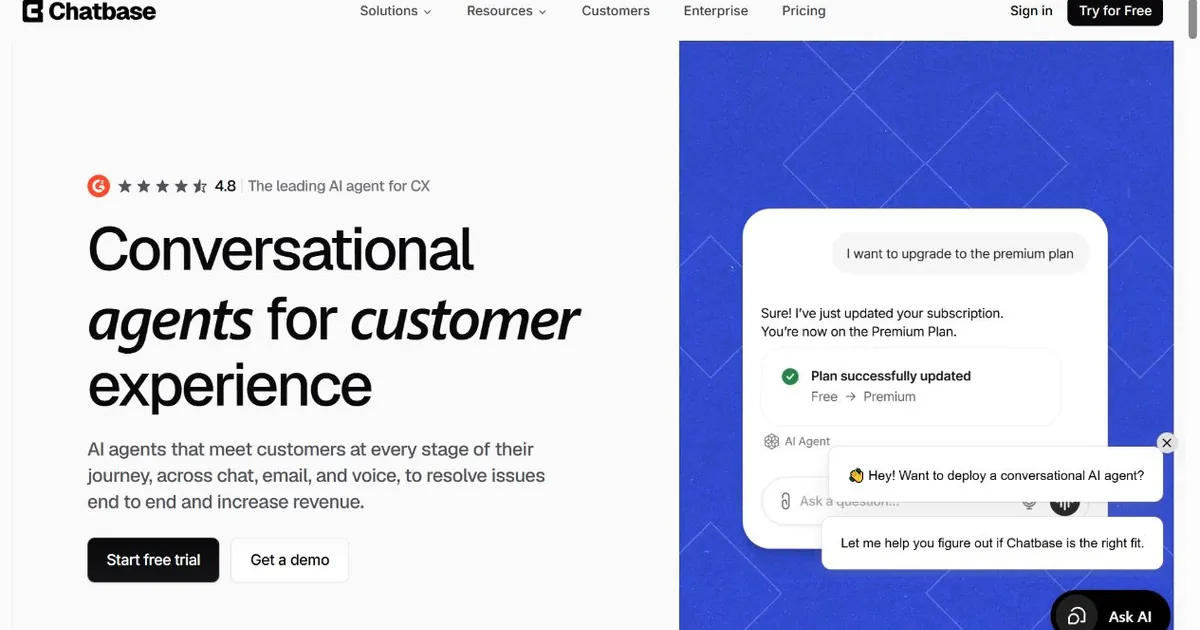
Chatbase approaches the AI-versus-rules problem from the opposite direction of HubSpot entirely. Instead of a CRM feature that eventually earns an AI upgrade, Chatbase is AI first: upload your website, PDFs, and documents, pick a model, and the chatbot answers from that material directly, with no flow builder and no CRM required underneath it.
The free plan includes fifty message credits a month, enough to test the concept before committing. Paid tiers start with Hobby at $32 a month billed annually, then Standard at $120 and Pro at $400, with message-credit usage varying by model and plan. That is a real design detail worth understanding: a more capable model consumes far more credits per response than a lighter one, so the same monthly plan can stretch much further or run out much faster depending on which model is selected.
Chatbase connects to existing tools, including HubSpot itself, rather than replacing them, which makes it a natural fit for a business that wants to keep its CRM exactly as is and simply bolt on an AI agent that actually understands its content. Branding removal and custom domains are separate add-ons on top of the base plan, similar in principle to how HubSpot gates its own branding removal behind a paid tier.
Pros
- Trains directly on your website, PDFs, and documents
- Free plan available for testing before committing
- Model choice lets you balance cost against response quality
- Connects to HubSpot and other CRMs rather than replacing them
Cons
- Credit system means real cost varies by AI model chosen
- Branding removal and custom domains are separate add-ons
- No native lead qualification logic out of the box
- Higher tiers get expensive fast for high-volume sites
Pricing
Best for: Businesses that want an AI agent trained specifically on their own documentation and website content, bolted onto their existing CRM rather than replacing it.
7. LiveChat: Best Dedicated Live Chat Tool
LiveChat
livechat.com | Purpose-built live chat software with a separate ChatBot automation add-on
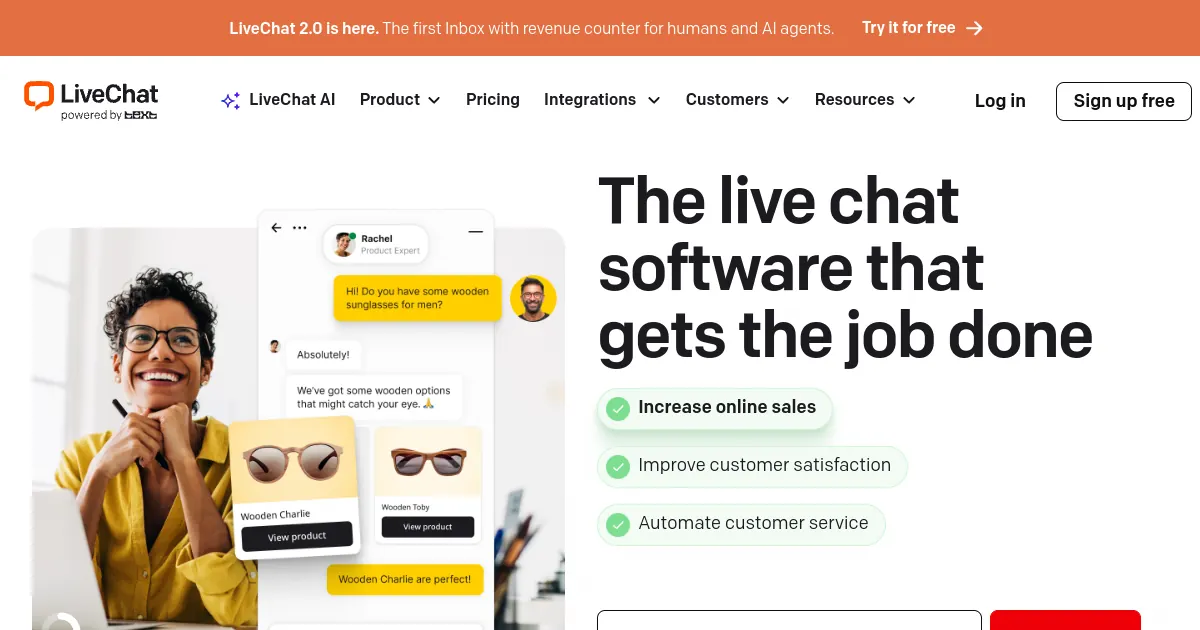
LiveChat has spent years as a specialist in exactly one thing: the live chat widget itself, with reporting, staffing tools, and a large integration marketplace built around that single focus rather than spread across a full CRM. For a support team that just wants excellent live chat without HubSpot's CRM machinery attached, that focus is the appeal.
Pricing runs per agent at $19 a month for Starter, $49 for Team, and $79 for Business when billed annually. There is no permanent free plan, only a trial, which is a real difference from HubSpot's genuinely free entry point.
Automation is where the comparison to HubSpot gets interesting. LiveChat's AI-driven ChatBot capability is sold as a separate add-on priced at $52 a month on top of whatever core plan you are already paying for. That mirrors HubSpot's own pattern of gating real automation behind an additional cost, though LiveChat's add-on is a flat monthly fee rather than a seat-tier jump plus an onboarding charge.
For a ten-agent team on the Business plan, seats alone already run close to 800 dollars a month before the ChatBot add-on is even considered, which is worth modeling carefully against HubSpot's Professional-tier cost before assuming LiveChat is automatically the cheaper path.
Pros
- Mature, focused live chat product with deep reporting
- Large app marketplace with 200-plus integrations
- No CRM machinery required to use it well
- Flat monthly add-on for automation, not a seat-tier jump
Cons
- No permanent free plan, only a trial
- AI automation is a separate ~$52/mo add-on
- Per-agent pricing climbs quickly for larger teams
- No native lead qualification or CRM contact history
Pricing
Best for: Support teams that want a dedicated, mature live chat tool without a full CRM attached, and are comfortable adding automation as a separate line item once they need it.
How to Choose the Right HubSpot Chatbot Alternative
Decision rule: Decide whether you actually need a CRM feature or a standalone AI chatbot before comparing sticker prices, since those are genuinely different purchases.
The first question worth answering honestly is whether the chatbot needs to be tied to a CRM contact record at all, or whether the real goal is simply capturing and qualifying more leads from your website. If lead generation is the actual job, Zappiq AI is built specifically for that outcome and will answer real questions from day one, without the Professional-tier detour HubSpot's own AI requires.
If you are staying inside HubSpot's ecosystem for CRM reasons but want AI without paying for Service Hub Professional, Chatbase is the most direct route: it connects to HubSpot without replacing it, trained on your own content rather than scripted branches. Crisp and Tidio both work well if live chat and a shared inbox matter alongside the AI, with Tidio the stronger pick specifically for ecommerce and Shopify stores.
If your support volume has genuinely outgrown a CRM-attached widget and you need dedicated ticketing, routing, and SLAs, Zendesk and LiveChat both specialize in that job in ways HubSpot's chatbot, built as one feature among many, was never meant to. And if budget is the entire constraint, tawk.to gets a working chat widget live today for nothing, as long as a human is available to answer it.
Before you migrate: Export your existing Chatflows scripts and any knowledge base content before switching. Most AI-first tools on this list can ingest that content directly to shortcut setup, even though the underlying logic will not transfer automatically.
Frequently Asked Questions
Zappiq AI is the best HubSpot chatbot alternative for small business websites that want a real AI conversation rather than a scripted decision tree. It trains itself on your website automatically, qualifies visitors before asking for contact details, and charges a flat monthly rate with no seat count and no onboarding fee. Crisp and tawk.to are worth a look if you mainly want live chat with a shared inbox rather than lead qualification specifically.
The chatbot builder itself, called Chatflows, is free to use. It lets you build rule-based bots that follow scripted decision trees to qualify leads, book meetings, and route conversations, with HubSpot branding included on the widget. What is not free is real AI. Natural language understanding and HubSpot's Breeze Customer Agent require a Service Hub Professional plan, and Breeze usage is billed separately through HubSpot Credits on top of the seat price.
Getting HubSpot's AI-powered Breeze Customer Agent generally means Service Hub Professional at $90 per seat per month billed annually plus a $1,500 onboarding fee, or Enterprise at $150 per seat plus a $3,500 onboarding fee. Breeze AI usage then draws down HubSpot Credits on top of that seat cost.
Yes, with some trade-offs. Zappiq AI offers a 14-day trial with 100 conversations, with AI lead qualification included from the start and no separate AI tier to unlock. Chatbase has a free plan with 50 message credits a month for testing an AI agent trained on your content. tawk.to is fully free but is manual live chat with no AI at all. Tidio's free plan includes a limited amount of its Lyro AI.
No. HubSpot only unlocks a self-serve knowledge base at Service Hub Professional and above. On the free and Starter tiers, the chatbot cannot search a help center for answers at all, so every question either matches a pre-built decision-tree branch or gets escalated to a human, regardless of how well the answer is already documented elsewhere.
The Bottom Line
HubSpot's free chatbot remains one of the easiest ways to get a working, CRM-connected chat widget on a website in an afternoon, and for lead routing and appointment booking tied directly to contact records, it still does that job well. The friction shows up specifically at the point where a business wants the bot to understand something it was not explicitly scripted for, and the path to that capability runs through a Professional-tier upgrade most small businesses never actually needed for their CRM in the first place.
Most people reading this fall into a few groups. Some want AI without committing to a Service Hub Professional seat count they do not need otherwise. Some want live chat and a shared inbox without any CRM attached at all. Some run ecommerce stores that need order-status and cart-recovery logic HubSpot's general-purpose bot was never built around. And some have genuinely outgrown a CRM-attached widget and need dedicated support tooling instead.
For the first group, and for anyone whose real goal is simply more qualified leads from their website rather than a CRM feature specifically, Zappiq AI removes the exact obstacle that stings the most: an AI upgrade path that requires a much bigger commitment than the actual need justifies. It trains on your site automatically, qualifies visitors before ever asking for contact details, and routes every lead to your inbox with the full conversation attached, with AI included from the very first plan.
For the other groups, the right pick depends on the specific need: Chatbase for an AI agent trained on your own content that plugs into HubSpot rather than replacing it, Crisp or Tidio for live chat with AI bundled at a much lower cost than HubSpot's Professional tier, tawk.to if the budget is genuinely zero, and Zendesk or LiveChat once support volume has outgrown a CRM-attached widget entirely.
The 14-day Zappiq AI trial, including 100 conversations, is available at zappiqai.com. No credit card required, no onboarding fee, and no branding added to your widget on any plan.
Try the HubSpot chatbot alternative with AI built in from day one
Zappiq AI is live in under 5 minutes. Trains itself on your website, no decision tree to build, no Professional-tier upgrade needed for it to actually understand your visitors.
Start Free Trial >No credit card | No developer needed | No branding on any plan
References
- Voiceflow. "HubSpot Chatbot 2026: Breeze AI, Pricing & Best Alternatives." voiceflow.com.
- eesel AI. "HubSpot Chatbot Pricing: What You Need to Know in 2026." eesel.ai.
- Chatsy. "HubSpot Live Chat Review 2026: Free CRM Chat Tested." chatsy.app.
- Expertise AI. "HubSpot Chatbot Pricing: What You're Actually Paying (2026)." expertise.ai.
- Chatbase. "Zendesk Chatbot: Pricing, Limits, and Better Options (2026)." chatbase.co.
- Drag. "Zendesk Pricing in 2026: Plans, the AI Meter, and What a Team Actually Pays." dragapp.com.
- CostBench. "Chatbase Pricing 2026: $1-$384/month." costbench.com.
- QuantumDesk. "LiveChat Pricing in 2026: Plans, Real Costs, and What You'll Actually Pay." quantumdesk.com.

Ansar Ali
Ansar Ali founded Zappiq AI after watching small businesses get told the honest answer to a chatbot that actually understands visitors was a CRM tier they never needed for anything else. He spends most of his time on lead qualification logic, attribution, and making sure a chatbot install never touches a business owner's page speed, and writes these comparisons from that practical angle rather than a neutral industry-report one.