
Quick Summary
- Zappiq AI is the best Voiceflow alternative for small and medium businesses that want a chatbot running on their website without building any conversation flows. It trains on your content automatically and qualifies leads around the clock.
- Chatbase is the best alternative for teams that want a quick knowledge-base chatbot trained on documents and URLs, without a visual builder or conversation design work.
- Tidio is the best Voiceflow alternative for ecommerce businesses that want AI chatbot plus live agent capability in one tool, with Shopify and WooCommerce built in.
- Botpress is the best alternative for developer teams that want more code-level control over agent logic and LLM behavior than Voiceflow's canvas offers, including self-hosting.
- Typebot is the best Voiceflow alternative for teams that want a visual form-style conversation builder that is genuinely open source and free to self-host.
- Intercom is the best alternative for SaaS businesses that need proactive behavioral messaging, in-app engagement, and a high-quality AI agent running end-to-end support conversations.
- ManyChat is the best Voiceflow alternative for businesses whose primary channel is Instagram, WhatsApp, or Facebook Messenger and who want visual flow automation built around social commerce.
Where Voiceflow Falls Short for Most Businesses
Voiceflow occupies an interesting position in the chatbot market. It is neither a simple plug-and-play widget nor a pure developer tool. It sits in between, targeting conversation designers and product teams that want a structured, visual way to design, test, and deploy conversational experiences across channels. For that audience, it is genuinely one of the better tools available.
The friction for everyone outside that audience starts showing up during setup. Building a useful bot in Voiceflow means thinking through every conversation path, writing all the dialogue, accounting for fallback scenarios, and connecting the flows to whatever systems need to receive the data. A business owner who wanted a chatbot that answers questions about their services and captures enquiries from website visitors can spend a full day on the canvas and still have a bot that handles only the scenarios they thought to plan for.
Then there is maintenance. Every time your pricing changes, you expand your service area, add a new product, or adjust your booking process, someone needs to go back into the flow editor and update the relevant nodes. That is manageable when you have a dedicated team. For a small business owner or a lean marketing team, it is an ongoing time cost that competes with everything else on the to-do list.
Pricing compounds the issue. Voiceflow's current public pricing is no longer a simple Pro-versus-Teams per-editor model. Its agency offering uses transparent usage-based billing, while business plans emphasize implementation support, observability, and custom pricing. That makes the final cost depend on deployment scope, usage, and support requirements rather than one universal editor-seat number. Meaningful integrations beyond the built-in set still require API knowledge, which often means going back to a developer for anything custom.
The Hidden Cost of Voiceflow's "No-Code" Promise
Quick Comparison: Voiceflow vs 7 Alternatives
| Tool | Best For | Setup Time | Needs Developer | Lead Qualification | Starting Price |
|---|---|---|---|---|---|
| Zappiq AI | SMB lead generation | 10 minutes | No | Built in | 14-day trial: 100 conversations; Starter $9/mo annual equivalent |
| Voiceflow | Conversation designers | Days to weeks | For integrations | Design it yourself | Free trial / usage-based or custom |
| Chatbase | Quick knowledge-base bots | Minutes | No | Basic | Free / $32/mo annual |
| Tidio | Ecommerce + live chat | Under 1 hour | No | Limited | From $24.17/mo annual |
| Botpress | Developer teams | Days | Yes | Build it yourself | $0 + AI spend / $89/mo Plus |
| Typebot | Open-source visual flows | Hours | For self-hosting | Basic | Free / $39/mo Starter |
| Intercom | SaaS, product-led growth | Hours | No | Yes | Fin: $0.99/outcome + seats |
| ManyChat | Instagram, WhatsApp, Messenger | Under 1 hour | No | Basic | Free / Pro $29/mo annual |
1. Zappiq AI: Best for Businesses That Want a Chatbot, Not a Chatbot-Building Project
Zappiq AI
zappiqai.com | AI chatbot that reads your website and starts qualifying visitors automatically, no flows to build, no content to manually enter, no developer required
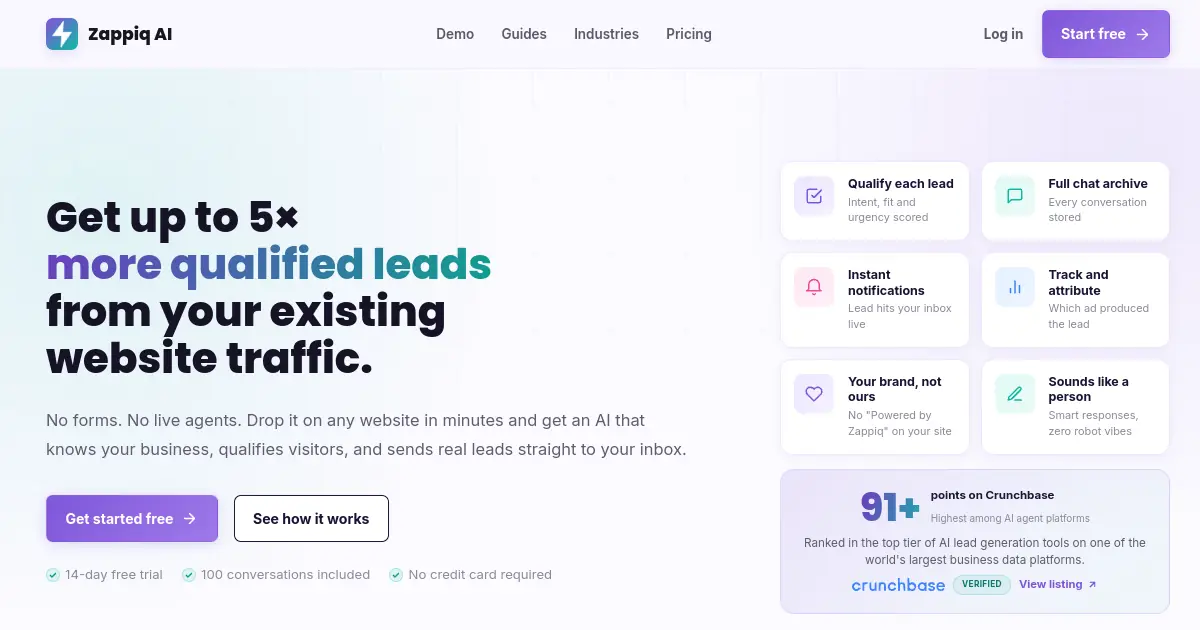
Voiceflow's core assumption is that you want to design the conversation. Zappiq's core assumption is that you want the outcome of the conversation, a qualified lead sitting in your inbox, and you would rather the tool figure out how to get there on its own. Those are genuinely different products for genuinely different people.
Setup is a single script tag. You paste it onto your site, provide your website URL, and Zappiq reads every page on your domain and builds a working knowledge base from what it finds. Services, pricing, team information, FAQs, service areas, booking processes, all of it goes into the chatbot's understanding of your business without you manually entering a word. The bot that comes out the other side can answer questions about your business that you never anticipated someone asking, because it learned from everything on your site rather than only the scenarios you thought to design.
Where Voiceflow puts the conversation design work on you, Zappiq handles it internally. The AI manages engagement timing, opens proactive conversations when it detects high-intent visitor behavior, moves through a soft qualification process at a pace that feels natural, and captures contact details only after establishing enough context that the person is genuinely interested. The result sitting in your email inbox is not just a name and phone number. It is a name, phone number, and a full transcript that tells you what the person needs, how urgently, and how they reached your site.
For businesses investing in paid traffic, that last detail matters more than it might appear. Zappiq connects each captured lead to the ad source that drove the visit. You can see whether your dental emergency campaign is producing conversations with people who actually need urgent care, whether your seasonal HVAC promotion is sending qualified local leads or out-of-area clicks, and whether your retargeting audience converts better than cold traffic. That attribution data is what turns a monthly ad spend review from a guessing exercise into a clear allocation decision.
Zappiq AI includes a 14-day trial with 100 conversations. Paid plans are Starter at $9/month equivalent billed annually for 350 conversations, Growth at $27/month equivalent billed annually or $39 month-to-month for 1,500 conversations, and Pro at $69/month equivalent billed annually or $99 month-to-month for 5,000 conversations. No plan adds Zappiq branding to the widget.
Vs Voiceflow specifically: If you are mid-way through a Voiceflow build and finding the canvas growing faster than the results, Zappiq can be live on your site in the time it takes to finish configuring one Voiceflow node. Both tools have their audience. If yours is a business owner rather than a conversation designer, Zappiq is the faster path to actual leads.
Pros
- Zero conversation design work, trains on your website automatically
- Live in under 10 minutes from a single script install
- Lead qualification built into every conversation by default
- Instant email alerts with full transcript per captured lead
- Ad source attribution per lead, no setup required
- Flat pricing, no usage overage or per-seat charges
- No branding on any plan
- White-label available for agencies
- Works 24/7 with no operator or maintenance needed
Cons
- Not a visual conversation builder for teams that want that control
- No multi-channel support (WhatsApp, Messenger, etc.)
- No shared agent inbox or live handoff to human chat
- Newer product with smaller ecosystem than Voiceflow
Why lead-focused teams choose Zappiq AI
Ad tracking: Connect each qualified enquiry to the campaign, keyword, or channel that generated it, so paid traffic can be measured against real leads.
Email lead delivery: Receive contact details, intent, source data, and the full conversation in your inbox as soon as the lead qualifies.
No branding: Keep the widget native to your website without a third-party badge or a separate white-label fee.
Automatic website training: Let Zappiq learn from your services, pricing, and FAQ pages instead of building and maintaining a Voiceflow canvas.
Natural qualification: Ask useful follow-up questions and identify genuine fit before collecting contact information.
Simple installation: Add one script to WordPress, Shopify, Webflow, Wix, Squarespace, or a custom website without designing conversation flows.
Pricing
Pricing: The 14-day trial includes 100 conversations. Starter is $9/month equivalent billed annually for 350 conversations; Growth is $27/month equivalent billed annually or $39 month-to-month for 1,500; Pro is $69/month equivalent billed annually or $99 month-to-month for 5,000. No plan adds Zappiq branding.
Best for: Small and medium business owners, local service businesses, marketing teams, and agencies who want a chatbot qualifying leads on their website without spending time in a canvas or paying per editor seat. If Voiceflow felt like more project than product, Zappiq is the other end of that spectrum.
chatbase">2. Chatbase: Best for Quick Knowledge-Base Bots Without Any Flow Design
Chatbase
chatbase.co | AI chatbot trained on your documents, PDFs, and URLs, embeds as a widget in minutes, no flow builder or conversation design required
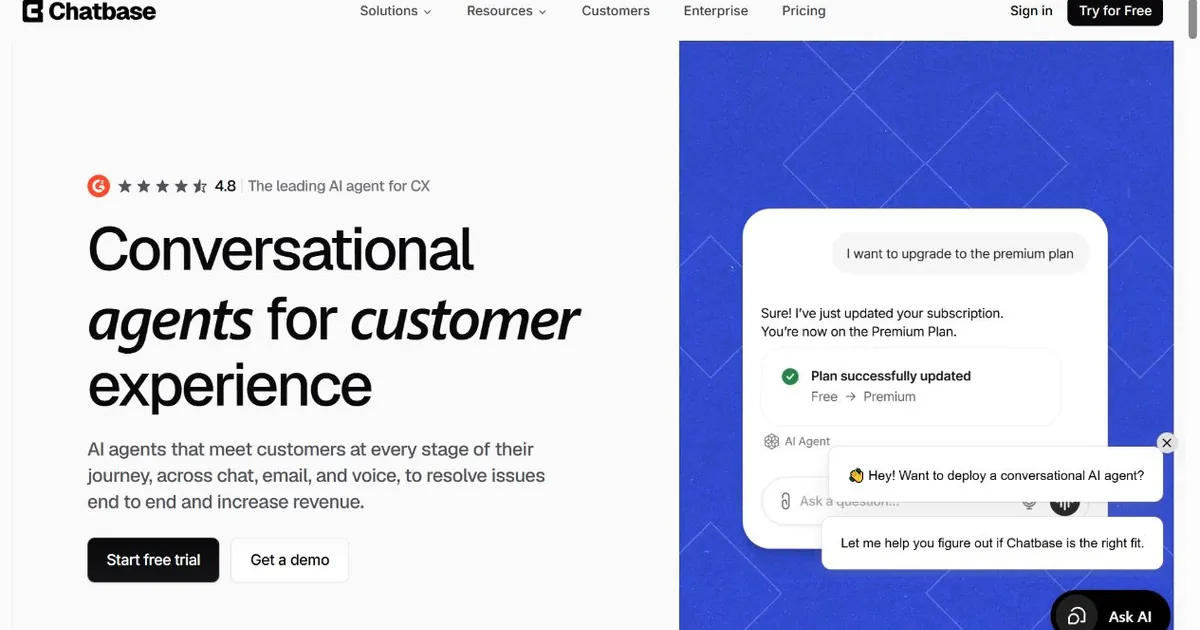
Chatbase is the fastest path from zero to a deployed chatbot if your primary use case is answering questions from a defined knowledge set. You upload documents, PDFs, or provide URLs, the platform trains a GPT-based chatbot on that content, and you embed the widget on your site. The whole process takes minutes rather than the hours or days a Voiceflow build requires.
The use case Chatbase handles best is customer-facing FAQ and support deflection. If your visitors regularly ask the same questions about your services, policies, pricing structure, or processes, and those answers exist somewhere in your documentation, Chatbase can answer them accurately and conversationally without anyone on your team being involved. For businesses with dense product documentation or long FAQ pages that visitors never read, this kind of retrieval-augmented chatbot removes a meaningful volume of repetitive support enquiries.
Where it falls short compared to Voiceflow is in conversation flow control. Voiceflow lets you design exactly how a conversation progresses, what the bot says when, and what logic triggers different paths. Chatbase answers questions from its training data but does not allow you to build structured dialogue trees or multi-step qualification flows. For businesses that need the bot to guide a visitor through a specific process rather than just respond to open-ended questions, that limitation matters.
The lead capture capability exists but is basic. You can enable a form that collects contact details, but the qualification depth Zappiq AI handles through natural conversation is not something Chatbase replicates. For pure knowledge retrieval with simple lead capture appended, Chatbase is fast and affordable. Its current annual pricing starts at $32/mo for Hobby with 500 message credits, then $120 for Standard and $400 for Pro. For businesses that want the chatbot to actively qualify visitors through a conversation rather than just answer their questions, it runs out of capability quickly.
Best use case: Chatbase works particularly well for businesses with existing documentation, help articles, or structured FAQ content they want to make conversationally accessible without any rebuild work. Upload the docs, embed the widget, and your knowledge base becomes a chatbot that visitors can interrogate naturally.
Pros
- Fastest setup in this comparison, minutes from upload to live widget
- Trains on PDFs, documents, URLs, and plain text
- No flow design or conversation architecture needed
- Good for support deflection from existing documentation
- Affordable entry pricing at $32/mo billed annually for the Hobby plan
- Clean embed widget with white-label on paid plans
Cons
- No structured conversation flows or branching logic
- Lead qualification is basic, not conversational
- No ad attribution or visitor intelligence
- Knowledge base must be manually updated when content changes
- Not suitable for guiding visitors through multi-step processes
Pricing
Best for: Businesses with existing documentation or FAQ content that want a conversational interface on top of it quickly, without building flows or hiring a developer. Not the right fit if lead qualification depth or ad attribution matters to you.
Skip the canvas. Get leads instead.
Zappiq AI reads your website, qualifies visitors automatically, and sends you a lead notification the moment someone is ready to buy. No flows. No maintenance. Start with a 14-day trial that includes 100 conversations.
Start Free Trial >No credit card | No developer | No conversation design required
3. Tidio: Best for Ecommerce Businesses Wanting AI Plus Live Chat Together
Tidio
tidio.com | Live chat and Lyro AI chatbot in one product, with Shopify and WooCommerce integration and ecommerce-specific automation flows
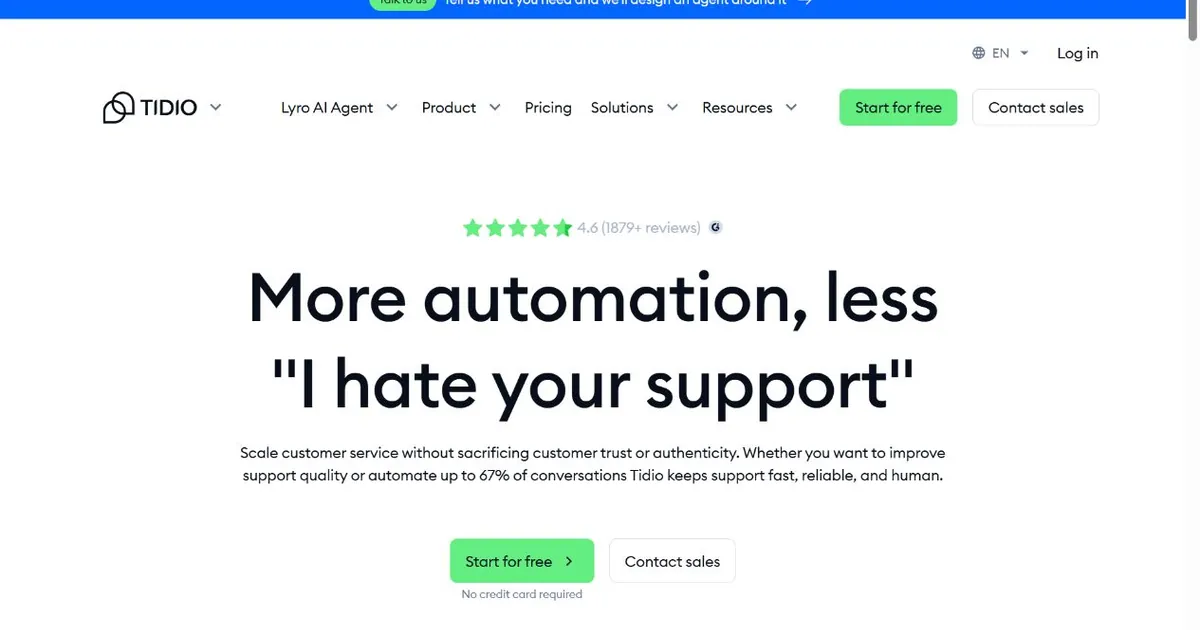
Voiceflow supports ecommerce use cases but requires you to design every ecommerce-specific conversation yourself. Abandoned cart recovery, order status lookup, product recommendation flows, and return policy explanations all need to be built and wired up manually. Tidio ships with ecommerce logic already built in, connected directly to Shopify or WooCommerce order data without any custom integration work.
Lyro, Tidio's AI chatbot, handles the conversational layer. It trains on your FAQ and website content and answers product, policy, and process questions without involving a live agent. For a store where the majority of incoming queries are predictable, returning the same answers about shipping times, sizing, and return windows, Lyro resolves those without anyone sitting at a support desk. When a query falls outside what Lyro can confidently answer, it routes to a live agent in the same interface seamlessly.
The agent inbox is where Tidio's design pays off for ecommerce operators. Agents handling live chat can pull up order details, browsing history, and cart contents inside the conversation window without switching to a different platform. That context means the agent already knows what the customer was looking at before saying hello, which shortens the conversation and improves the experience without any extra work from the agent.
Compared to Voiceflow, Tidio is a finished product rather than a platform for building products. You configure it rather than design it from scratch. That means less flexibility for teams with genuinely bespoke requirements, but a much shorter path to something useful for the majority of ecommerce businesses whose needs fit the patterns Tidio was built around. Tidio includes 50 Lyro conversations on sign-up; standalone Lyro starts at $32.50/mo for 50 AI conversations, with higher limits available on paid plans.
Pros
- Native Shopify and WooCommerce integration, order data in chat
- Lyro AI handles the majority of routine ecommerce queries
- Live agent inbox and AI bot in the same interface
- Ecommerce automation flows ready to configure, not build
- Strong mobile app for agents managing chats on the go
- Significantly faster to deploy than any Voiceflow build
Cons
- Lyro AI conversations metered above plan limit
- Less flexible than Voiceflow for genuinely custom conversation logic
- Free plan is too restricted for real production use
- No ad source attribution per conversation
Pricing
Best for: Ecommerce stores on Shopify or WooCommerce that want an AI chatbot handling routine queries plus a live agent inbox without designing any conversation flows themselves.
4. Botpress: Best for Developer Teams That Want More Code Control Than Voiceflow Provides
Botpress
botpress.com | Open-source AI agent platform with a visual builder plus code access, LLM integration via multiple providers, and self-hosting capability
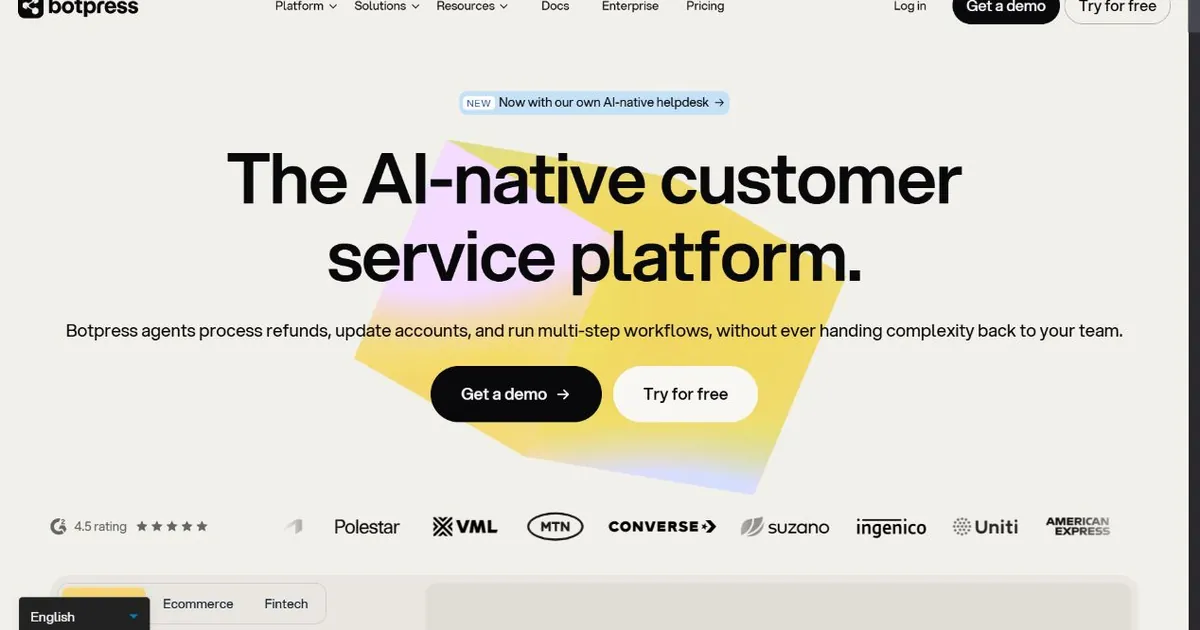
Botpress and Voiceflow share some of the same target audience, specifically the technical teams that want more control over bot behavior than plug-and-play tools allow. The comparison between them comes down to where each tool sits on the code-required spectrum. Voiceflow leans toward the visual design side with API access as an add-on for advanced cases. Botpress leans toward the code side with a visual canvas as a convenience layer on top of an architecture that rewards developers who write JavaScript against it directly.
For teams that hit Voiceflow's ceiling, the ceiling usually involves integrations. Connecting a Voiceflow bot to internal systems, custom APIs, or non-standard data sources requires workarounds that Botpress handles more naturally. The JavaScript hooks in Botpress give developers the ability to write custom logic at specific points in a conversation, which means complex business rules, conditional routing based on external data, and custom LLM prompt engineering are all practical rather than theoretical.
LLM provider flexibility is another point in Botpress's favor for teams with specific model preferences or data residency requirements. Rather than being locked to a single AI provider, Botpress allows configuration of different models for different use cases within the same deployment. Teams running sensitive data through their bots can route to on-premise or private cloud models without rebuilding their entire bot architecture.
The cost structure is worth understanding before comparing it to Voiceflow. Botpress Pay-as-you-go starts at $0 plus AI spend and includes a $5 monthly AI credit. Plus is $89/mo billed annually plus AI spend, and Team is $495/mo billed annually plus AI spend. That LLM billing variability is the most consistent complaint from teams that have been on Botpress for a few months. Voiceflow's pricing is more predictable once you know which tier you need.
LLM usage billing: Botpress bills AI token usage separately from the platform subscription. A bot handling heavy conversation volume can generate unpredictable monthly costs. Model the expected conversation volume and average token consumption against current LLM pricing before committing to a production deployment.
Pros
- More code access and custom logic than Voiceflow allows
- Multi-provider LLM support for flexible model selection
- Self-hosting option for data residency requirements
- Strong developer community and active documentation
- Visual canvas plus JavaScript hooks for hybrid workflows
- Open-source core with paid cloud plans
Cons
- LLM usage billed separately, total cost unpredictable at scale
- Requires developer involvement for anything non-trivial
- More complex setup than Voiceflow for basic use cases
- No lead qualification or ad attribution out of the box
Pricing
Best for: Developer teams that have outgrown Voiceflow's canvas limitations and need custom integration logic, multi-LLM support, or self-hosting capability for compliance reasons.
Your website should be generating leads while you sleep.
Zappiq AI qualifies visitors automatically and delivers them to your inbox. No canvas. No code. No waiting for a developer. Start free with your actual website URL.
Try Zappiq Free >14-day trial | 100 conversations | No Zappiq branding on any plan
typebot">5. Typebot: Best Open-Source Visual Flow Builder That Does Not Require Voiceflow's Pricing
Typebot
typebot.io | Open-source visual chatbot builder with a form-style conversation interface, self-hosting option, and a clean drag-and-drop canvas without the per-seat pricing
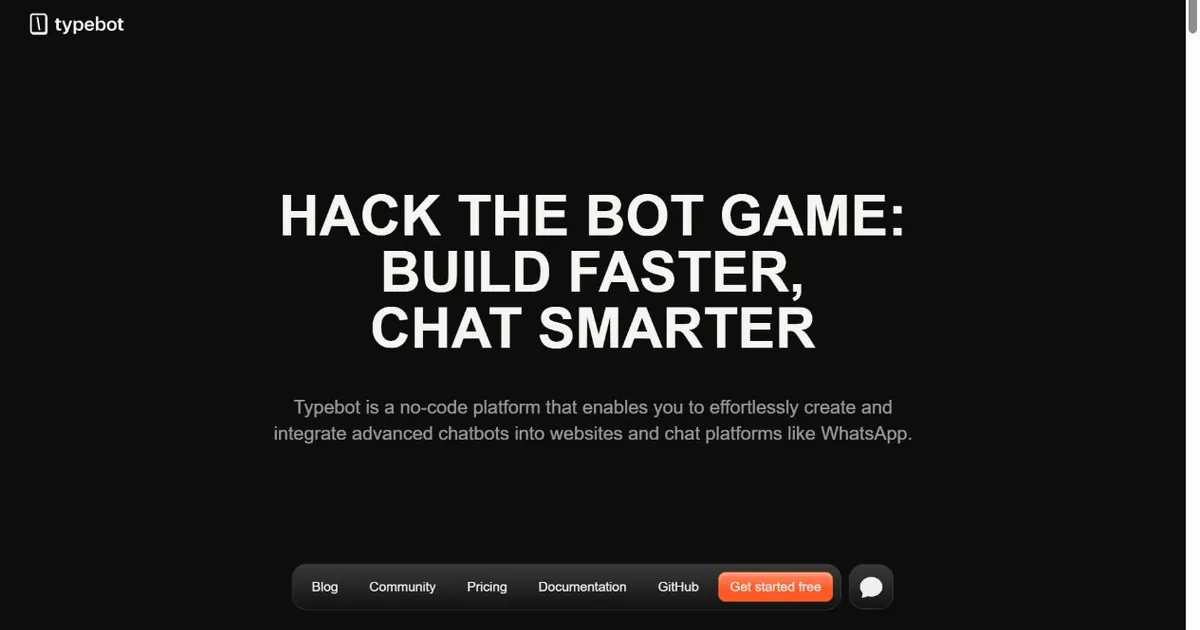
Typebot is the closest thing to Voiceflow in this list in terms of how it works. Both use a visual canvas to build conversation flows. Both let you see conversations visually and test them in the same interface. The differences are meaningful enough that teams frequently migrate from Voiceflow to Typebot specifically for them.
The first difference is pricing structure. Voiceflow charges per editor seat. Typebot charges per workspace with unlimited seats, which matters immediately for teams of more than two or three people. Voiceflow business pricing is quote-based, while Typebot publishes $39 per month for Starter with 2,000 chats and $89 for Pro with 10,000 chats. Self-hosting on your own infrastructure costs nothing beyond hosting fees and removes the per-workspace pricing entirely.
The canvas experience in Typebot is form-focused rather than dialogue-focused. Where Voiceflow treats each step as a conversation node with text and variable handling, Typebot structures flows more like interactive forms where the bot asks questions in sequence and collects typed or button-click responses. This approach is highly intuitive for building qualification and lead capture flows, and it embeds cleanly into pages as a full-page experience or a popup widget without additional configuration.
The LLM integration capabilities are growing. Typebot supports OpenAI, Anthropic, and other AI providers as blocks in the canvas, so you can drop an AI step into a flow that handles open-ended questions using a language model before continuing back to structured flow logic. This hybrid approach, structured collection where you need predictability and AI conversation where you need flexibility, covers a lot of real-world use cases that a purely structured or purely AI approach would handle less well.
Where Typebot falls short compared to Voiceflow is in collaboration tooling and the maturity of advanced features. Voiceflow's team workflows, version control, and prototyping tools are more developed. For a solo builder or a small team that does not need the collaboration overhead, those gaps rarely matter in practice.
Pros
- Open source with a self-hosting option at no platform cost
- Per-workspace pricing beats Voiceflow's per-seat model for teams
- Visual canvas that is more intuitive for non-designers than Voiceflow
- Hybrid LLM plus structured flow capability
- Clean embed options: popup, full-page, or inline widget
- Active open-source community and good documentation
Cons
- Still requires flow design work, not a set-and-forget solution
- Less mature collaboration tools than Voiceflow
- Self-hosting requires server knowledge and ongoing maintenance
- No built-in lead qualification or ad attribution
Pricing
Best for: Teams that want Voiceflow-style visual flow building without per-seat pricing, or developers who want an open-source foundation they can self-host and extend. Not suitable for businesses that want a chatbot without building one.
6. Intercom: Best for SaaS Companies That Need Proactive AI and In-App Engagement
Intercom
intercom.com | Customer engagement platform with Fin AI, behavioral user targeting, in-app messaging, product tours, and a full customer lifecycle engagement layer
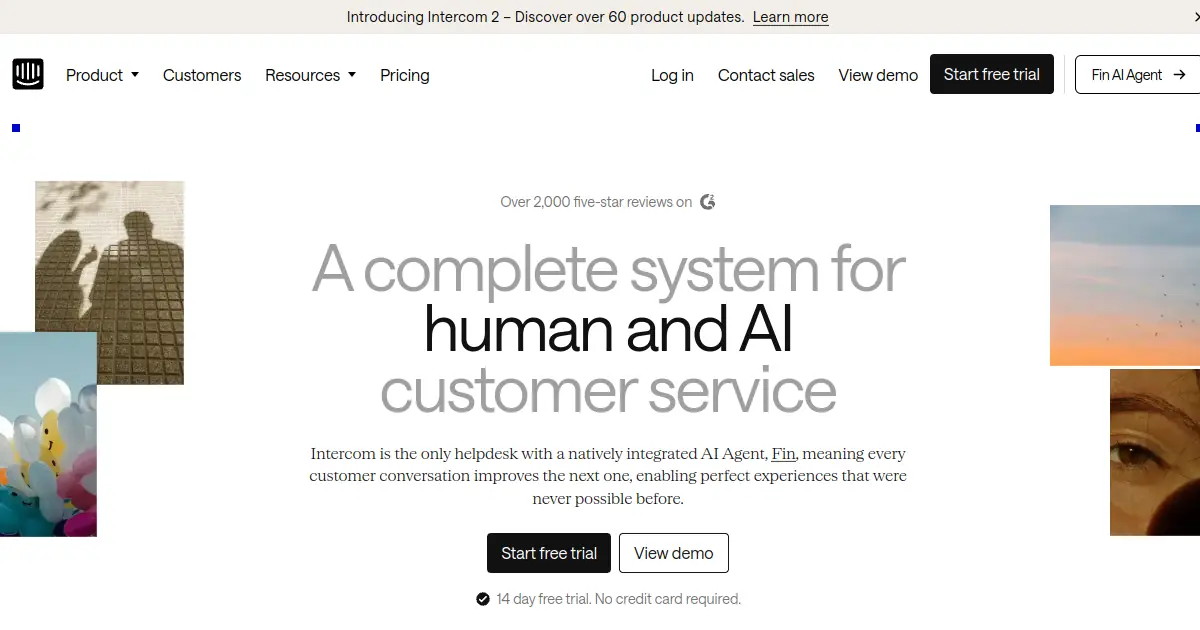
Voiceflow and Intercom are both used by SaaS companies, but for different reasons. Voiceflow is used by teams building standalone chatbot products or complex conversation experiences that need careful design control. Intercom is used by SaaS companies that want their customer engagement infrastructure, website chat, in-app messaging, onboarding flows, and AI support, all in one platform connected to their user data.
Fin AI, Intercom's AI agent, handles support conversations end to end with genuine depth. It reads your help center and documentation, handles multi-turn queries with follow-up questions where needed, and resolves conversations without routing to a human agent for a reported majority of incoming queries. For SaaS companies where support volume is a meaningful operational cost, that deflection rate translates into real savings. The per-resolution pricing model means the cost scales with how much work Fin actually does, which is worth modeling against your volume before committing.
The behavioral targeting is what genuinely separates Intercom from anything in the Voiceflow category. Voiceflow lets you design conversations. Intercom lets you trigger conversations based on what users have actually done inside your product. A user who signed up three weeks ago, logged in five times, but never activated a specific feature can receive a targeted message or chatbot flow specifically about that feature, at the right moment, without any manual intervention. That kind of proactive engagement is not something Voiceflow was built to facilitate.
For a SaaS company currently using Voiceflow to build a customer-facing bot and finding the maintenance overhead too high, moving that workload to Intercom's Fin replaces a build-and-maintain responsibility with a configure-and-monitor one. The tradeoff is that you lose the fine-grained conversation design control Voiceflow offers in exchange for a more scalable approach to support coverage.
Pros
- Fin AI handles complex multi-turn support queries accurately
- Behavioral triggers based on real in-product user activity
- In-app messaging and product tours for lifecycle engagement
- Help center and knowledge base builder included
- Strong integrations with engineering and CRM tooling
- No flow design required for AI support coverage
Cons
- Fin AI priced per resolved conversation, not flat
- Less conversation design control than Voiceflow for custom dialogue
- Not suitable for local businesses or service companies
- Steeper learning curve for teams coming from simpler tools
Pricing
Best for: SaaS businesses that want AI handling support conversations without flow design maintenance, plus behavioral in-app messaging that Voiceflow cannot facilitate. Not the right fit for businesses that want manual conversation control or are not software products.
manychat">7. ManyChat: Best for Businesses Whose Primary Channel Is Social Messaging
ManyChat
manychat.com | Visual flow automation for Instagram, WhatsApp, Facebook Messenger, and SMS, built around social commerce and keyword trigger automation
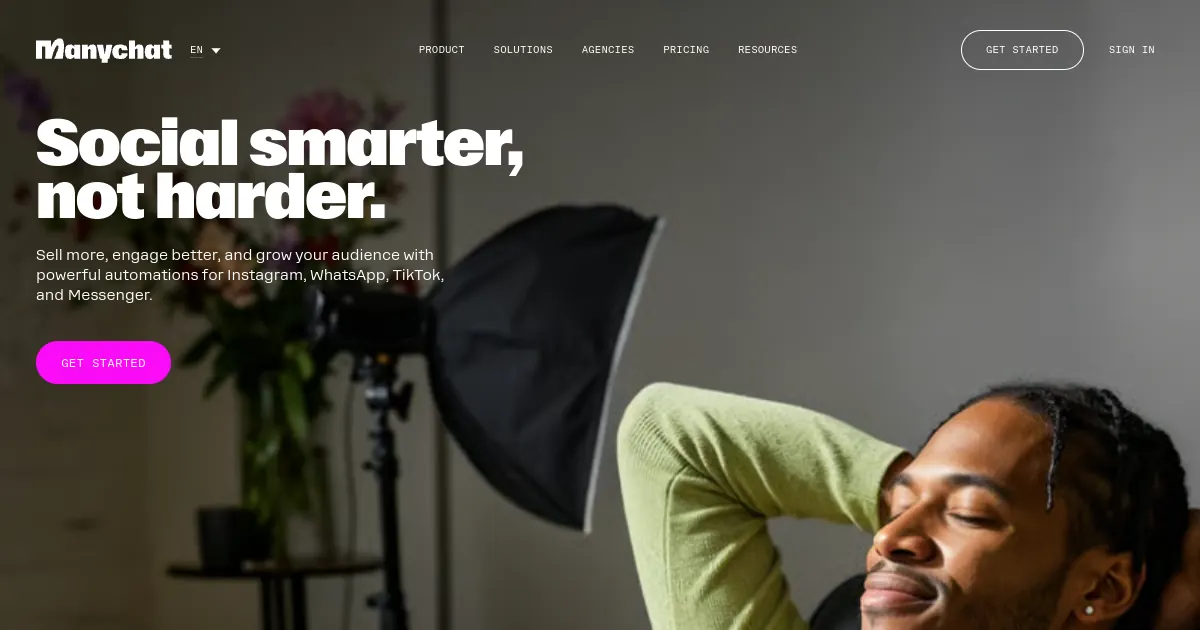
Voiceflow supports multiple channels including voice, web, and messaging apps. ManyChat is focused almost entirely on social messaging channels, Instagram, WhatsApp, Facebook Messenger, Telegram, and SMS, and it is by a significant margin the most capable tool in the market for automating conversations on those specific platforms.
The use case ManyChat was built for is social commerce and lead capture from social media traffic. When someone comments on an Instagram post with a specific keyword, a DM flow fires automatically. When a visitor clicks a link in a bio, they land in a WhatsApp or Messenger conversation that guides them toward a product, a booking, or a lead capture form. These flows are built visually in an interface that non-technical marketers can operate confidently after a short learning curve.
For businesses that drive traffic primarily through Instagram content, run regular social media promotions, or have an audience that prefers messaging over web chat, ManyChat handles those scenarios better than Voiceflow for the same reasons Voiceflow handles voice and web experiences better than ManyChat. Each tool is optimized for its channel. If your audience lives on Instagram and WhatsApp, ManyChat is the right tool. If you want a web-based chatbot experience with custom dialogue design, Voiceflow is more appropriate.
The AI layer in ManyChat is less sophisticated than Fin or Zappiq's qualification engine. The automation is primarily rule-based and keyword-triggered rather than LLM-driven. ManyChat recently introduced AI steps that can handle open-ended questions within a flow, but the tool's core strength remains in structured automation triggered by specific social interactions rather than in open-ended AI conversation quality.
Instagram specifically: ManyChat's Instagram DM automation is the strongest in the market. Comment-triggered DM sequences, story reply automation, and keyword-response flows all work natively within Instagram's API. For businesses building audience-driven sales funnels on Instagram, there is currently no comparable alternative.
Pros
- Best-in-class Instagram and WhatsApp flow automation
- Comment-triggered DM sequences for social commerce
- Visual flow builder accessible to non-technical marketers
- Essential from $14/mo; Pro from $29/mo annual
- Large template library for common social automation scenarios
- Strong Shopify and ecommerce integrations
Cons
- Not a web chatbot, no website widget capability
- AI conversation quality is less sophisticated than LLM-native tools
- Limited lead qualification depth beyond structured flows
- No ad attribution or visitor intelligence
Pricing
Best for: Businesses, content creators, and ecommerce brands that drive most of their traffic through Instagram, WhatsApp, or Facebook Messenger and want automation built around social interactions rather than website chat.
How to Pick the Right Voiceflow Alternative
The most useful question to ask before choosing from this list is whether you want to build a chatbot or whether you want the outcome a chatbot produces. It is a subtle distinction but it cuts the options in half immediately.
If you want to build, meaning you have specific conversation flows in mind, you need design control over each dialogue path, or you are building a chatbot product for others, then the right alternatives are the ones that give you a canvas to work in. Typebot is the closest Voiceflow equivalent with better team pricing and a self-hosting option. Botpress is the right move if you need more code-level control than either visual tool provides. ManyChat is the right canvas tool if social messaging channels are the primary deployment target.
If you want the outcome, meaning leads in your inbox, support queries resolved, or customers guided to a purchase without you spending time in a flow editor, then the right alternatives are the ones that handle the design internally. Zappiq AI is the most direct option for lead generation on business websites, trains on your content automatically, and requires no ongoing maintenance. Chatbase is the fastest option for businesses with existing documentation they want to make conversationally accessible. Intercom is the right move for SaaS companies that need behavioral engagement and AI support without designing dialogue flows. Tidio covers the ecommerce case with native Shopify data and a ready-to-configure automation layer.
Pricing structure is worth thinking through carefully before committing. Voiceflow now uses usage-based billing for agencies and custom pricing for business deployments. Botpress's LLM usage billing is unpredictable. Tidio's Lyro conversation metering surprises teams that underestimate their chat volume. Zappiq and Typebot both use flat pricing models that are easier to budget around. ManyChat's contact-based pricing grows with list size rather than usage, which suits low-volume high-engagement social operations better than high-volume web traffic.
Voiceflow export: Before switching, export your Voiceflow agent data. Voiceflow supports JSON export of flow structures and some platforms can partially import these. More practically, the flow documentation serves as a useful spec if you are rebuilding similar logic in a new tool and want to ensure nothing gets missed in the transition.
Frequently Asked Questions
Zappiq AI is the strongest option for small businesses that want a chatbot on their website without building conversation flows or maintaining a canvas. It trains on your website content automatically, qualifies visitors around the clock, and sends leads directly to your email with full conversation context. No flow design, no developer, no ongoing maintenance. The free trial is at zappiqai.com with no credit card required.
The most common reasons are the time required to build and maintain flows and the need to scope usage, integrations, and support for a production deployment. Building a production-quality bot in Voiceflow takes days to weeks of canvas work, and every business change requires someone to go back in and update the relevant flows. For businesses that wanted a chatbot rather than a chatbot-building project, that ongoing maintenance cost becomes the main source of frustration. Teams also compare Voiceflow custom deployment costs with alternatives such as Typebot, which publishes fixed workspace plans.
Yes, several. Zappiq AI requires no conversation design at all, it trains itself on your website content. Chatbase trains on documents and URLs you upload. Intercom's Fin AI handles support conversations without predefined flows. Tidio's Lyro AI answers questions from your FAQ content without a builder. These tools handle the dialogue internally based on your content rather than asking you to design every conversation path yourself.
Zappiq AI offers a 14-day trial with 100 conversations; it is not a permanent free plan. Typebot can be self-hosted, and several other tools offer limited free tiers or trials. Compare their limits and hosting requirements with your needs.
Migration depends on where you are going. Typebot can import some Voiceflow flow structures via JSON. Most other tools in this list do not import Voiceflow data because they use fundamentally different approaches to conversation design. The practical migration path is usually to export your Voiceflow flows as documentation, use them as a reference for rebuilding in the new tool, and treat the switch as an opportunity to simplify the conversation logic rather than replicate it exactly. Tools like Zappiq AI, Chatbase, and Intercom do not require importing anything because they train on your website and content directly.
The Bottom Line
Voiceflow built a strong product for a specific kind of user. Conversation designers, agencies building bots for clients, and product teams that treat chatbot UX as a first-class discipline get genuine value from the canvas, the prototyping tools, and the collaboration workflows. For everyone else, the time-to-value calculation does not work in Voiceflow's favor.
Most businesses that arrive at Voiceflow alternatives research fall into one of two situations. The first is businesses that wanted a working chatbot on their website and discovered that Voiceflow requires building one. For those businesses, Zappiq AI is the most direct alternative. It reads your website content, qualifies visitors around the clock, and sends you leads without any design work. The 14-day trial with 100 conversations is available at zappiqai.com, and the chatbot can be live on your actual site in about ten minutes.
The second situation is teams that want a visual flow builder but find Voiceflow's per-seat pricing too expensive for their team size, or its collaboration and code-access features insufficient for their needs. Typebot is the strongest move for teams in this situation, offering per-workspace pricing with unlimited seats, an open-source self-hosting path, and a canvas that is arguably more intuitive for qualification and lead capture flows. Botpress is the right direction for teams that need code-level control over agent logic and LLM behavior that Voiceflow's canvas cannot provide.
For SaaS companies specifically, Intercom's Fin AI replaces Voiceflow's maintenance burden with a configure-and-monitor approach and adds behavioral targeting that no conversation design platform can replicate. For ecommerce, Tidio covers the chatbot plus live agent case with Shopify-native data access that Voiceflow requires custom integration work to approach. For social-first businesses whose audience lives in Instagram and WhatsApp, ManyChat handles those channels better than any general-purpose chatbot builder. And for teams with existing documentation they want to make conversationally accessible quickly, Chatbase delivers a working knowledge-base bot in the time it takes to make a coffee.
Stop building. Start generating leads.
Zappiq AI reads your website, handles the conversations, and sends you qualified leads around the clock. No canvas. No flows. No maintenance. Just results.
Start Free Trial >No credit card | No developer | No conversation design
References
- G2. "Voiceflow Reviews and Alternatives 2026." g2.com.
- Capterra. "Voiceflow Alternatives and Competitor Reviews." capterra.com.
- Voiceflow. "Voiceflow Pricing and Plans." voiceflow.com.
- Typebot. "Typebot vs Voiceflow: Open Source Chatbot Builder Comparison." typebot.io.
- Botpress. "Botpress vs Voiceflow: Which AI Agent Platform Is Right for You?" botpress.com.
- ManyChat. "ManyChat Pricing and Feature Overview." manychat.com.
- Chatbase. "Chatbase vs Voiceflow: AI Chatbot Comparison 2026." chatbase.co.

Ansar Ali
Ansar Ali is the founder of Zappiq AI, a lead capture platform built for businesses that want their website traffic to produce qualified conversations without spending time in a flow editor. He writes from direct experience building AI-powered chatbot systems, ad attribution pipelines, and automated qualification workflows for service businesses across dental, HVAC, real estate, legal, and local services.