TL;DR — Quick Summary
- AI chatbots provide consistent first responses and after-hours coverage; live chat is stronger when a visitor needs judgment, empathy, or a complex answer.
- The best choice depends on question complexity, response expectations, staffing, lead volume, and how quickly a person can take over.
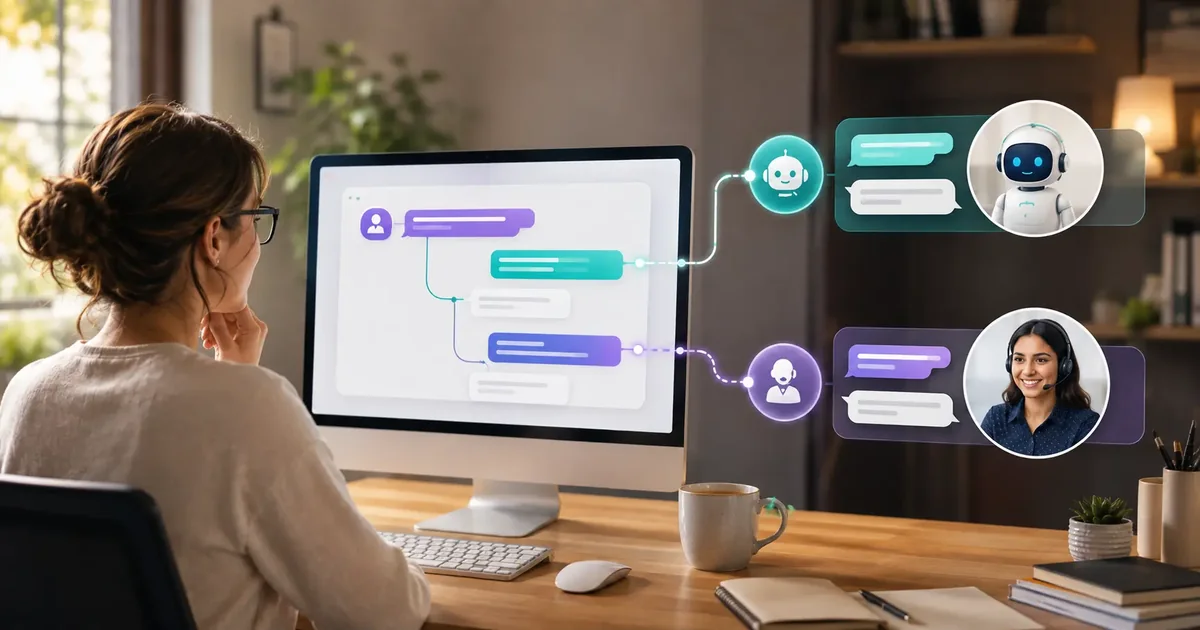
- A hybrid setup often works best: let automation handle routine questions and qualification, then give people a clear path for escalation and follow-up.
Automation and Human Chat Solve Different Problems
An AI chatbot is usually better for repeat questions, consistent qualification, and after-hours coverage. Live chat is better for nuanced conversations that require judgment, empathy, or negotiation. Many small businesses need an automated first response with a clear route to a person, rather than treating AI and human chat as interchangeable. For a practical overview of live chat lead generation tools, start with the workflow behind the widget, not just the chat label.
AI expands coverage but needs approved knowledge and regular review.
Key point: Live chat provides judgment but requires staffing and response discipline.
Where an AI chatbot is strongest
AI chatbots can respond immediately, ask consistent qualification questions, and cover evenings or weekends without a person waiting in an inbox. They work best when the website contains reliable answers and the business can define what the bot should not handle.
Typical uses include service-area questions, basic plan guidance, opening hours, process explanations, lead collection, and routing.
Where live chat is strongest
A trained person can recognize ambiguity, negotiate, reassure an upset customer, and make exceptions. Live chat is valuable for high-consideration sales, account-specific support, or situations where a wrong answer carries meaningful risk.
The operational challenge is availability. A chat button that promises a conversation but receives no timely answer can be more frustrating than a clear form.
Operational comparison
| Need | AI chatbot | Live chat |
|---|---|---|
| Immediate basic response | Strong | Depends on staffing |
| Complex judgment | Limited | Strong with trained staff |
| Consistent qualification | Strong | Needs scripts and coaching |
| Empathy and negotiation | Limited | Strong |
| After-hours collection | Strong | Requires shifts or outsourcing |
| Quality control | Knowledge and transcript review | Training and transcript review |
When a hybrid approach makes sense
Use automation to greet, answer approved questions, gather context, and identify intent. Escalate when the visitor asks for a person, the question falls outside the knowledge base, sentiment becomes sensitive, or the potential value justifies direct attention.
Small teams without live coverage can still use a responsible handoff: collect details, preserve the transcript, state the expected response time, and notify the correct person.
Example: software agency enquiry
The chatbot can ask about project type, timeline, budget range, and current platform. A human should handle feasibility, scope tradeoffs, and pricing commitments. Automation prepares the conversation; it does not pretend to be the consultant.
How to choose
- List the ten most common pre-sale and support questions.
- Mark which answers are stable, conditional, sensitive, or account-specific.
- Estimate when visitors normally arrive and who can respond.
- Define escalation and follow-up ownership before launch.
- Review transcripts for unanswered questions and false confidence.
Think beyond the software price
Include staffing, training, knowledge maintenance, missed-chat coverage, integration work, and the cost of poor answers. A low monthly price is not economical if nobody follows up with captured leads or maintains the information visitors receive.
How to Build a Responsible Hybrid Model
Define the questions automation can answer from approved content and the conditions that require a person. Escalation signals can include explicit requests for a human, uncertainty, complaints, sensitive topics, account-specific information, or a high-value opportunity.
When nobody is online, the chatbot should not pretend that a live transfer is happening. It should collect the reason for contact, state the expected response window, and send the transcript to the correct owner.
Review both automated and human conversations. AI quality improves through knowledge updates and guardrails, while live-chat quality improves through staffing, coaching, and consistent response standards.
Set expectations before the first message
The widget should make it clear whether the visitor is speaking with automation, a person, or an automated assistant that can arrange human follow-up. This avoids the frustration of discovering halfway through a sensitive conversation that no agent is present.
Response promises should also match operations. If the team answers during office hours only, state that plainly. If a high-value enquiry can be escalated during the day, define who receives it and what happens when that person is unavailable. Clear expectations make both AI and live chat feel more dependable for every website visitor.
Where Zappiq AI Fits Between AI and Live Chat
Zappiq AI is designed for service businesses that want to turn website questions into organized follow-up opportunities. It focuses on automated lead capture rather than trying to replace every sales, support, or customer-management tool. Its 14-day trial includes 100 conversations. Starter is $9 per month equivalent when billed annually for 350 conversations. Growth is $39 per month with monthly billing, or $27 per month equivalent when billed annually, for 1,500 conversations. Pro is $99 per month with monthly billing, or $69 per month equivalent when billed annually, for 5,000 conversations. No plan adds Zappiq branding to the widget.
What Zappiq AI does well
- Provides immediate answers from public website content
- Captures leads when no agent is online
- Uses consistent qualification questions
- Sends conversation context for human follow-up
- Avoids the staffing requirement of live chat
- Installs without a custom support deployment
- Supports webhook delivery for external workflows
Worth knowing
- It is not a staffed live-chat service
- Nuanced negotiation and sensitive support need a person
- The knowledge source must be reviewed when services change
How to Set It Up on Your Website
For most websites, the initial setup follows these five steps. Review the chatbot with real questions before sending paid traffic to it.
Create your free account
Sign up at zappiqai.com. Sign-up includes 100 free conversations so you can test the lead handoff before choosing a paid plan.
Add your website content
Provide the public website information the chatbot should use, including services, policies, locations, opening hours, pricing guidance, and common questions.
Review the lead flow
Choose the greeting and contact details to collect. Test common questions, uncertain requests, and cases that should be handed to a person.
Install the script
Copy the embed code from the dashboard and add it before the closing </body> tag. Zappiq AI works with WordPress, Wix, Squarespace, Shopify, Webflow, GoDaddy, Framer, and plain HTML sites.
Monitor conversations and follow up
Review the first conversations closely, correct missing website information, and make sure every qualified lead has an owner and expected response time.
Turn more website questions into useful leads
Set up Zappiq AI, test it with your real customer questions, and start with 100 free conversations.
Build Your Free Chatbot100 free conversations | Cancel anytime
A practical decision checklist for website chat
Short answer: choose an AI chatbot when you need an immediate first response, after-hours coverage, and consistent qualification. Choose live chat when a trained person must handle nuance, negotiation, or sensitive support. Use both when routine questions and high-value conversations share the same website.
Before choosing a tool, list the questions visitors ask, the hours your team can respond, and the information sales needs before a follow-up. Then test the complete path from first message to qualified lead. Our lead qualification questions guide and chatbot analytics metrics guide can help you define that test.
For teams that want a faster implementation, compare the best no-code chatbot builders and review how a lead-capture chatbot should hand off context to a person.
Frequently Asked Questions
Usually, live chat means a person is available to reply, but the label is not universal. Some websites call an AI assistant live chat. Look for clear wording about whether you are speaking with a human, an automated assistant, or a system that can connect you to a person.
A chatbot responds automatically using rules, website content, or an AI model. Live chat depends on a human agent who reads the message and replies in real time. A chatbot is available more consistently, while a person is usually better at judgment, empathy, and unusual requests.
Neither option wins in every situation. A chatbot is useful for common questions, first responses, and simple routing. Live chat is better when the customer needs reassurance, discretion, or a decision that depends on context. Many teams use automation for the first layer and people for the conversations that need judgment.
For a narrow set of stable questions, automation can handle a large share of first contact. It should not be expected to replace people completely when customers need empathy, negotiation, account decisions, or help with an unusual problem. A clear escalation path is part of a responsible chatbot setup.
The answer depends on volume and the level of help customers need. Live chat carries staffing, scheduling, training, and coverage costs. A chatbot can handle many routine conversations at the same time, but it still needs accurate content, review, routing, and human follow-up. Compare the cost per qualified outcome, not only the software price.
Chatbots can respond immediately, work outside office hours, handle many visitors at once, answer repeated questions consistently, and collect the same basic information every time. They are especially useful when a business receives more questions than its team can answer promptly.
A chatbot can answer a complex question when the business has provided reliable information and the request stays within that scope. When the answer depends on judgment, private account details, or an unusual situation, the chatbot should explain its limit and escalate. A bot that confidently guesses is worse than one that asks a person to take over.
They can personalize the path using the visitor's question, previous answers, page context, and selected service. That can feel helpful, but it is different from human empathy. Live chat agents can notice emotion, hesitation, and nuance in a way automated systems cannot always match.
Chatbots can misunderstand intent, miss emotional context, give an incomplete answer, or struggle when a visitor changes direction. They also depend on the quality of the information and handoff process behind them. Keep a human route available for sensitive, complex, or unresolved conversations.
Use both when your visitors have routine questions as well as situations that need a person. A chatbot can answer approved questions, qualify the enquiry, schedule a callback, or notify the team to respond. That is how Zappiq AI is intended to work: automation starts the conversation, then the business can follow up when a human response is needed.
If visitors arrive outside business hours or make decisions after the team has gone offline, after-hours coverage can be valuable. A chatbot does not need to pretend that a person is available. It can answer approved questions, capture the request, set a response expectation, and notify the team for follow-up.
Stable product details, service areas, pricing guidance, and general FAQs are good candidates for automation. Questions that require expert judgment, private data, or a custom recommendation should be routed to a person. The more specific the answer needs to be, the more important the source content and escalation process become.
If the team cannot staff a reliable live chat schedule, an unanswered live chat widget can create a poor experience. A chatbot can provide the first response and collect useful context, but someone still needs to review qualified enquiries and handle conversations that require a human.
A chatbot replies as soon as the visitor sends a message. Live chat response time depends on staffing, queue length, and working hours, so it can range from very fast to several minutes or longer. Measure the response time your own visitors experience instead of assuming the widget label tells the whole story.
Most tools use an embed script placed on the website, followed by content setup, routing rules, and testing. A live chat tool also needs agent availability and notifications. A chatbot needs reliable website content, an escalation route, and a clear way to notify the team or schedule a callback when a person should take over.
The Bottom Line
AI chat is strongest for coverage, consistency, and repeatable qualification. Live chat is strongest when judgment, empathy, or negotiation matters.
Small businesses often benefit from automated first response followed by a clear human handoff rather than trying to force every conversation into one model.
Zappiq AI serves the automated lead-capture side of that workflow.
Try Zappiq AI free for 14 days
Build your chatbot, review its answers, and test the complete lead handoff with 100 free conversations.
Start Free Trial100 free conversations | Cancel anytime

Ansar Ali
Ansar Ali is the founder of Zappiq AI, a lead-capture platform built for small businesses that cannot afford to lose high-intent website visitors after hours. He writes from hands-on experience building chatbot flows, attribution, and follow-up systems for local and online service teams, focusing on the practical details that turn conversations into qualified enquiries.