TL;DR: Quick Summary
- A lead capture chatbot answers initial website questions, collects useful contact details, and preserves context for follow-up.
- It can qualify visitors, explain the next step, and route a conversation to email, a webhook, a CRM, or a person depending on the setup.
- The right tool should make the visitor journey easier without pretending to replace a CRM, a qualified salesperson, or a staffed support team.
What a Lead Capture Chatbot Actually Does
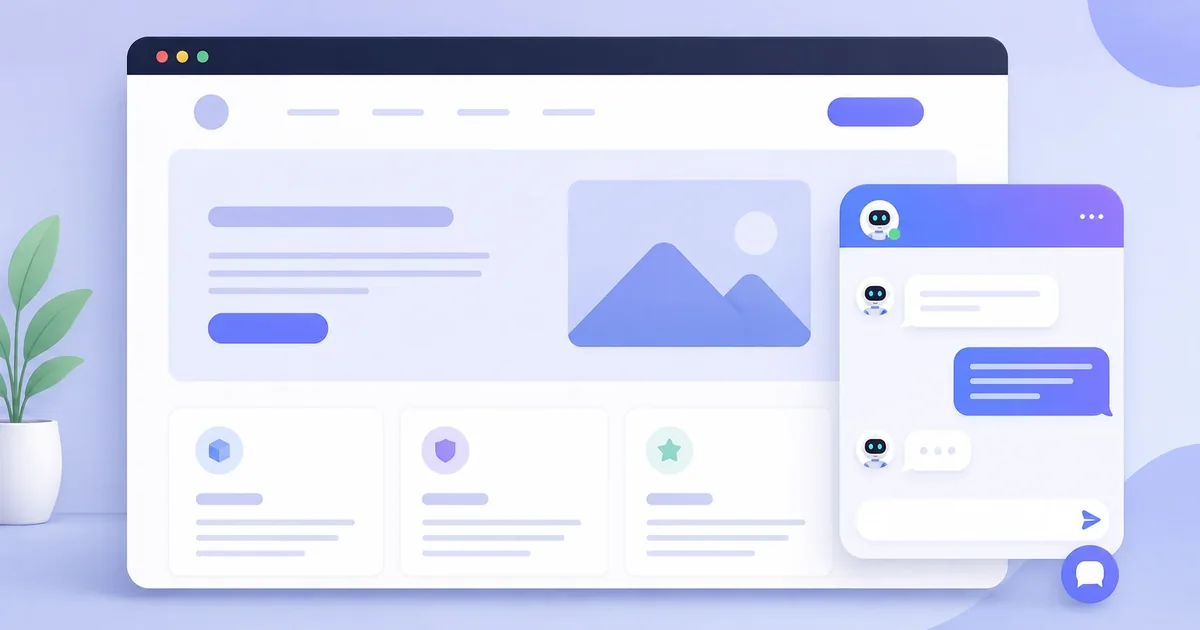
A lead capture chatbot is a website chatbot designed to answer initial questions, collect contact details, and preserve the context of a visitor's enquiry for follow-up. In other words, it is a lead generation chatbot that turns useful website conversations into follow-up opportunities. Unlike a basic support bot, its job is not only to reply. It moves a useful conversation toward a clear next step, such as a call, estimate, consultation, or booking request.
When the next step is a consultation or meeting, an AI chatbot for appointment booking can collect timing preferences and route the request with the rest of the lead context.
A lead capture chatbot combines conversation, qualification, and contact collection. For a broader explanation of how this conversational approach turns website visits into qualified enquiries, read our conversational marketing software guide.
Key point: The best moment to request details is after the visitor receives some useful help.
What makes a chatbot a lead capture chatbot?
A website chatbot becomes a lead capture tool when it can identify buying intent and create a usable record for the business. That record normally includes a name, email address or phone number, the service the visitor wants, and a summary of the conversation.
A chatbot that only answers questions may reduce support work, but it can still let a valuable visitor disappear. A chatbot that immediately asks for an email before helping can feel like another form. Effective lead capture sits between those two extremes.
How the lead capture process works
- The visitor starts with a question. They may ask about pricing, availability, service areas, eligibility, or a specific problem.
- The chatbot gives a useful first response. It uses approved website content and clear limitations.
- The chatbot identifies intent. A visitor asking for an estimate needs a different path from someone reading a general policy.
- It asks a small number of relevant questions. These questions help the business understand the request without turning the chat into an interview.
- It requests contact details. The visitor knows why the details are needed and what will happen next.
- The business receives the lead. The notification should include the conversation context, not only an email address.
Example: a roofing estimate enquiry
A homeowner asks whether the company handles storm damage. The chatbot confirms the service, asks for the property postcode and the part of the roof affected, then requests a phone number for the estimator. The roofer receives a useful request instead of a contact record with no context.
How is it different from live chat and contact forms?
| Tool | Best at | Main limitation |
|---|---|---|
| Contact form | Collecting a structured request | The visitor must complete it without help |
| Live chat | Human conversations and complex questions | Coverage depends on staff availability |
| Support chatbot | Answering repeat questions | May not create a follow-up opportunity |
| Lead capture chatbot | Answering, qualifying, and collecting details | Needs accurate content and a follow-up owner |
What should a business check before choosing one?
When is a lead capture chatbot a good fit?
It is especially useful for businesses that receive questions outside office hours, pay for website traffic, sell services that require consultation, or need a few details before quoting. It is less useful when customers must complete a secure transaction inside a specialist system or when every enquiry requires immediate professional judgment.
Zappiq AI is built for the first group. It learns from a business website, captures names, email addresses and phone numbers, and sends the conversation summary by email. Pro accounts can also send leads through a webhook and record supported advertising events.
What Changes After a Lead Is Captured
Lead capture is only the beginning of the workflow. The business still needs to decide who owns the enquiry, how quickly that person should respond, and where the outcome will be recorded. Without that process, a chatbot can create a larger inbox without creating more customers.
The most useful handoff contains the visitor's goal, relevant qualification answers, the page where the conversation began, and a concise transcript summary. That context allows the first human reply to continue the discussion instead of asking the visitor to repeat everything.
A responsible chatbot also needs boundaries. It should not invent prices, policies, availability, or professional advice. When approved website content does not answer the question, the correct response is to acknowledge the limitation and offer a human follow-up.
Why Zappiq AI Fits Lead Capture Workflows
Zappiq AI is designed for service businesses that want to turn website questions into organized follow-up opportunities. It focuses on automated lead capture rather than trying to replace every sales, support, or customer-management tool. It includes a 14-day trial with 100 conversations. Starter is $9/month equivalent billed annually for 350 conversations; Growth is $27/month equivalent billed annually or $39 month-to-month for 1,500; Pro is $69/month equivalent billed annually or $99 month-to-month for 5,000. No plan adds Zappiq branding.
What Zappiq AI does well
- Answers common questions using public website content
- Captures name, email, and phone number when follow-up makes sense
- Sends lead details and conversation context by email
- Provides conversation and lead analytics in the dashboard
- Installs with one script on common website platforms
- Supports custom webhook delivery on the Pro plan
- Keeps vendor branding off the widget
Worth knowing
- It is a lead capture product, not a full CRM or help desk
- Complex or sensitive enquiries still need a qualified person
- Results depend on accurate website content and reliable follow-up
How to Set It Up on Your Website
For most websites, the initial setup follows these five steps. Review the chatbot with real questions before sending paid traffic to it.
Start your 14-day trial
Sign up at zappiqai.com to get a 14-day trial with 100 conversations and test the lead handoff before choosing a paid plan.
Add your website content
Provide the public website information the chatbot should use, including services, policies, locations, opening hours, pricing guidance, and common questions.
Review the lead flow
Choose the greeting and contact details to collect. Test common questions, uncertain requests, and cases that should be handed to a person.
Install the script
Copy the embed code from the dashboard and add it before the closing </body> tag. Zappiq AI works with WordPress, Wix, Squarespace, Shopify, Webflow, GoDaddy, Framer, and plain HTML sites.
Monitor conversations and follow up
Review the first conversations closely, correct missing website information, and make sure every qualified lead has an owner and expected response time.
Turn more website questions into useful leads
Set up Zappiq AI, test it with your real customer questions, and start with a 14-day trial that includes 100 conversations.
Build Your Free Chatbot14-day trial | 100 conversations | No Zappiq branding on any plan
Lead capture is only one part of the workflow. Learn how an AI lead qualification chatbot separates genuine prospects from casual visitors before collecting their details.
Frequently Asked Questions
It is a website chatbot designed to answer initial questions, collect contact details, and move a visitor toward a useful next step. Unlike a basic FAQ bot, it keeps the enquiry context so the business can follow up without making the visitor start again.
The chatbot starts with a relevant prompt, answers approved questions, asks for the visitor's goal, collects the details needed for follow-up, and sends the conversation to the right destination. The flow should stop when the business has enough information to act.
A support chatbot is usually focused on resolving questions or directing customers to help content. A lead capture chatbot is designed around a sales or enquiry outcome, so it combines answers with qualification, contact collection, and handoff.
A form is a direct way to collect fields when the visitor already knows what they want. A chatbot can answer questions first, explain the next step, and collect context before asking for contact details. Many websites benefit from offering both paths. See this comparison of website chatbots versus contact forms.
Usually not. Give the visitor a useful answer or explain the reason for the next question first. Ask only for information that supports the next action and make the value of continuing clear.
Yes. It can ask about the visitor's need, service, location, timeframe, budget guidance, or preferred next step. Keep the questions short and use the answers to route or prioritize the enquiry. These lead qualification questions are a useful starting point.
Yes. It can answer approved questions and collect an enquiry while the team is offline. It should show business hours, set a realistic response expectation, and notify the team instead of implying that a person is currently available.
Collect only what the next step needs. That may include name, email, phone number, service interest, location, timeframe, and a short description. Asking for unnecessary information adds friction and can make the visitor less willing to continue.
Some can book through a calendar integration. Others collect a preferred day and time for the team to confirm. Check whether the tool handles availability, prevents double bookings, and delivers the appointment context to the person responsible.
No. The chatbot starts or enriches the lead, while the CRM stores the wider relationship, ownership, stages, activities, and outcomes. Confirm whether the chatbot can deliver the fields and context your CRM needs.
No. It handles repeatable early questions and prepares a better handoff. A person still owns consultation, judgment, negotiation, sensitive conversations, and closing.
It should acknowledge the limit, collect the request if appropriate, and offer a human handoff or follow-up route. A safe limitation is better than an invented answer that damages trust or sends the visitor in the wrong direction.
Include contact details, the visitor's goal, qualification answers, page or campaign context, timestamp, priority if used, and a concise conversation summary. The recipient should understand the request without searching through a separate system.
Most website tools provide an embed script. Add it through the website platform's approved custom-code area, configure the greeting and lead fields, then test desktop and mobile journeys before sending traffic to the page.
Use current service, location, hours, policy, and pricing guidance. Review real conversations, add missing questions, test uncertain requests, and make sure the chatbot has a clear boundary for topics it should hand to a person.
Security depends on the provider and configuration. Check data retention, access controls, encryption, privacy terms, integrations, and what information the chatbot is allowed to collect. Do not ask visitors for sensitive data that the business does not need.
Track completed enquiries, qualified leads, response time, appointments, source, and final outcomes. Read a sample of conversations as well as the totals. Chatbot analytics metrics can help connect activity with business results.
Zappiq AI includes a 14-day trial with 100 conversations. Starter is $9/month equivalent billed annually for 350 conversations; Growth is $27/month equivalent billed annually or $39 month-to-month for 1,500; Pro is $69/month equivalent billed annually or $99 month-to-month for 5,000. No plan adds Zappiq branding. Compare the full workflow, including lead delivery, analytics, setup effort, and follow-up, rather than software price alone.
The Bottom Line
A lead capture chatbot is most valuable when visitors have a question before they are ready to call or complete a form.
The chatbot should make that moment easier, collect only useful information, and deliver enough context for a natural human response.
Zappiq AI is a focused option for businesses that want automated website lead capture without building a custom conversation system.
Try Zappiq AI free for 14 days
Build your chatbot, review its answers, and test the complete lead handoff during a 14-day trial with 100 conversations.
Start Free Trial14-day trial | 100 conversations | No Zappiq branding on any plan

Ansar Ali
Ansar Ali is the founder of Zappiq AI, a lead-capture platform built for small businesses that cannot afford to lose high-intent website visitors after hours. He writes from hands-on experience building chatbot flows, attribution, and follow-up systems for local and online service teams, focusing on the practical details that turn conversations into qualified enquiries.