
Quick Summary
- Rosie sells AI answering in minute bundles from $49 for 250 minutes to $299 for 2,000 minutes.
- The overage policy is the first thing to know. Rosie does not list a per-minute overage rate. Its terms describe an automatic upgrade to the next plan when you exceed your cap, and you stay there until you downgrade.[citation:19]
- In a 200-call month of 2.5 minutes each, Rosie's 1,000-minute plan costs $149. Goodcall costs $129 for 250 unique callers. Retell comes to about $59 if you build it yourself.
- If you need live people instead of AI, Ruby and PATLive answer with humans. If your leads start on your website rather than the phone, Zappiq AI does that job with flat conversation pricing.
- Before you switch, check what "unlimited minutes" actually means in your vendor's terms and whether your plan auto-upgrades.
What Rosie Costs in 2026, Plan by Plan
Rosie's Professional plan is $49 a month for 250 minutes, Scale is $149 for 1,000 minutes, and Growth is $299 for 2,000 minutes. There is a 7-day free trial and you can cancel anytime.[citation:13]
Rosie has built a following among solo owners and small service businesses because it does one thing well: it picks up the phone when the owner is on a job site or with a customer. It learns from your website and Google Business profile, screens spam calls, and sends you a summary after each call. Setup is simple by design.[citation:13]
The pricing model is per-minute. You buy a block of minutes each month. That works well when calls are short and predictable. It works less well when a busy month pushes you past your cap.
| Plan | Monthly price | Included minutes | Appointment booking | Live transfers |
|---|---|---|---|---|
| Professional | $49 | 250 | No | No |
| Scale | $149 | 1,000 | Yes | Yes |
| Growth | $299 | 2,000 | Yes | Yes |
| Web Texting add-on | $50 | 25 conversations | N/A | N/A |
Two details sit outside the table. The first is overage. Rosie's pricing page does not list a per-minute overage rate. Independent reviews of its terms describe an automatic, sticky upgrade: go over your minutes and you move to the next plan, and you stay there until you manually downgrade.[citation:19] That is a different animal from paying $2 a minute for the calls you went over.
The second is what you actually get. Calendar booking and live call transfers start on the Scale plan at $149. The $49 tier includes message taking, FAQs, spam screening, and call summaries, but it will not book an appointment directly into your calendar.[citation:13]
Check the source before you budget. Rosie publishes its pricing on its own site, and plans change.[citation:7]
Why People Look for a Rosie Alternative
Rosie scores well for ease of use and low entry price. The complaints that come up are mostly about the shape of the plan rather than the quality of the AI.
The minute cap and the auto-upgrade
This is the biggest one. Rosie's solution pages mention unlimited minutes, but the plan cards are capped at 250, 1,000 and 2,000 minutes. The terms describe an automatic upgrade when you exceed your cap, and you stay upgraded until you downgrade. If your calls run long or you have one busy month, you can find yourself on a plan you did not choose at a price you did not plan for.[citation:19]
Booking is locked to the higher tier
Direct calendar booking is the feature that makes an AI receptionist genuinely useful for a service business. On Rosie, that feature starts at $149 a month. The $49 entry plan will take a message and text the caller a scheduling link, but it will not book into your calendar during the call. That is a real difference for a plumber or electrician who wants the job on the books before they hang up.[citation:13]
Website chat costs extra
Rosie sells website texting as an add-on at $50 a month for 25 conversations, then $1 per additional conversation. If your leads come through your website as much as your phone, that is a separate line item on top of your calling plan.[citation:1]
It is inbound-only
Rosie answers calls and texts. It does not make outbound calls, so appointment reminders, follow-ups, and win-back campaigns are outside its scope. If you need an AI that can call people as well as answer them, look elsewhere.[citation:13]
What 200 Calls a Month Really Costs
For 200 calls a month averaging 2.5 minutes each, pure AI answering services cost roughly $59 to $164, while live receptionists cost $759 to $1,725. Those figures come from published prices as of late September 2026, so treat them as a guide and recheck before you buy.
One scenario, every option: 200 calls, 2.5 minutes each
Two things shape that table. The first is the billing unit. Rosie, Ruby, PATLive and Retell bill per minute, so longer calls cost more. Goodcall bills per unique caller and Smith.ai bills per call, so call length does not move the price. At four-minute calls the order shifts.
Zappiq AI is not in this table on purpose. It answers website visitors, not callers, so a per-call comparison would be misleading. It is covered below as its own category.
Quick Comparison: 7 Rosie Alternatives
| Tool | Starting price | Who answers | Billed by | Free option | Best for |
|---|---|---|---|---|---|
| Zappiq AI | $9/mo annual equivalent (Starter), 350 conversations | AI on your website | Conversations | 14-day trial with 100 conversations | Website lead capture |
| Goodcall | $79/mo | AI on the phone | Unique callers | See pricing page | Repeat callers |
| Smith.ai | Free, then $150 | AI, people or both | Calls | 25 free AI calls | Law firms, intake-heavy calls |
| Frontdesk | $99/mo ($79 annual) | AI on phone, chat and text | Plan plus credits | See pricing page | One AI across channels |
| Ruby | $250/mo | Live receptionists | Minutes | See pricing page | Polished human answering |
| PATLive | $49/mo plus $2.99/min | Live receptionists | Minutes | 14-day trial | Cheapest live answering |
| Retell AI | $0.07 to $0.31/min | AI you build | Minutes | $10 free credit | Teams with a developer |
| Rosie (for reference) | $49/mo | AI on the phone | Minutes | 7-day trial | Solo owners on a budget |
1. Zappiq AI: Best Rosie Alternative for Website Lead Capture
Zappiq AI
zappiqai.com | Website-trained AI lead capture chatbot with ad tracking, email delivery, no branding, and no per-seat fees
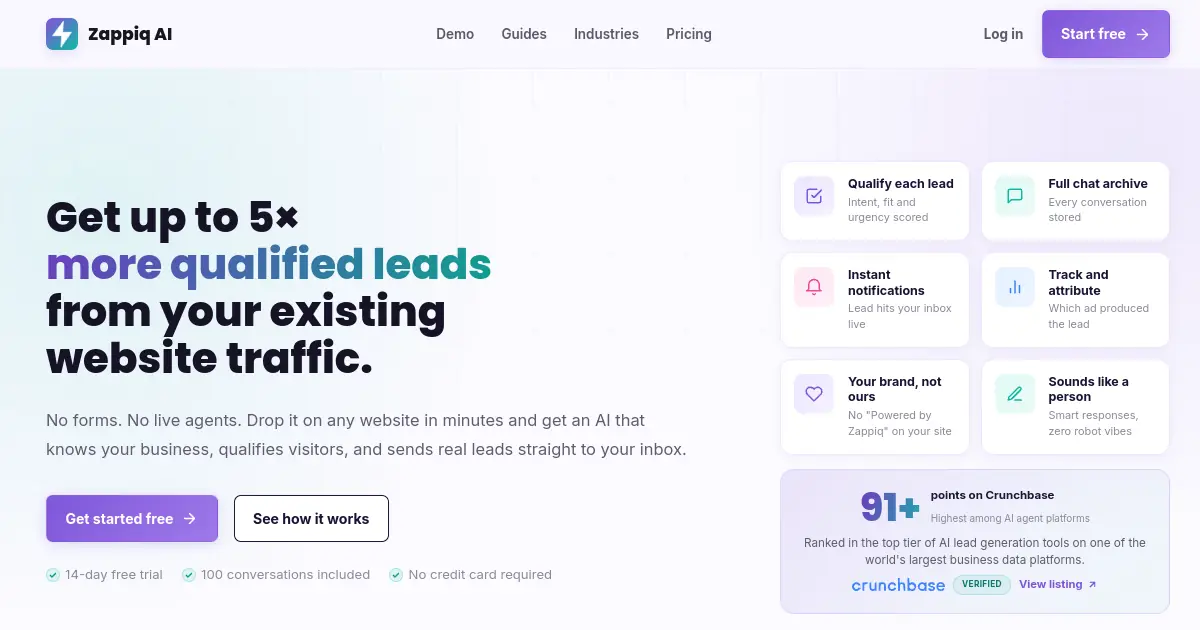
Start with the honest part: Zappiq does not answer phone calls. If your business lives on the phone, this is not your Rosie replacement, and you can skip to the phone options below. But if your leads start on your website, often after an ad click, Rosie's phone-first model may be solving the wrong problem.
Setup is a URL. You paste in your website address at signup, Zappiq reads your pages, and it learns your services, pricing, team and FAQs on its own. There is no flow builder and nothing to upload. When you change a page, the bot keeps up.
Qualification happens inside the conversation rather than in a form afterwards. When a visitor shows real intent, Zappiq collects their details as part of the chat and emails you right away with the name, contact info, what they asked about, and the full thread. Calling someone back with that context beats chasing a cold voicemail.
Pricing is flat and based on conversations, not seats or calls. Start with a 14-day trial that includes 100 conversations. Starter is $9 a month equivalent when billed annually for 350 conversations; Growth is $39 monthly or $27/month equivalent billed annually for 1,500; Pro is $99 monthly or $69/month equivalent billed annually for 5,000. A website chat and a phone call are different things, so do not read that as a like-for-like price against Rosie's per-minute phone plans. It does show how differently the two models scale.
If you spend money on ads, there is one more thing worth knowing. Each captured lead is tied back to the campaign, keyword or referral source that brought the visit, so you can see which clicks turned into real enquiries.
One script tag, any website: Zappiq installs with a single asynchronous script that works on WordPress, Shopify, Webflow, Wix, Squarespace, and any site that accepts custom HTML. No plugin to maintain.
Pros
- Flat conversation-based pricing with no per-seat fees
- Trains itself from your website URL
- Works around the clock without anyone logged in
- Qualifies visitors inside the conversation
- Ad and referral attribution included
- Instant email alerts with the full conversation
- No branding on any plan
- 14-day trial with 100 conversations
Cons
- Does not answer phone calls
- No live human agents behind the AI
- No co-browsing or screen sharing
- Newer product with a smaller community
Pricing
Best for: Small and medium businesses whose enquiries start on the website and who want AI lead capture with attribution and email delivery, not a phone service. See the plans on the Zappiq AI pricing page.
2. Goodcall: Best for Businesses With Repeat Callers
Goodcall
goodcall.com | AI phone agent with unlimited minutes, priced by unique callers instead of calls
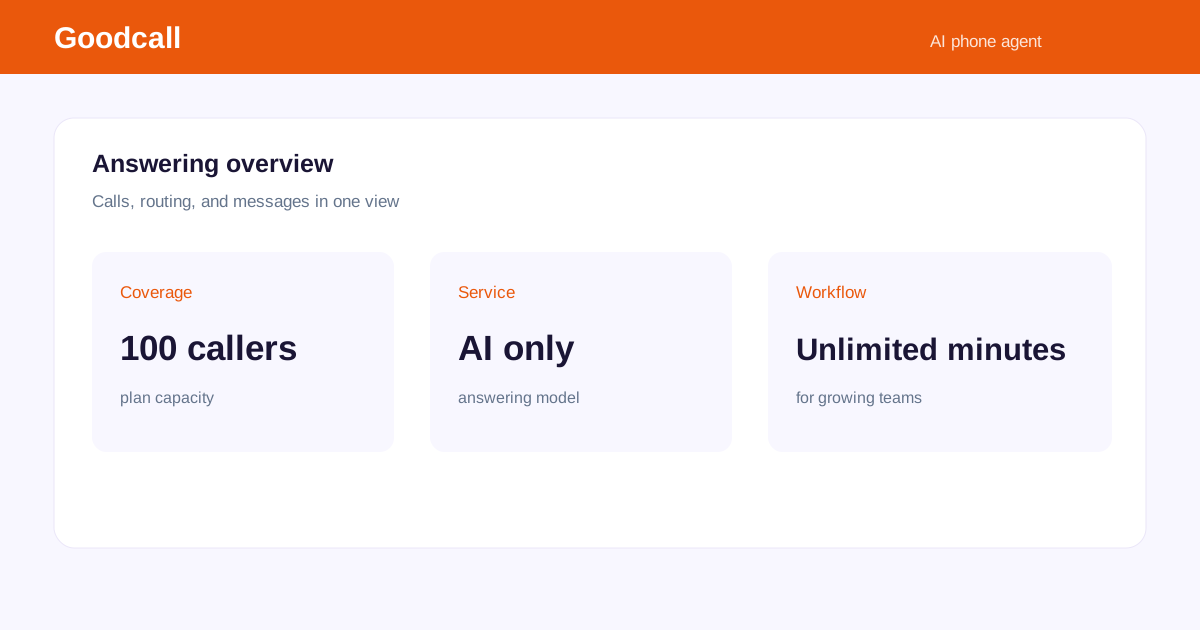
Goodcall is the cleanest fix for the complaint that per-minute bills creep up. It prices an AI agent per month, includes unlimited minutes, and caps unique customers instead of calls. Starter is $79 for 100 unique customers, Growth is $129 for 250, and Scale is $249 for 500, with $0.50 for each extra customer. Billed annually, those drop to $66, $108 and $208.[citation:11]
Here is why that structure matters. A regular who phones you five times in a month is five calls on Rosie and one caller on Goodcall. A long, rambling call costs the same as a quick one. If your phone line is mostly existing customers and neighbours, the bill follows the number of people you serve, which is easier to forecast.
The trade-off is the bench. Goodcall has no network of human receptionists behind the AI, so when a caller needs a person, that person is you or your staff. Pricing is also per AI agent, so a business with several locations should check how many agents it would need.[citation:11]
Pros
- Unlimited minutes on every plan
- Repeat callers do not add to the bill
- Annual billing lowers each tier
- Easy to predict monthly cost
Cons
- No human receptionists behind the AI
- Capped by unique callers
- Priced per agent, so multi-location setups add up
Pricing
Best for: Local businesses with lots of repeat callers and staff who can take the calls the AI cannot.
3. Smith.ai: Best for Blended AI and Human Answering
Smith.ai
smith.ai | AI answering with live North American receptionists as a fallback, billed per call
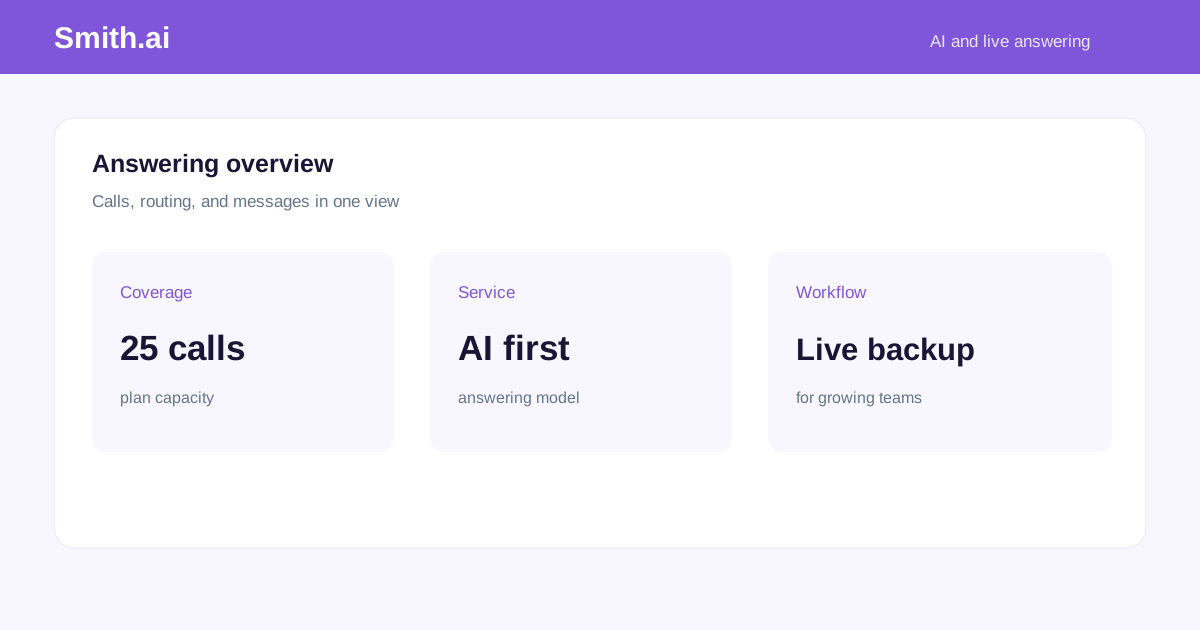
Smith.ai is the option for businesses where a mishandled call is expensive. It pairs AI-first answering with live North America-based receptionists who can step in when a call needs a person. That is why its reviewer base skews heavily toward law practices.[citation:8]
The pricing model is per call, not per minute. The AI Receptionist plans run from free (25 calls) to $150 for 75 calls, $270 for 150, $500 for 300 and $800 for 500. Calls over your bundle cost more, and sending an AI call to a live agent adds $3. The human-first Virtual Receptionist plans start at $300 for 30 calls and go up to $2,100 for 300.[citation:8]
For our 200-call example, Smith.ai's AI-first plan costs about $385 before escalations. That is more than double Rosie's 1,000-minute plan. What you get for the difference is human backup and billing that does not change when calls run long.
Watch the add-ons. Call recording and transcription, appointment booking, and text or email follow-ups are charged per call on top of the headline rate. A plan with booking and follow-up turned on bills well above the sticker price.[citation:14]
Pros
- Live human backup for calls the AI cannot handle
- Per-call billing does not penalise long calls
- Legal intake training and integrations
- Free tier with 25 AI calls
Cons
- Higher entry price than Rosie
- Add-ons push the real bill above the headline
- Human escalation costs $3 extra
- Prepaid plans have less flexible terms
Pricing
Best for: Law firms, medical practices and professional services where a call needs a person sometimes and the bill should not depend on how long people talk.
4. Frontdesk (My AI Front Desk): One AI for Calls, Chat and Texts
Frontdesk
myaifrontdesk.com | AI receptionist bundling voice minutes, website chat, texts and a small CRM in one plan
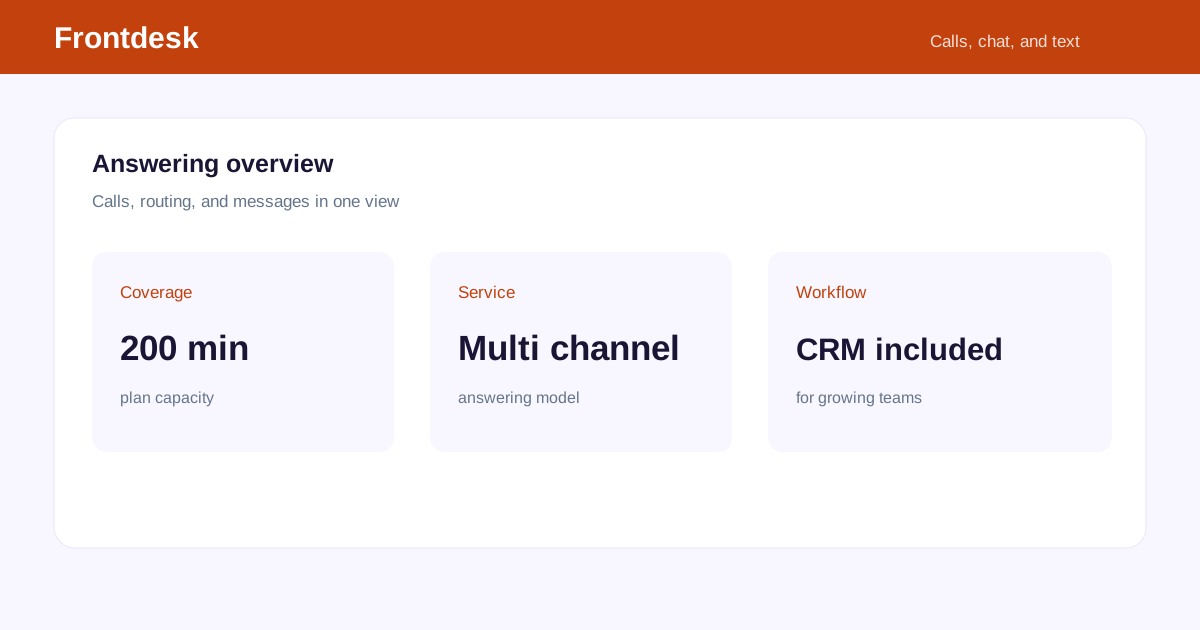
Frontdesk, formerly My AI Front Desk, is the broadest AI plan in this list. Its Business-in-a-Box plan is $99 a month, or $79 billed annually, and includes 200 voice minutes, 100 chatbot conversations, 400 texts, a CRM and automations. After the included credits, a voice minute costs about $0.25.[citation:4]
That mix suits a business whose leads arrive by phone, web chat and text and who would rather pay one vendor. The credit rate is published, which makes the overage maths easy to do ahead of time.
The catch is size. Two hundred minutes disappears quickly. A business taking 200 calls of 2.5 minutes lands in overage every month, which is how the $164 figure above comes about.[citation:4]
Pros
- Voice, chat and text in one plan
- CRM and automations included
- Overage rate is published
- Annual billing lowers the monthly cost
Cons
- 200 voice minutes is a small bundle
- Heavy phone use goes into credits fast
- No bench of live receptionists
Pricing
Best for: Businesses that want phone, website chat and SMS handled by one AI, with a CRM included.
5. Ruby: Live Receptionists With One Inclusive Price
Ruby
ruby.com | Trained live receptionists billed by the minute, with no add-on list
Ruby is the like-for-like swap for Smith.ai's human-first service. Plans are $250 a month for 50 receptionist minutes, $395 for 100, $720 for 200, and $1,725 for 500. Ruby says there are no extra fees for activation, onboarding or setup, and you do not pay per call for features like appointment booking.[citation:14]
In our 200-call example, Ruby's 500-minute plan costs $1,725. That is far above Rosie. But Ruby is answering every call with a human, and it does not charge extra for the features Smith.ai bills per call. For businesses where a caller needs a person, it is a different product at a different price.
Ruby bills minutes, so a 4-minute average pushes the same 200 calls to 800 minutes, past its largest published plan. It also does not publish an overage rate, so ask about it before you pick a plan close to your usage.[citation:14]
Pros
- Trained people answering every call
- No per-call add-on charges
- No setup or onboarding fees
- Often cheaper than Smith.ai for short calls
Cons
- Per-minute billing penalises long calls
- Overage rate is not published
- No AI-first tier to keep costs down
Pricing
Best for: Businesses that want a person on every call, expect short calls, and prefer one price without add-ons.
6. PATLive: The Cheapest Live Answering on Published Terms
PATLive
patlive.com | Month-to-month live answering with published overage rates and a 14-day free trial
PATLive prints every tier alongside its overage rate, which is refreshing. Pay as you go is $49 a month plus $2.99 a minute. The 50-minute plan is $99, 200 minutes is $349 with $1.99 a minute after, and 500 minutes is $759 with $1.79 after. Plans run month to month, and there is a 14-day free trial.[citation:9]
If a prepaid contract is what pushed you away from another vendor, this is the opposite approach: no long commitment, and the cost of going over is on the page. At 500 minutes it costs well under half of Ruby.
The limits are plain. It is still per-minute billing, and there is no AI tier, so every call uses a human's time. Intake training for legal or medical work is not its main selling point either, so test a few real calls before you commit.
Pros
- Month to month with a free trial
- Overage rates are published
- Lowest live-answering price in this comparison
- Good fit for lower call volumes
Cons
- Per-minute billing penalises long calls
- No AI front line
- Less specialised for legal intake than Smith.ai
Pricing
Best for: Businesses that want live answering on the lowest published terms and can live without an AI front line.
7. Retell AI: Build the Receptionist Yourself
Retell AI
retellai.com | Developer platform for voice agents, priced per minute with $10 of free credit
Retell is not a receptionist service. It is a platform for building voice agents, priced per minute from about $0.07 to $0.31 depending on the model and voice you pick, with $10 in free credit and phone numbers at around $2 a month. A mid-range setup lands near $0.114 a minute, which is how it reaches the roughly $59 in the cost table.[citation:11]
What you get for that price is control. You write the prompt, choose the model, connect your calendar and CRM, and test the call flow until it stops asking callers questions they have already answered. It is the lowest cost per minute here by a wide margin.
The price of that control is that you become the vendor. Nobody at Retell will handle a caller who needs a human, and every fix is your job. It only makes sense if you or someone on your team enjoys building this kind of thing.
Pros
- Lowest cost per minute in this list
- Full control over what the AI says
- Free credit to test with
- Chat agents available too
Cons
- Needs developer time to set up and maintain
- No human backup for tricky calls
- You own every fix and every outage
Pricing
Best for: Teams with engineering time that want the cheapest per-minute cost and full control of the call flow.
How to Pick the Right Rosie Alternative
Start with this question: do your customers reach you by phone, or do they click through to your website first?
That one question sorts this list better than any feature table. Phone-first businesses are choosing between people and AI. Website-first businesses are choosing how well a chatbot turns visitors into leads.
- You are tired of minute caps and auto-upgrades: Goodcall, because it bills per caller and has no overage. Smith.ai if you want per-call billing and human backup.
- Your calls run long and you want a person: Ruby or PATLive. Per-minute billing hurts less when you know the average and can pick the right tier.
- Calls, chat and texts all matter: Frontdesk.
- Someone on your team builds things: Retell.
- Enquiries start on the website, often from ads: Zappiq AI, with a phone service alongside if you still need one.
One more thought on bundles. Rosie's tiers (250, 1,000, 2,000 minutes) are round numbers, but real months are not. Whichever tool you choose, run your last three months of call minutes through its pricing before you sign. And read the terms on what happens when you go over.
Before You Cancel Rosie
A clean switch takes a little planning, mostly around your phone number and your plan terms.
- Find out who owns your number. If callers dial your own number and you forward it to Rosie, switching is a forwarding change. If Rosie assigned the number, ask about porting it before you cancel.
- Check your plan term and upgrade status. If you went over your minutes and were auto-upgraded, find out what it takes to downgrade or leave. The sticky upgrade may not release you until the next billing cycle.
- Export your records. Download call recordings, transcripts and lead logs before the account closes.
- Copy your call instructions. FAQs, message-taking scenarios and transfer rules are set up per vendor. Keep yours and rebuild them.
- Reconnect your calendar and CRM. Those links do not carry over.
- Run both for a week. Test the new service with real questions before you move live traffic.
Is your website losing leads while you pay for a phone line?
Try Zappiq AI with a 14-day trial and 100 conversations and see what a website-trained chatbot captures from your own traffic.
Start free14-day trial · 100 conversations | Cancel anytime
Frequently Asked Questions
Rosie's Professional plan is $49 a month for 250 minutes, Scale is $149 for 1,000 minutes, and Growth is $299 for 2,000 minutes. Web texting is a $50 add-on for 25 conversations. Rosie does not list a per-minute overage rate; its terms say you get automatically upgraded to the next plan when you exceed your minutes.[citation:13]
No. Rosie does not have a free tier. It offers a 7-day free trial with full access, no credit card required at sign-up.[citation:13]
It depends on why you are leaving. If Rosie's minute caps are the problem, Goodcall's per-caller pricing and Smith.ai's per-call model avoid automatic upgrades. If you want live people instead of AI, Ruby and PATLive answer with humans. If your leads start on the website, Zappiq AI captures those visitors without a phone line.
In a 300-call month of 2.5 minutes per call, Retell comes to roughly $85 if you build it yourself. Goodcall is $129 for 250 unique callers. Smith.ai's AI-first plan is about $385 depending on tier. Rosie's own 1,000-minute plan costs $149 for that same month before any automatic upgrade.[citation:19]
No. Rosie's pricing page mentions unlimited minutes, but its plans are capped at 250, 1,000 and 2,000 minutes. The terms describe a sticky automatic upgrade: exceed the cap and you move to the next plan and stay there until you downgrade. That is not the same as unlimited.[citation:19]
For short calls at low volume, Rosie usually is. At 200 calls of 2.5 minutes, Rosie's 1,000-minute plan is $149 against about $385 on Smith.ai's AI-first plan. Rosie bills by the minute, though, and its automatic upgrades can erase that gap if calls run long.[citation:14]
Yes, in a way. Appointment booking and live call transfers start on the Scale plan at $149 a month. The $49 Professional tier includes message taking and FAQs but not direct calendar booking.[citation:13]
Rosie says you can cancel anytime and offers a 7-day free trial. Check whether your plan is monthly or annual before you sign, since annual commitments usually have different terms.[citation:13]
Yes, as an add-on. Website Texting costs $50 a month for 25 conversations, then $1 per additional conversation. It is not included in the base plans.[citation:1]
It can be, especially if you need a low-cost AI line for basic call answering and message taking. The limits show up when calls run long, you need calendar booking, or your main channel is website chat rather than the phone.[citation:13]
Smith.ai is the closest fit, since its intake training and legal integrations are built for law practices. Ruby and PATLive are the human-answered alternatives. If your intake begins on the website, Zappiq AI can capture those leads without a phone service.
Only for the website side. Zappiq AI is a website chatbot that qualifies visitors and emails you the lead. It does not answer phone calls, so keep a phone service if calls are your main source of new business.
Zappiq AI offers a 14-day trial with 100 conversations. Starter is $9/month equivalent billed annually for 350 conversations; Growth is $39 monthly or $27/month equivalent billed annually for 1,500; Pro is $99 monthly or $69/month equivalent billed annually for 5,000, with no per-seat fees.
The Bottom Line
Rosie is a good product at a good entry price. The minute caps are the trade-off. If you stay inside your bundle, $49 to $299 buys you 24/7 AI answering with spam screening and call summaries. If you go over, the automatic upgrade moves you to a higher plan and you stay there until you manually downgrade.[citation:19] That is not a hidden fee, but it is a different kind of bill than a per-minute overage.
Pick by channel first and price second. Phone-first businesses should compare Goodcall, Smith.ai, Frontdesk, Ruby and PATLive against their own call minutes. Website-first businesses are better served by a lead capture chatbot than by a phone service stretched across both jobs.
Zappiq AI is built for the website side. It offers a 14-day trial with 100 conversations, followed by Starter at $9/month equivalent billed annually for 350 conversations, Growth at $39 monthly or $27/month equivalent annually for 1,500, and Pro at $99 monthly or $69/month equivalent annually for 5,000. No plan includes Zappiq branding. Whatever you choose, test it with real customer questions and recheck the vendor's current pricing page before you commit.
References
- InsertChat. "Rosie Alternative: InsertChat vs Rosie." insertchat.com.
- Cekura. "9 Best-Rated AI Virtual Receptionist Voice Tools in 2026." cekura.ai.
- Rosie. "How Much Does an Answering Service Cost?" heyrosie.com.
- InsertChat. "AI Receptionist Cost: Pricing Models Explained." insertchat.com.
- Crazy Egg. "Best Automated Answering Services in 2026." crazyegg.com.
- Rosie. "Virtual Receptionist Pricing." heyrosie.com.
- Rosie. "AI Call Answering Service." heyrosie.com.
- Bluehost. "Best AI Receptionist in 2026: 7 Tools to Answer, Capture and Book." bluehost.com.
- Geekflare. "11 Best Answering Services for Your Business in 2026." geekflare.com.
- Ranktracker. "Best AI Virtual Receptionists for Businesses in 2026." ranktracker.com.
- Bluehost. "Best AI Receptionist in 2026 (updated)." bluehost.com.
- Rosie. "Virtual Assistant Service Packages: Your 2026 Guide." heyrosie.com.
- ToolChase. "Rosie Review 2026: Features, Pricing & Alternatives." toolchase.com.
- AI Stack Guides. "Best AI Receptionist for Small Business (2026): Pricing Compared." aistackguides.com.
- Plura AI. "AI Receptionist Pricing: Models, Costs, and Volume Traps." plura.ai.
- The AI Agent Index. "Best AI Customer Support Agents for Local Services (2026)." theaiagentindex.com.
- AlternativeTo. "Rosie Alternatives." alternativeto.net.
- Rosie. "What Is an Answering Service? A Plain-English Guide." heyrosie.com.
- Imisofts. "How Much Does an AI Receptionist Cost? 11 Vendors, One Bill." imisofts.com.
- Nextiva. "Best After-Hours Answering Services for Small Businesses in 2026." nextiva.com.

Ansar Ali
Ansar Ali is the founder of Zappiq AI, a lead-capture platform built for small businesses that cannot afford to lose high-intent website visitors. He writes about chatbot tools, pricing models, and lead generation tactics from the perspective of a small business operator, with a focus on what things actually cost versus what the marketing page says they cost.